I Spent One Month With the Moto Razr Fold
First impressions are great, but ten days with a new phone is really just a glorified test drive, because it can be difficult to mitigate the excitement of a new piece of tech. The honeymoon phase is real, but it rarely survives a full month of the daily grind. Now that my SIM card has been in the Moto Razr Fold for a full thirty days, the novelty has completely faded and the true evaluation begins. A month of real-world use forces you past the spec sheets and into the actual reality of living with the device, so let's check back in and see if it is still holding onto the crown as the best foldable you can buy in the United States.
The Hinge, Crease and Durability
Starting with the long-term hardware check, the hinge continues to feel good. I haven't noticed a significant change in the way that it feels opening or closing over the last month. It still has a nice, satisfying snap open once you get it most of the way unfolded. I am still seeing the occasional instance where it doesn't open perfectly flat, but it is pretty close, and it is something I really have to look for to even notice. It is definitely not a big deal to me in daily use.
As for the main screen, the crease has completely settled into the state it will probably be in for the life of the device. I find that it only takes a week or two of regular folding for a display to look the way it is going to look forever, so we are definitely in that window now, and it looks good. It easily looks better than the Galaxy Z Fold 7 from Samsung, and it is better than the Pixel. It isn't far behind the Honor Magic V6, although it is probably a little bit less hidden than that one, and it definitely is not as completely ironed out as what Oppo has achieved with the Find N6. Still, for a phone you can easily get domestically, the screen looks incredibly smooth.
When it comes to screen brightness and overall display usability, the panel is more than bright enough. I think we are well into the territory where most of these flagship phones are bright enough for daily use. They are all just crazy bright. Without getting into the nitty-gritty of comparing which phone might be ever so slightly brighter on paper, I just want to say that it handles everything effortlessly. I have spent a lot of time outside in the sun, sometimes underneath an umbrella, and visibility has not been a problem at all.
The vast majority of my thirty days with the phone has been spent completely caseless, and running it naked for most of the month has given me a lot of confidence in the overall build quality and durability. The textured back on my model shows no visible wear, and it continues to provide a decent amount of grip. For the last few days, I have been testing out a super thin aramid fiber case from Thinborne, but my time without protection proved the phone is tougher than it looks. I actually dropped it once out of my pocket while sitting in a chair, and it landed face first, cover screen straight down onto the floor. The cover display has no screen protector on it, yet the drop didn't leave a single mark or scratch. The inner screen is equally pristine, and I am happy to report there are no ugly scuff marks around the inner plastic bezel like the ones that frequently show up on Google Pixel foldables.
Ergonomics, Grip and Daily Comfort
While the build quality has proven itself, the day-to-day ergonomics have been a bit of a mixed bag. Let's start with my single biggest complaint about the physical design, which is the pinky microphone placement. As I noted in my initial review, Motorola placed microphones right along the bottom edge where my pinky naturally rests to support the phone. For the first couple of weeks, this was a constant annoyance, as I would accidentally muffle the audio or create a loud rustling sound during voice dictation and phone calls. Over the last month, my muscle memory has finally started to kick in. I have found myself consciously altering my grip to avoid that lower corner, so it has become less of a daily issue, but it is still a design choice I hope they rethink.
Beyond the microphone placement, there is no getting around the fact that this is a heavy device. It is quite thick and top-heavy, which means the general ergonomics are not the absolute best. Coming from my time with the Unihertz Titan 2 Elite, it certainly feels large in the pocket. I have to admit that when I pick up my Galaxy Z Fold 7, a bit of jealousy creeps in. Samsung's device just feels so much more svelte by comparison, and I really hope Motorola manages to drop some significant weight with their next iteration.
Battery Life
Even though the weight and thickness can be a bit much to manage, the extra bulk feels entirely justified the moment you look at the battery metrics. The battery life on the Razr Fold continues to be absolutely exceptional. On a regular basis, I am ending my days with around 40% of my battery left in the tank. I have had heavy usage days where I spent entirely too much time on this phone, and even then, the percentage never got close to zero.
The closest I ever came to draining it was on a strange afternoon where the phone was running a bit lower than usual. It turned out the system was just downloading a software update in the background, and by the very next day, the endurance returned right back to its stellar baseline. When it comes to pure longevity, Motorola is leagues ahead of anything Samsung or Google are offering right now.
The AI Key
Moving on to the software and layout side of things, let's talk about that dedicated AI key. After thirty days, I can confidently tell you that this button is essentially useless. I literally do not use it.
I even tried to take matters into my own hands by using an app called Activity Launcher to remap the button to a function I would actually care about. It technically worked, but it was incredibly unreliable and seemed to ignore about every other button press, so there is clearly something weird going on with how Motorola has locked it down. They absolutely have to give users the native ability to remap this key. Keeping it restricted strictly to Moto AI features ensures that it is just going to sit there doing absolutely nothing. I probably shouldn't speak for everyone, but for my workflow, it has been a total waste of physical hardware.
The Camera
I have had an absolute blast with this camera setup over the last thirty days, and it is easily one of my favorite parts of living with the phone. Even though the sheer telephoto detail is not quite on the level of the Honor Magic V6, it is still pretty darn good. More importantly for anyone buying a phone domestically, it is way better than anything Samsung is doing right now and quite a bit ahead of Google's two foldables as well.
The photos it produces are just beautiful. They are poppy, they have a lot of contrast, and they honestly remind me of the photos you used to get from the Pixel 2 and Pixel 3 generations. This was back before Google started tuning their algorithms to make everything look incredibly generic and flat. Those older Pixel photos used to have a real attitude to them, and the Razr Fold brings that vibe back. The color reproduction is a little bit pumped up, but it is nothing too dramatic, it just leans into a punchier look that I personally love.
The 3x telephoto lens has been a total delight to use every day. I have taken so many great macro shots with it, zooming in on flowers and insects around the yard, and it delivers incredible results.
The only real issue I have noticed over the month comes down to video capture, specifically the audio. The microphones just do not record good sound when you are shooting video. Even when I plugged in a high-end external DJI mic, the captured audio still had this strangely over-processed, compressed quality to it. There is clearly some aggressive background noise suppression running at the software level that completely ruins the depth of the sound. It is a frustrating quirk, but it is something Motorola could easily fix with a software update down the road.
Software Experience
The software experience over the last month has been a massive bright spot, mostly because it just stays out of my way. Hello UI has a very clean, Pixel-like aesthetic that aligns perfectly with what I want out of an Android device. Motorola even rolled out our first software update within this first month of release. It was just a standard security patch, but it is still reassuring to see a manufacturer pushing updates out the door right after launch.
Where the software has truly won me over is the multitasking carousel view. I have found myself using this feature more than any other multi-window setups on competing foldables, simply because it completely clicks with how my brain wants to organize tasks. We had a couple of severe weather outbreaks over the last few weeks, and as a massive weather nerd, this view became my command center. I was able to have a YouTube live stream of a weather broadcast playing, my radar application open, and a social media feed pulled up for real-time storm photos all at the same time. Cycling around those three active applications seamlessly on the large inner display is an absolutely excellent experience.
That said, the software is not without a few rough edges that have started to wear on me after four weeks. The widget scaling issues I mentioned in my initial review are still present, where moving certain apps between the inner and outer displays messes up the DPI formatting.
Worse than that is Motorola's frustrating implementation of widget stacking. Hello UI technically supports stacking widgets on top of each other just like Samsung does, but the feature is so heavily restricted that it is basically useless. I initially assumed the logic was simple, if you have a 4x2 widget, you should only be able to stack it with another 4x2 widget, which makes perfect sense. In practice, even when the dimensions match up perfectly, the software will frequently refuse to create the stack. There is no clear rhyme or reason as to which widgets are allowed to pair up, and the constant trial and error is incredibly confusing.
Final Thoughts
Now that the honeymoon phase has officially come to a close, the reality of living with this phone has set in, and I can confidently say it is still an absolutely phenomenal device. There has really only been one phone over the last thirty days that has tempted me to switch back, and that is my Unihertz Titan 2 Elite, which just calls to me like a siren for reasons I cannot fully explain.
When it comes to other foldables, this device has completely broken a cycle that I was trapped in for months. I used to bounce from phone to phone constantly. I would be using my Pixel, but then I would pick up my Honor Magic V6 and think, man, I really want to use that telephoto camera, so I would swap my SIM into that. After a few days, the Chinese software quirks would start to annoy me, so I would move back to my Samsung phone. Then, some aspect of One UI would rub me the wrong way, and I would long for that clean Pixel experience again, dragging myself right back to the start of the loop.
The Moto Razr Fold finally put an end to that routine. I have picked up my Honor Magic V6, my Pixel 10 Pro Fold, and my Samsung Galaxy Z Fold 7 over the last month, and I have absolutely no desire to put my SIM card back into any of them. Minor software quirks aside, this thing is just better, and it brings together enough of the right pieces to keep me from constantly looking over the fence. For my daily workflow, the Moto Razr Fold has firmly earned its spot as the reigning champion of foldables.
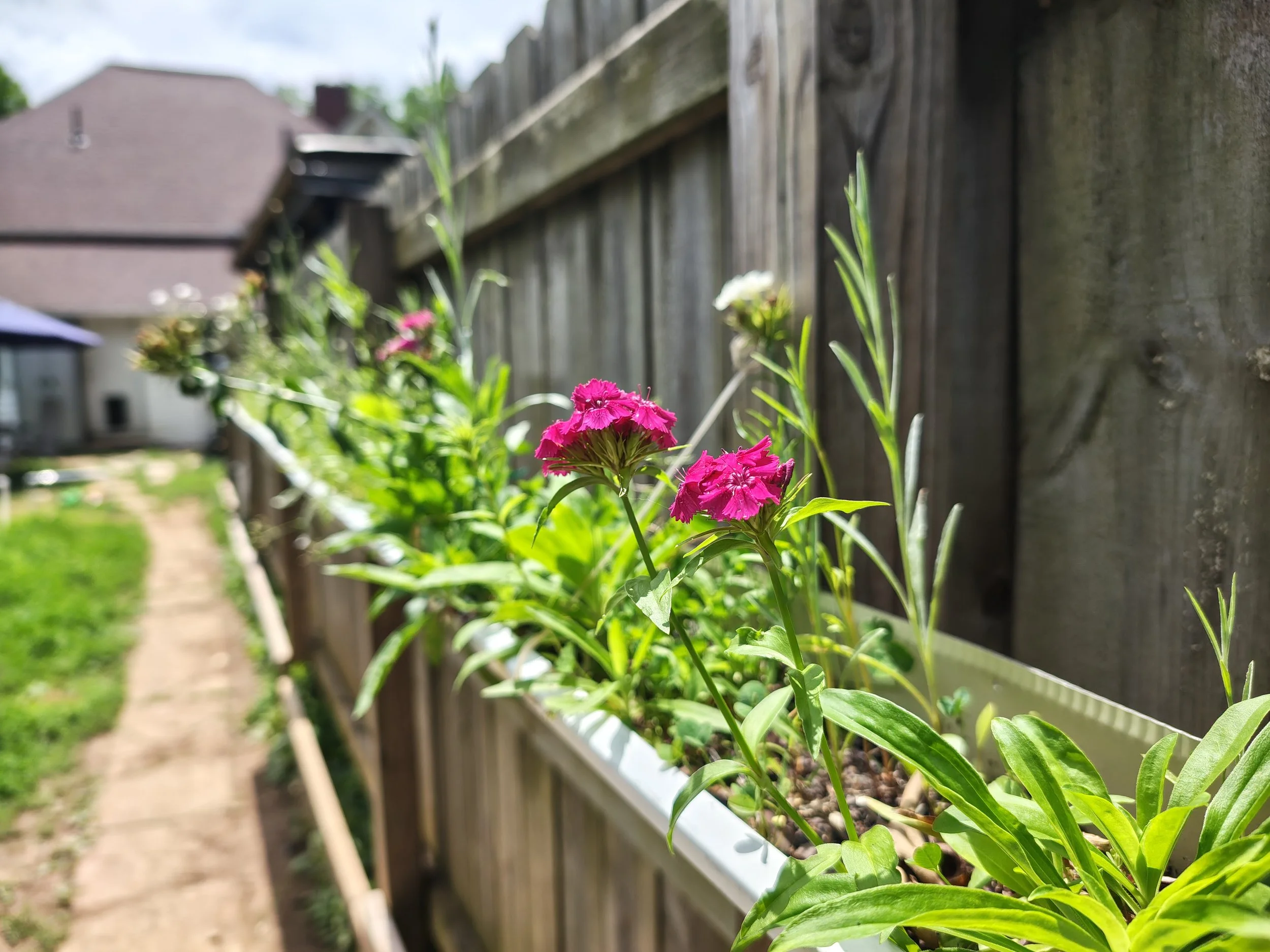
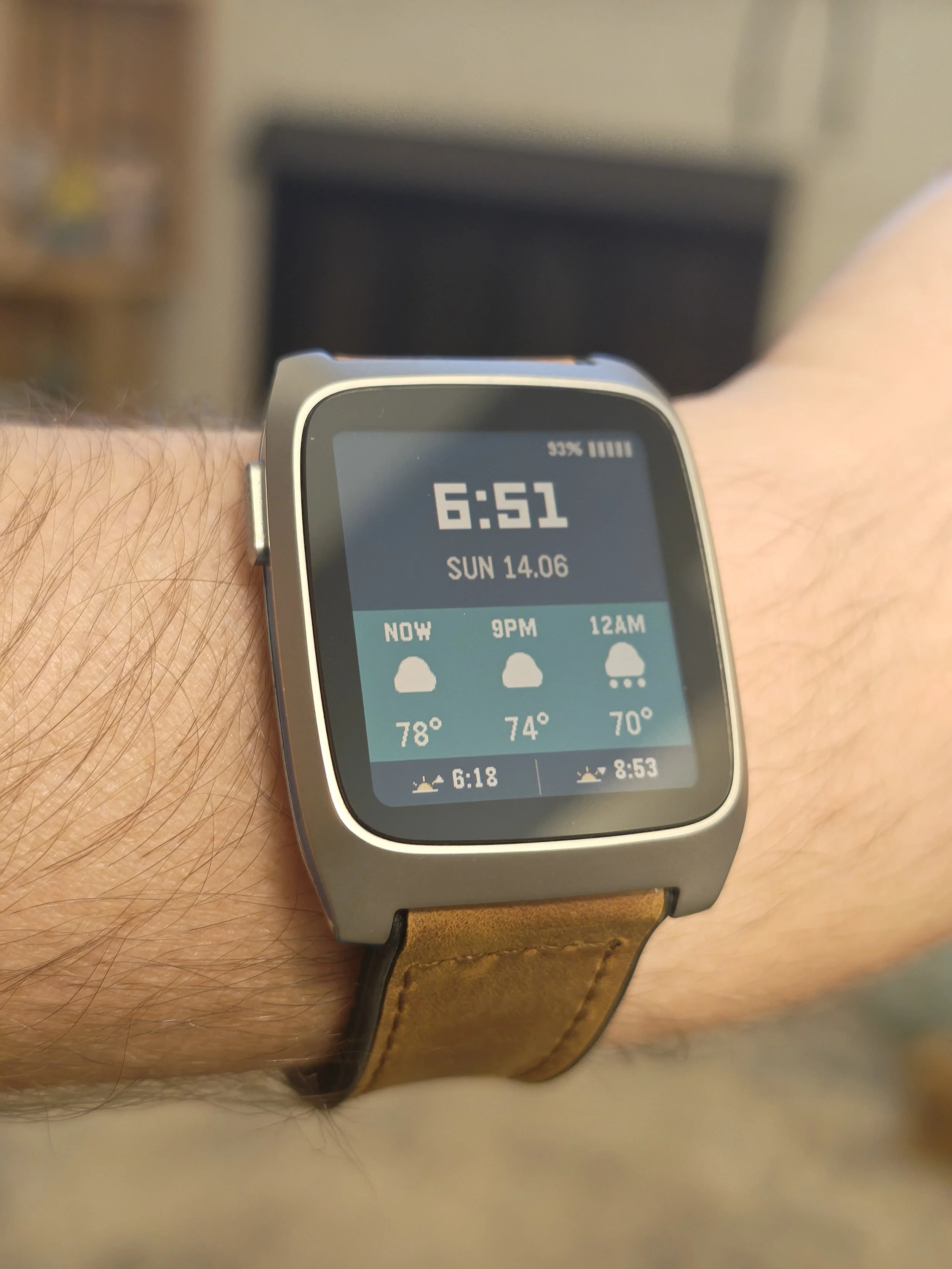
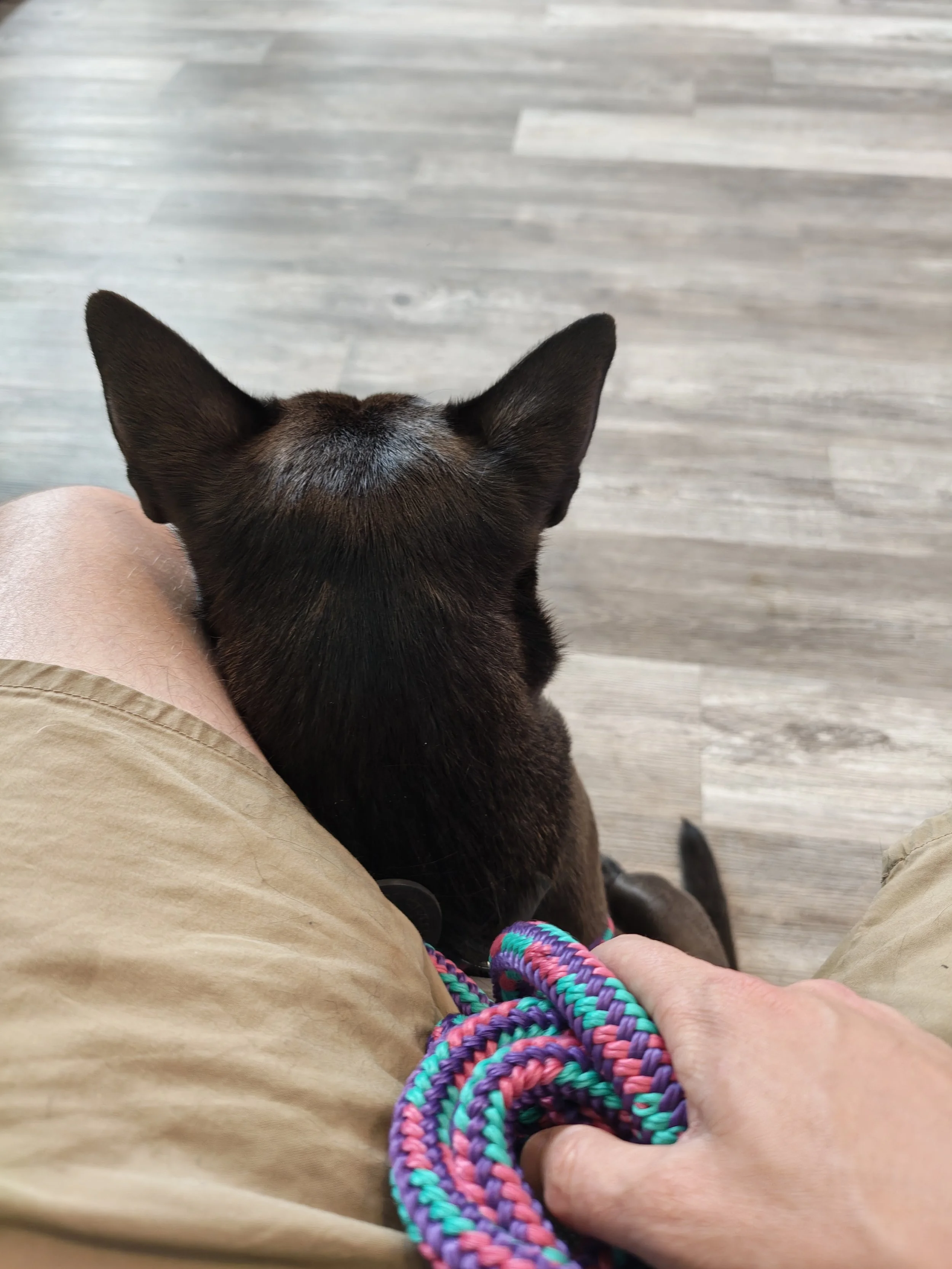









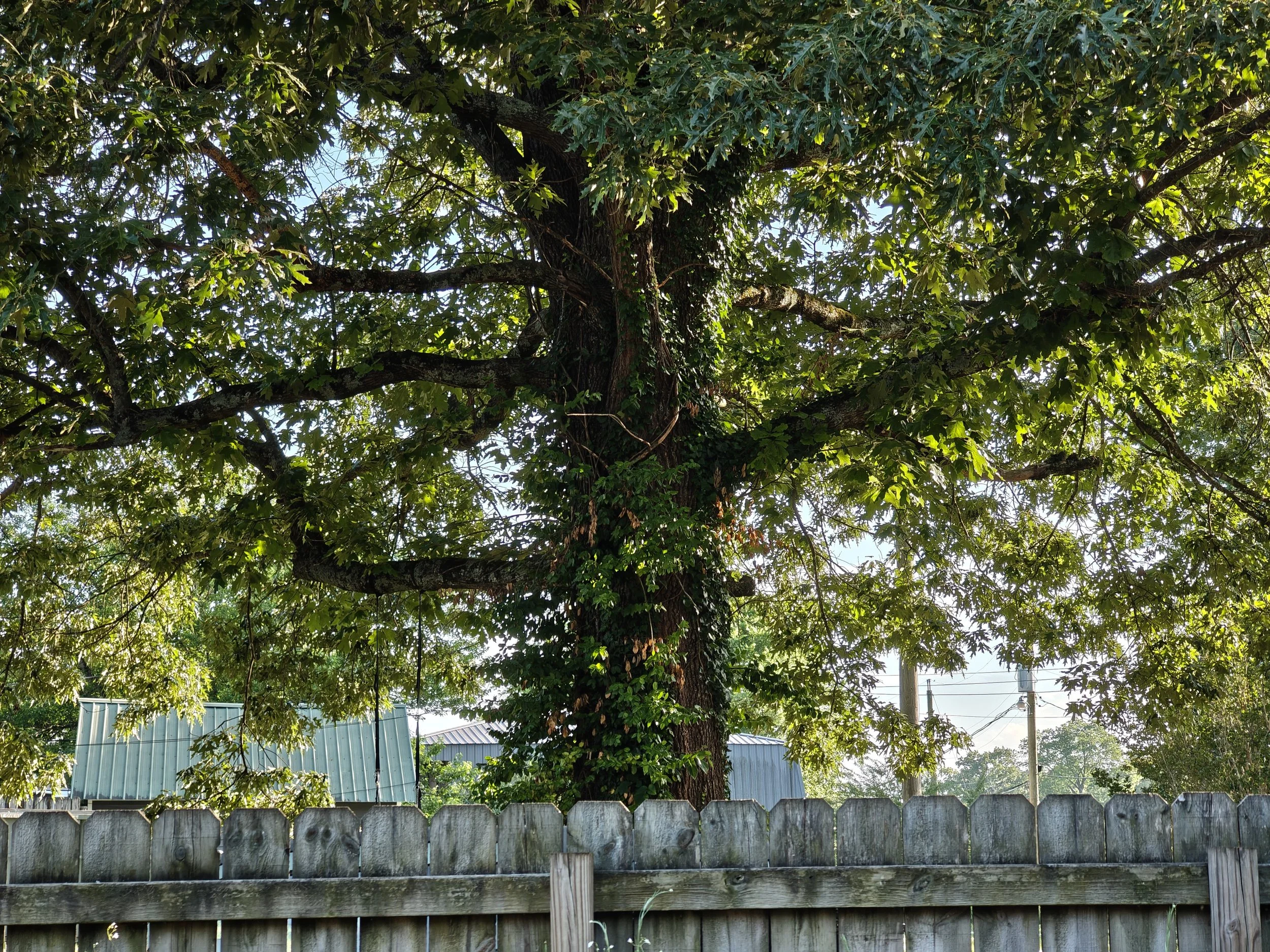
I have had an absolute blast with this camera setup over the last thirty days, and it is easily one of my favorite parts of living with the phone. Even though the sheer telephoto detail is not quite on the level of the Honor Magic V6, it is still pretty darn good. More importantly for anyone buying a phone domestically, it is way better than anything Samsung is doing right now and quite a bit ahead of Google's two foldables as well.
The photos it produces are just beautiful. They are poppy, they have a lot of contrast, and they honestly remind me of the photos you used to get from the Pixel 2 and Pixel 3 generations. This was back before Google started tuning their algorithms to make everything look incredibly generic and flat. Those older Pixel photos used to have a real attitude to them, and the Razr Fold brings that vibe back. The color reproduction is a little bit pumped up, but it is nothing too dramatic, it just leans into a punchier look that I personally love.
The 3x telephoto lens has been a total delight to use every day. I have taken so many great macro shots with it, zooming in on flowers and insects around the yard, and it delivers incredible results.
The only real issue I have noticed over the month comes down to video capture, specifically the audio. The microphones just do not record good sound when you are shooting video. Even when I plugged in a high-end external DJI mic, the captured audio still had this strangely over-processed, compressed quality to it. There is clearly some aggressive background noise suppression running at the software level that completely ruins the depth of the sound. It is a frustrating quirk, but it is something Motorola could easily fix with a software update down the road.
Software Experience
The software experience over the last month has been a massive bright spot, mostly because it just stays out of my way. Hello UI has a very clean, Pixel-like aesthetic that aligns perfectly with what I want out of an Android device. Motorola even rolled out our first software update within this first month of release. It was just a standard security patch, but it is still reassuring to see a manufacturer pushing updates out the door right after launch.
Where the software has truly won me over is the multitasking carousel view. I have found myself using this feature more than any other multi-window setups on competing foldables, simply because it completely clicks with how my brain wants to organize tasks. We had a couple of severe weather outbreaks over the last few weeks, and as a massive weather nerd, this view became my command center. I was able to have a YouTube live stream of a weather broadcast playing, my radar application open, and a social media feed pulled up for real-time storm photos all at the same time. Cycling around those three active applications seamlessly on the large inner display is an absolutely excellent experience.
That said, the software is not without a few rough edges that have started to wear on me after four weeks. The widget scaling issues I mentioned in my initial review are still present, where moving certain apps between the inner and outer displays messes up the DPI formatting.
Worse than that is Motorola's frustrating implementation of widget stacking. Hello UI technically supports stacking widgets on top of each other just like Samsung does, but the feature is so heavily restricted that it is basically useless. I initially assumed the logic was simple, if you have a 4x2 widget, you should only be able to stack it with another 4x2 widget, which makes perfect sense. In practice, even when the dimensions match up perfectly, the software will frequently refuse to create the stack. There is no clear rhyme or reason as to which widgets are allowed to pair up, and the constant trial and error is incredibly confusing.
Final Thoughts
Now that the honeymoon phase has officially come to a close, the reality of living with this phone has set in, and I can confidently say it is still an absolutely phenomenal device. There has really only been one phone over the last thirty days that has tempted me to switch back, and that is my Unihertz Titan 2 Elite, which just calls to me like a siren for reasons I cannot fully explain.
When it comes to other foldables, this device has completely broken a cycle that I was trapped in for months. I used to bounce from phone to phone constantly. I would be using my Pixel, but then I would pick up my Honor Magic V6 and think, man, I really want to use that telephoto camera, so I would swap my SIM into that. After a few days, the Chinese software quirks would start to annoy me, so I would move back to my Samsung phone. Then, some aspect of One UI would rub me the wrong way, and I would long for that clean Pixel experience again, dragging myself right back to the start of the loop.
The Moto Razr Fold finally put an end to that routine. I have picked up my Honor Magic V6, my Pixel 10 Pro Fold, and my Samsung Galaxy Z Fold 7 over the last month, and I have absolutely no desire to put my SIM card back into any of them. Minor software quirks aside, this thing is just better, and it brings together enough of the right pieces to keep me from constantly looking over the fence. For my daily workflow, the Moto Razr Fold has firmly earned its spot as the reigning champion of foldables.
