Android 16 QPR3 Beta Delivers Long Awaited Change
Google just dropped a holiday surprise for the tech community with the release of the Android 16 QPR3 Beta 1. This build gives us a look at what to expect for the March 2026 stable release and it contains some of the most requested features in the history of the Pixel lineup. Here is a breakdown of what is new and why these changes matter for your daily use.
Key Changes in Android 16 QPR3 Beta 1
Home Screen Freedom: You can finally remove the "At a Glance" widget from the home screen. Pixel users have asked for this level of customization for years. By long-pressing the widget, you can find a new "show on home screen" toggle to clear space for your own widgets or wallpaper. You can even keep the widget active on your lock screen while hiding it from your launcher. This feature appears to have a server-side component as some users not yet seeing it.
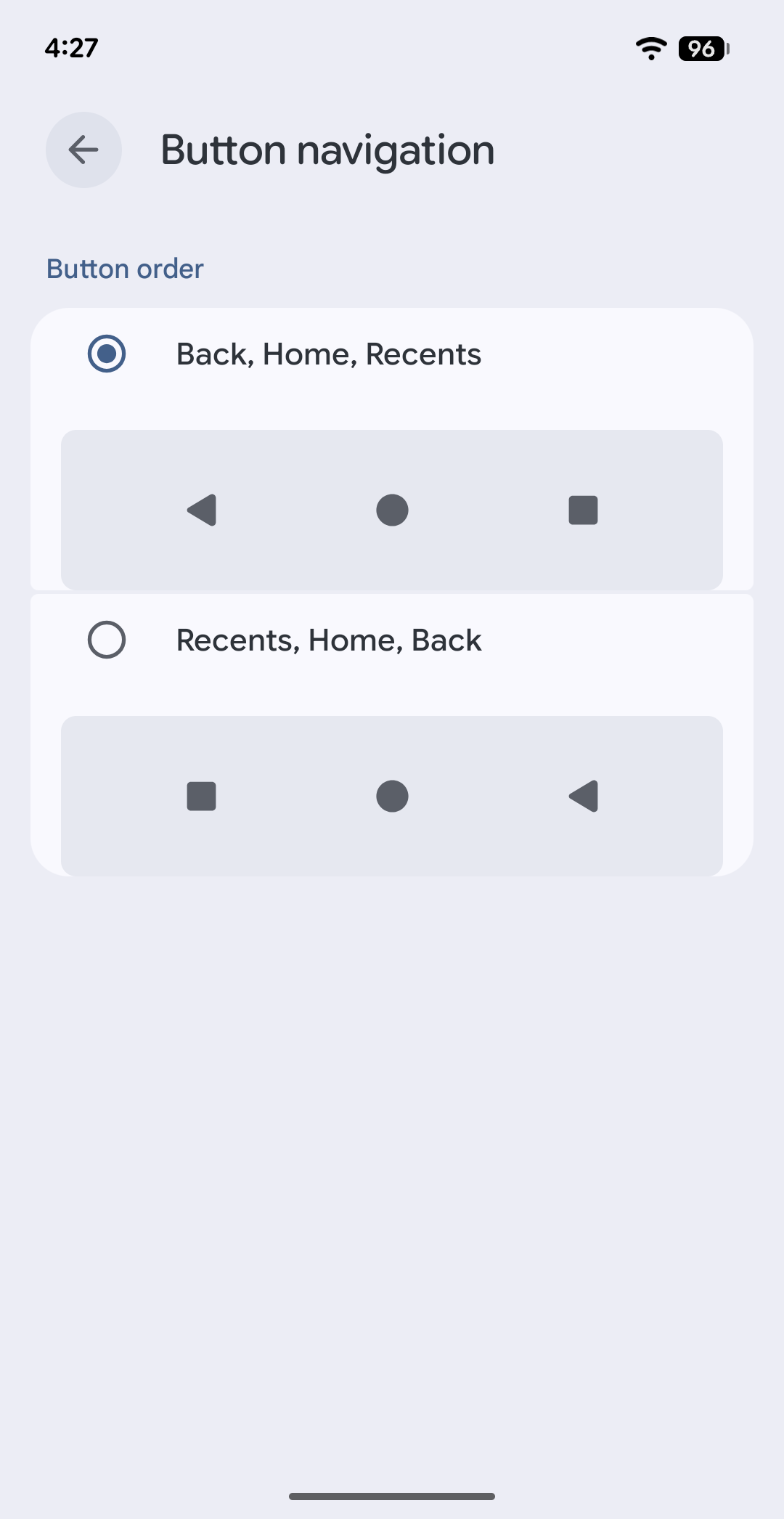
Flipped Navigation Buttons: Google added a new navigation layout to help users switching from other devices. You can now choose a Samsung-style button arrangement in the system settings. This allows you to move the back button to the right side of the screen. It is great to see Google offering more flexibility for those who prefer traditional three-button navigation over gestures.
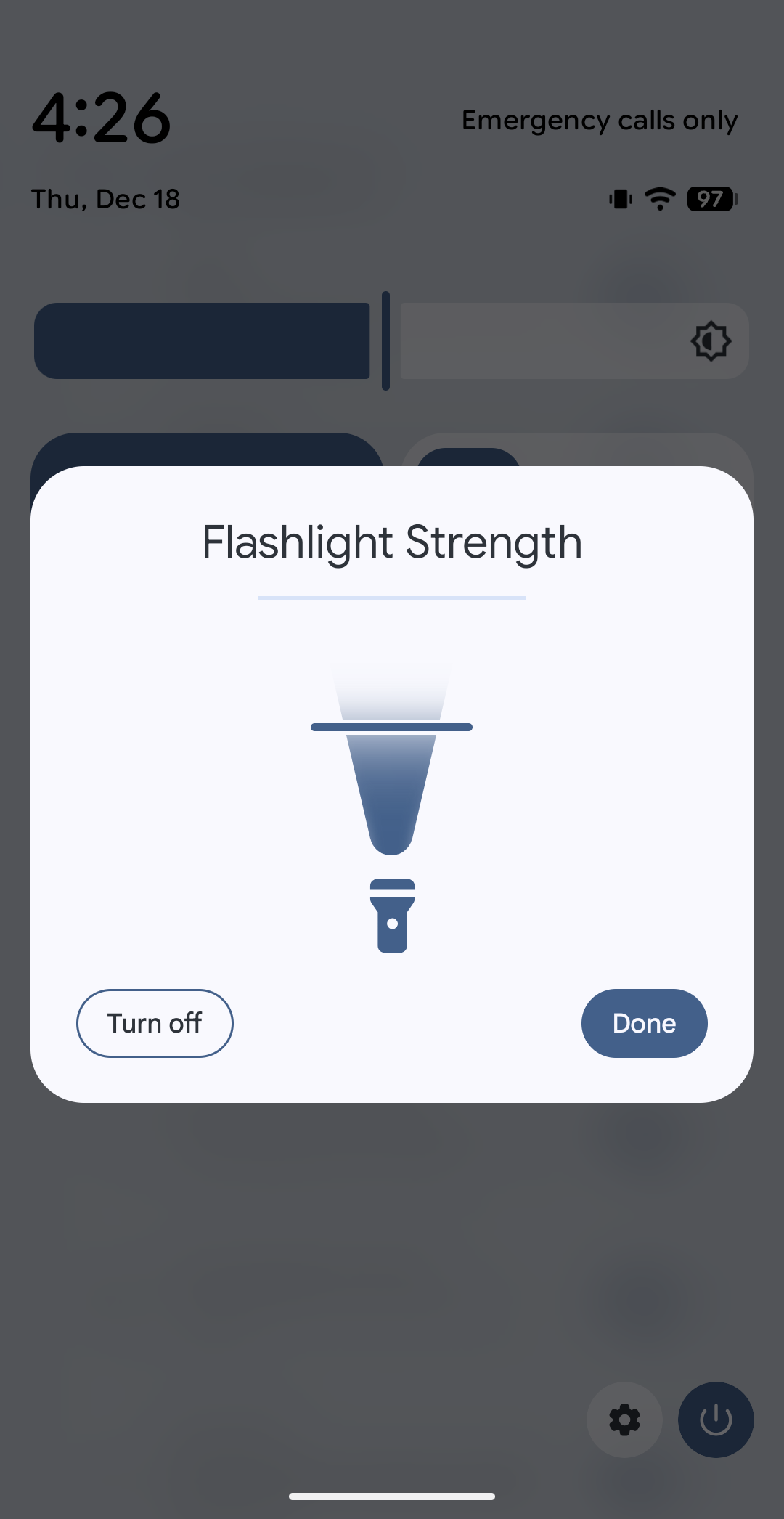
Better Flashlight Controls: This update introduces granular brightness levels for the flashlight. Instead of a basic on and off toggle, tapping the right side of the quick settings tile pulls up a dedicated slider. This allows you to dim the LED or crank it up to full power depending on your environment.
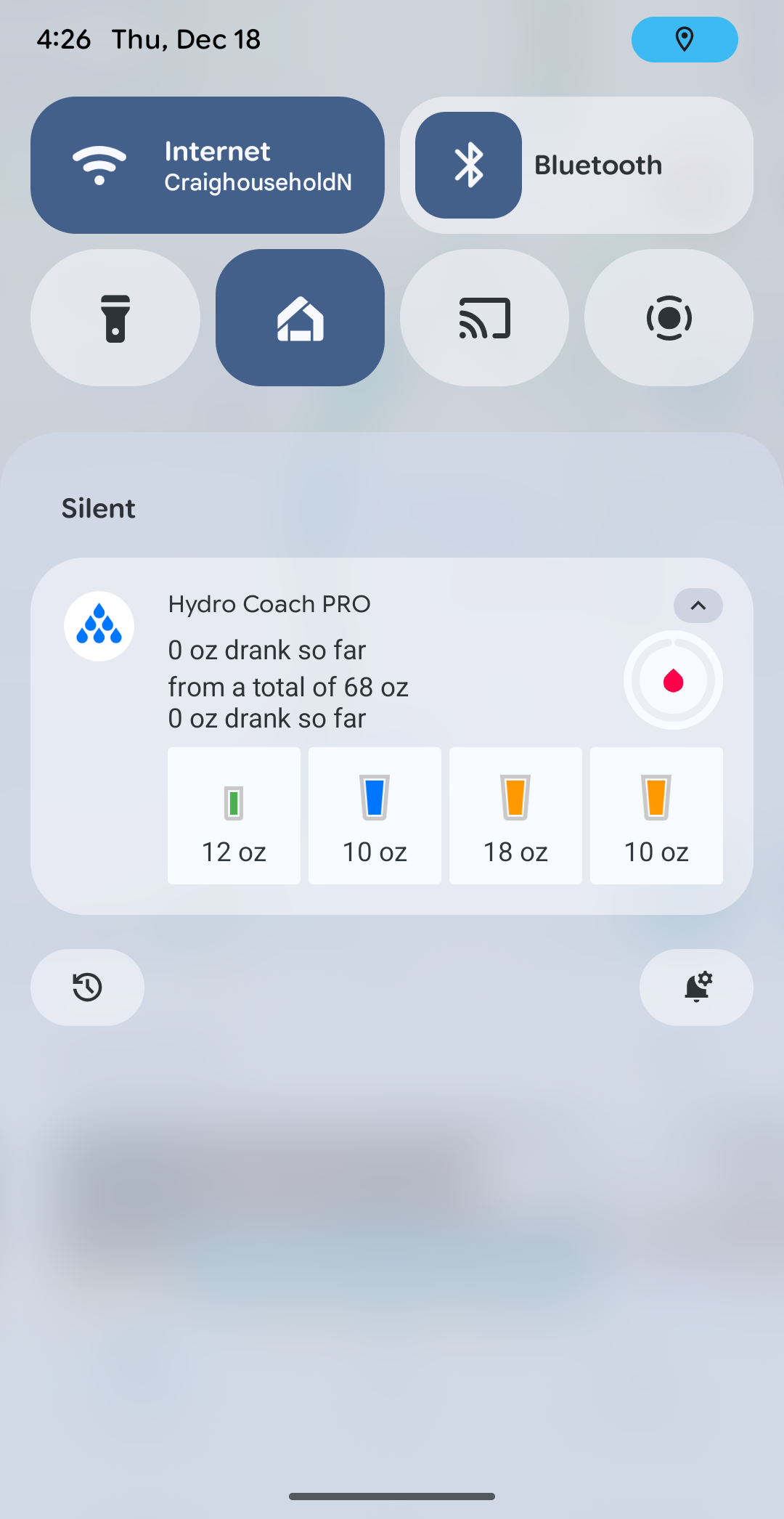
Enhanced Privacy Transparency: Transparency is getting a boost with a new location notification chip. A blue icon and a small dot will now appear in the status bar whenever an app is actively using your location. This makes it much easier to keep track of your privacy in real time.
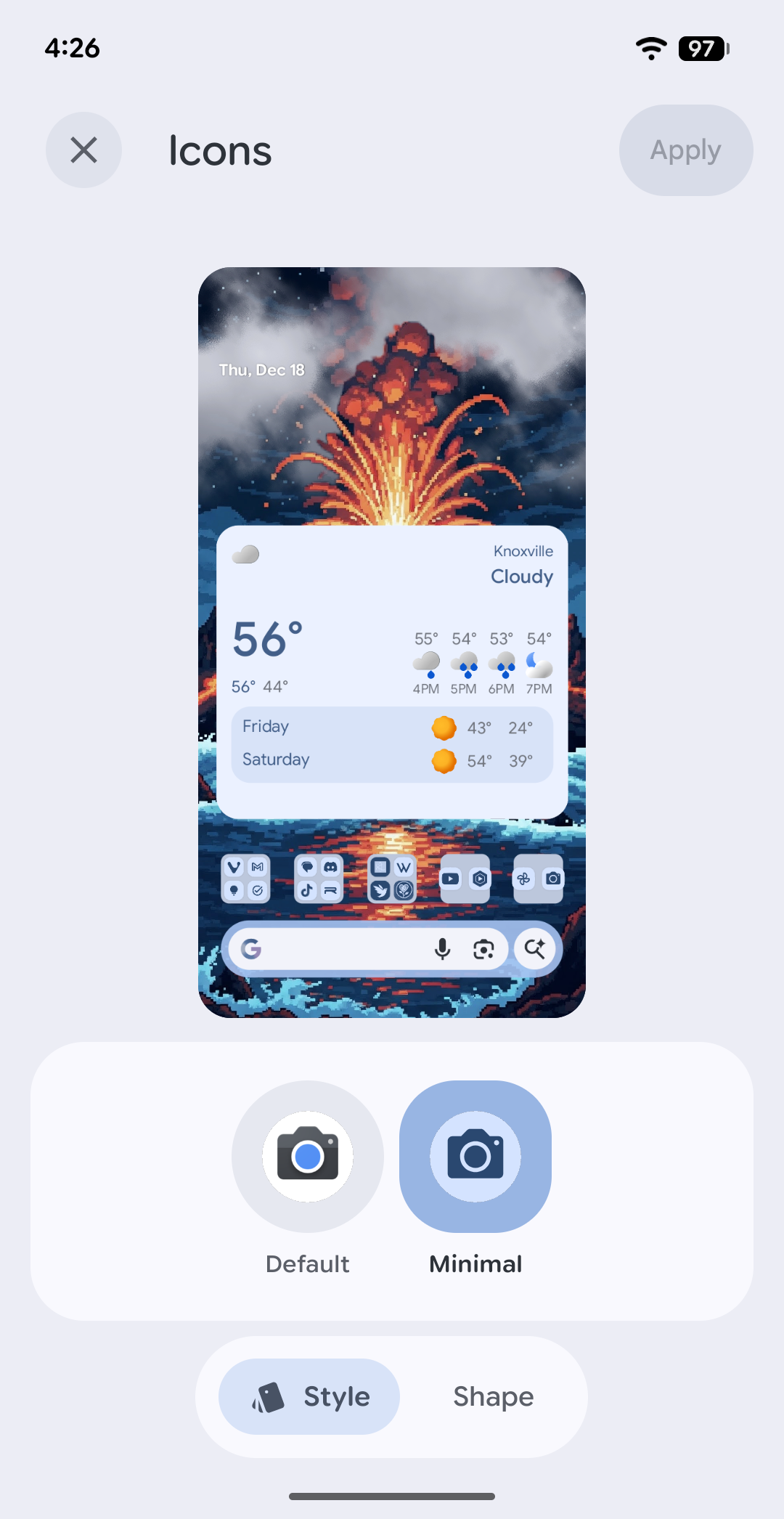
Themed Icons Renamed to Minimal: Google has officially rebranded the themed icons feature. You will now find it listed as "minimal" in the customization menus. This change likely reflects the simplified look that these icons provide to the home screen layout.
This is a surprisingly dense update for a holiday release. Between the home screen customization and the new navigation options, it feels like Google is finally prioritizing user feedback. If these changes are any indication, the future of Android 16 is looking very promising for enthusiasts.
