Moto Razr Fold vs Galaxy Z Fold 7 Deep Dive
The foldable smartphone market has some serious heavy hitters right now. The Galaxy Z Fold 7 is arguably the bestselling book-style foldable around, and it is going head-to-head with the brand new Moto Razr Fold. The Z Fold 8 is right around the corner, but it looks like it will essentially follow the design language of the Fold 7, making this comparison a great benchmark for where these two brands stand.
If you are trying to decide which of these premium foldables deserves a spot in your pocket, the choice comes down to a classic battle: polished software execution versus powerhouse hardware specs.
Design and Weight
At first glance, both phones look incredibly sleek. The Galaxy Z Fold 7 is the thinner device of the two, though the difference is so minimal you would practically need to pull out a pair of calipers to notice it.
Weight is a completely different story. The Z Fold 7 feels noticeably lighter in the hand. The Moto Razr Fold is not quite as heavy as a Pixel 10 Pro Fold, but it carries more mass and feels distinctly top-heavy, likely due to its massive camera array. If you try to balance the Razr Fold right in the middle, it wants to tip over.
When it comes to screen width on the cover displays, they are virtually identical. The Z Fold 7 does tend to wobble a bit more when resting on a flat surface, which might annoy some users. On the inside, both folding screens are phenomenal. The Razr Fold is fresh out of the box, so its crease looks slightly more seamless, but even after a breaking-in period, the Z Fold 7 crease remains perfectly passable.
Battery and Charging
The spec sheet shows a massive divide when we look at power and charging capabilities.
Galaxy Z Fold 7: 4,400 mAh battery, 25W charging
Moto Razr Fold: 6,000 mAh battery, 80W charging
The real-world results match the numbers. In early testing, the Razr Fold hit nearly 3 hours of screen-time while only dropping to 72%. The battery life on the Moto device is outstanding, and it easily outpaces the Z Fold 7 in both longevity and top-up speeds.
Performance
The horsepower driving these phones takes two completely different paths. The Galaxy Z Fold 7 runs on the Snapdragon 8 Elite, whereas the Moto Razr Fold utilizes the Snapdragon 8 Gen 5.
On paper, the Z Fold 7 packs the performance advantage. Even though the chip inside the Samsung device is a year older, it sits at a higher performance tier, which means it will likely perform better in demanding mobile games. However, in my experience, the Z Fold 7 does tend to get warmer under load than the Moto device. In day-to-day, real-world usage, that performance gap narrows significantly, and it is going to be very difficult to see a difference between the two.
Stylus Support, Multitasking and Desktop Modes
If you want pen input, Motorola takes a massive lead. The Moto Razr Fold supports an active stylus called the Moto Pen Ultra. It offers a great writing experience, and it even works on the outer cover display. In contrast, Samsung completely removed the digitizer from the Z Fold 7 to achieve its ultra-thin profile, meaning it lacks stylus compatibility entirely on both the inner and outer screens.
When it comes to productivity, both software setups are incredibly strong and feature massive crossover. You get a highly functional taskbar on both devices, and both ecosystems rely on custom physical gestures to launch right into a split-screen layout. Where they really begin to diverge is the actual window philosophy, especially when managing a heavy workload.
When you push the layout to three apps simultaneously, Samsung keeps everything locked onto the display at once. It splits the remaining real estate into two smaller squares adjacent to your primary application, forcing you to look at three cramped windows together.
Motorola completely rejects this grid limitation. It implements a system heavily inspired by the Open Canvas feature popularized by OnePlus. Instead of squeezing everything onto the physical screen, the apps sit side by side vertically in their true aspect ratios, allowing the furthest window to naturally slide off the edge of the display. You can seamlessly slide between them, or you can switch into a dedicated carousel view. The carousel expands the windows to full screen, letting you cycle them in and out of focus with quick horizontal swipes.
For handling floating windows, Samsung takes back the advantage with its Pop-up View. The Z Fold 7 allows you to completely resize and reshape the aspect ratio of a floating window to fit your needs. Motorola allows you to scale the window size up or down, but it strictly forces the window to maintain its original shape.
The desktop power-user modes are where both companies show off their heaviest productivity features. Motorola has a highly capable mobile desktop mode that turns your phone screen into a trackpad when connected to an external monitor. It handles resizable windows well, supports app layouts, and remembers where you put things. It is easily better than what Google or Honor brings to the table.
However, Samsung DeX remains the absolute gold standard, and it can basically do everything the Moto desktop mode can do plus a whole lot more. DeX supports full desktop widgets right on the workspace and simply offers superior handling of individual windows. Crucially, when you maximize an application in DeX, you can choose to maintain that top control bar even when the app is full screen. It also allows you to shut off the phone screen entirely to preserve battery while your desktop setup keeps running flawlessly on the monitor. Motorola’s mode is good, but Samsung can do everything Moto can do and more.
Software Polish: One UI vs. Hello UI
The absolute biggest differentiator is the software ecosystem. Motorola uses Hello UI, which feels like a clean, stock-Android experience with a few thoughtful additions. Samsung uses One UI, and it remains the most feature-rich, polished operating system on a foldable.
Samsung simply dominates the finer details. Take its AI Select software tool. This feature works like an advanced snipping tool, letting you quickly circle anything on screen, copy it to your clipboard, and text it out instantly. Motorola tries to counter this with a three-finger press-and-hold to grab content, but it is far more cumbersome, forcing you to drag the file directly into a split-screen app or automatically saving it to a local folder when you just want a transient clipboard copy.
Samsung also includes cover screen mirroring to sync your inner and outer layouts out of the box, whereas Motorola requires a third-party launcher to achieve this. From stackable widgets of any size to the incredible utility of Edge Panels for quick clipboard history retrieval, Samsung has spent years refining the software experience. While Hello UI is clean and fast, it lacks the deep layer of customization and feature polish that makes One UI the definitive reason to buy a Samsung foldable.


















Hardware Showdown: Speakers, Brightness and Cameras
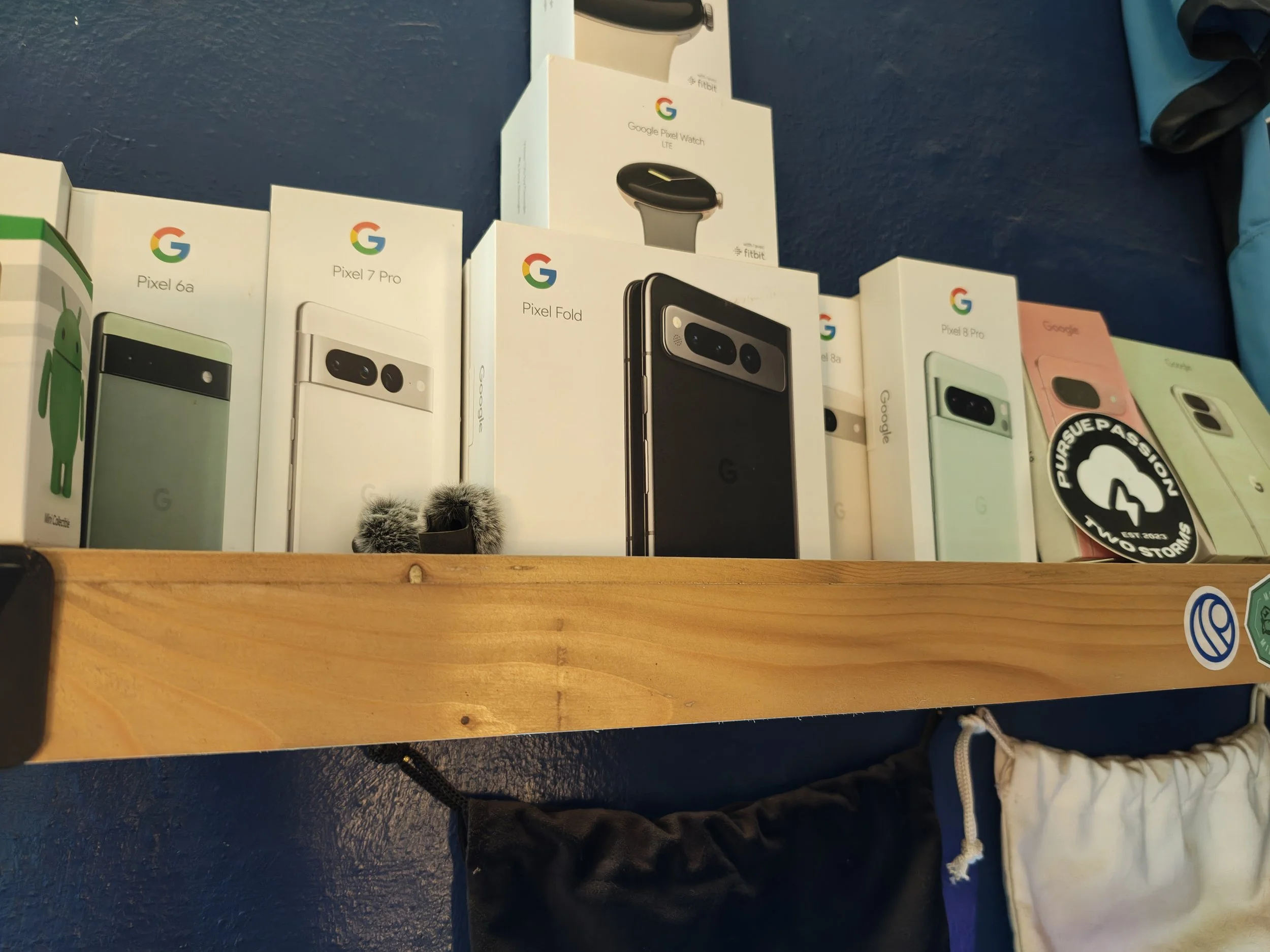
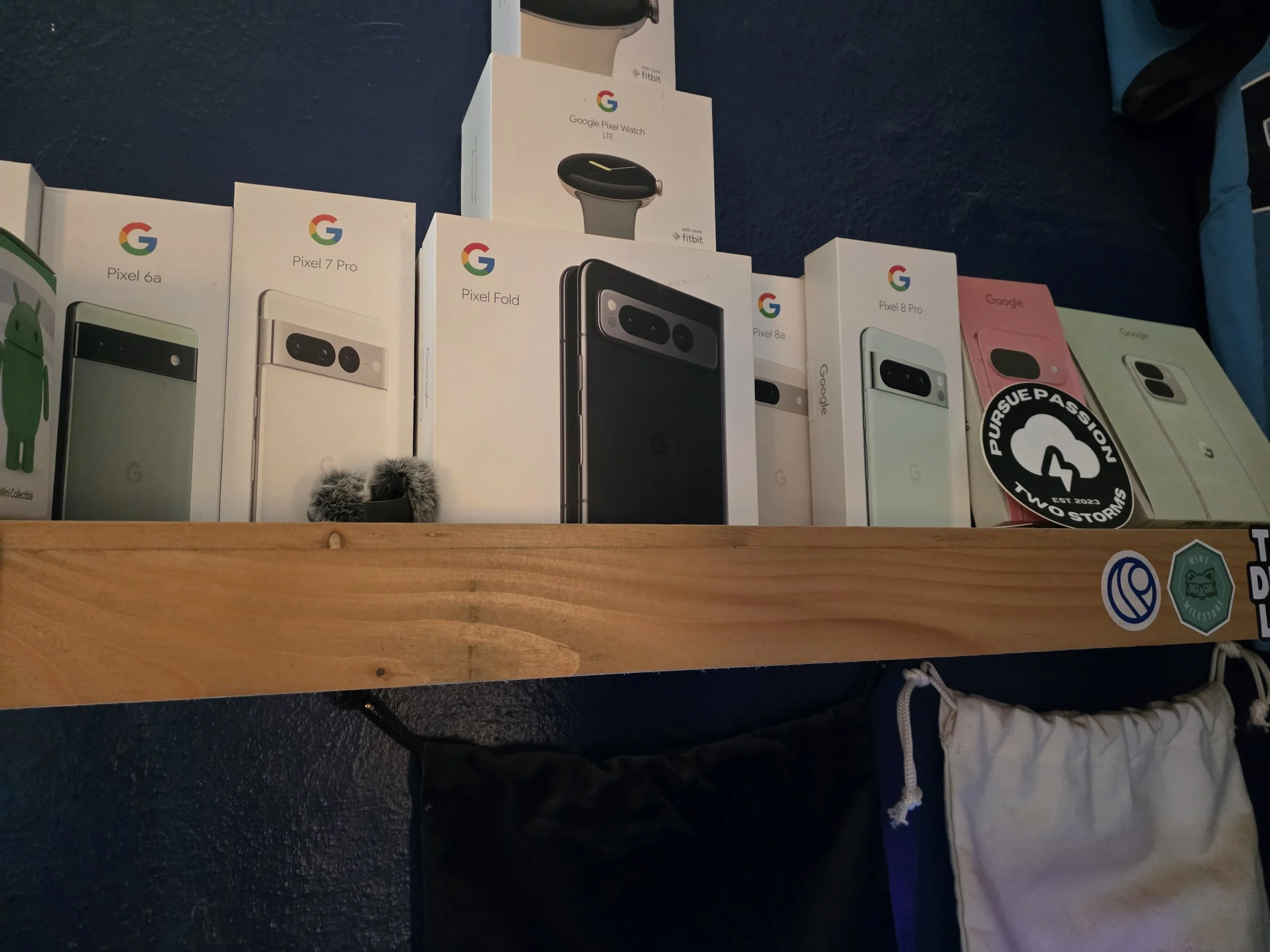
When it comes to the built-in audio, both brands put both stereo speakers on the left side of the device when unfolded, which is not an ideal setup. However, the Moto Razr Fold delivers a much richer, fuller sound with noticeably deeper bass, even if the absolute peak volume is close to Samsung.
Under a bright studio light with adaptive brightness enabled, both displays get incredibly bright. In real-world outdoor use, the Z Fold 7 is much more willing to jump to and sustain its maximum brightness. The Razr Fold can feel a bit reluctant or quick to dim when lighting conditions shift.
The camera systems show a massive hardware divide. Motorola brought superior hardware to the table across the board. The primary lenses are close, though Moto treats images with a bright, punchy, and highly contrasty look, sometimes pushing exposure higher than necessary. In the ultra-wide space, Samsung's tiny sensor leaves images looking dim and lacking detail, while Moto stays closer to reality with cleaner, brighter images.
The real blowout is the telephoto zoom. At 3x zoom in daylight, they are competitive. The moment you push to 6x, move into subpar lighting, or stretch out to 30x zoom, the Razr Fold completely massacres the Z Fold 7. Motorola offers a massive hardware advantage for anyone who relies on zoom photography, and you can easily pull the exposure down in post-processing if it leans too bright. The only downside for Moto is video performance; on difficult subjects like glossy, close-up objects, the Razr Fold suffers from focus hunting, whereas the Z Fold 7 is rock solid and maintains consistent focus tracking.
The Verdict
Choosing between the Galaxy Z Fold 7 and the Moto Razr Fold comes down to personal priorities.
The Galaxy Z Fold 7 is thinner, lighter, and backed by the most mature, feature-rich foldable software on the planet. If you value software polish, multitasking efficiency, and ecosystem tools like DeX, Samsung is still the king.
The Moto Razr Fold counters with incredible hardware. It gives you a massive 6,000 mAh battery, blazing fast 80W charging, stellar speakers, active stylus support on both screens, and a telephoto camera that leaves Samsung in the dust. It captures the hardware magic of devices like the Honor Magic V6 but packages it in a clean, Pixel-like software experience free of regional bugs.