Unihertz Titan 2 and Clicks Communicator Design Comparison
In my recent content about the Unihertz Titan 2 Elite and the Clicks Communicator, the most common questions I get revolve around their physical dimensions. People want to know how big these devices actually feel in the real world. To answer that, I went ahead and 3D printed models of both devices based on their known dimensions, thanks to some great community work on Printables.
The Tale of the Tape: Titan 2 Elite vs. Clicks Communicator
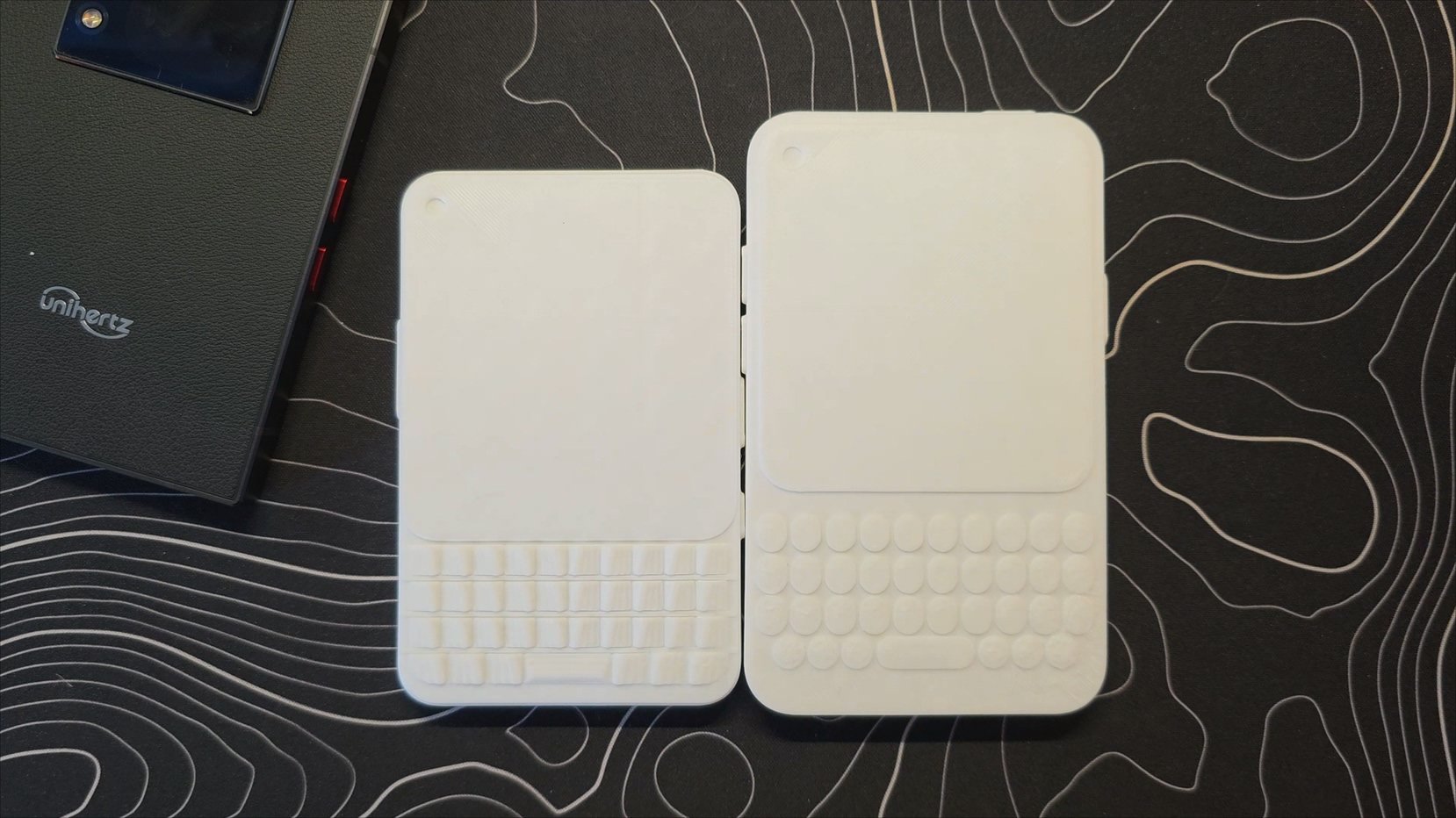
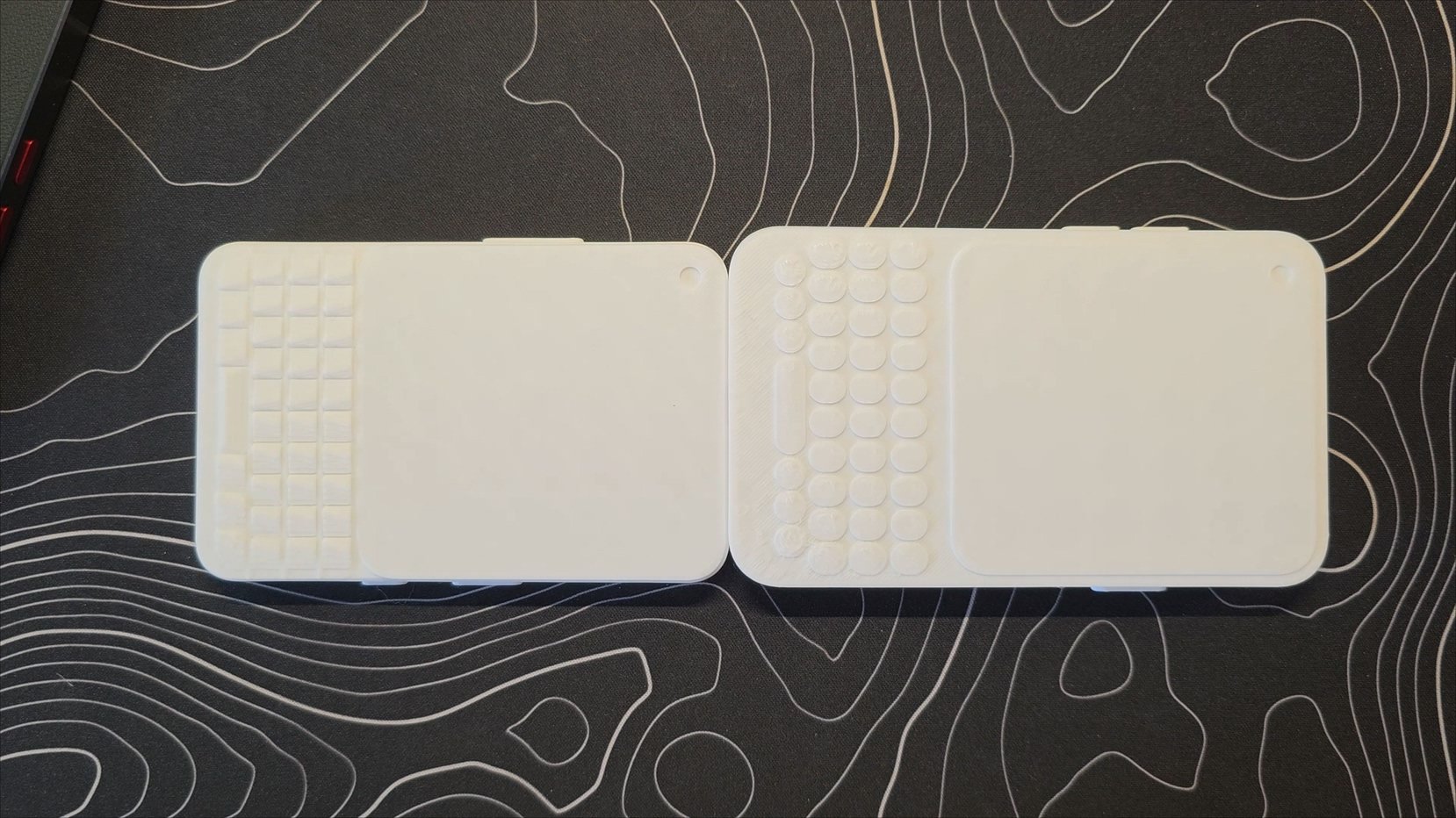
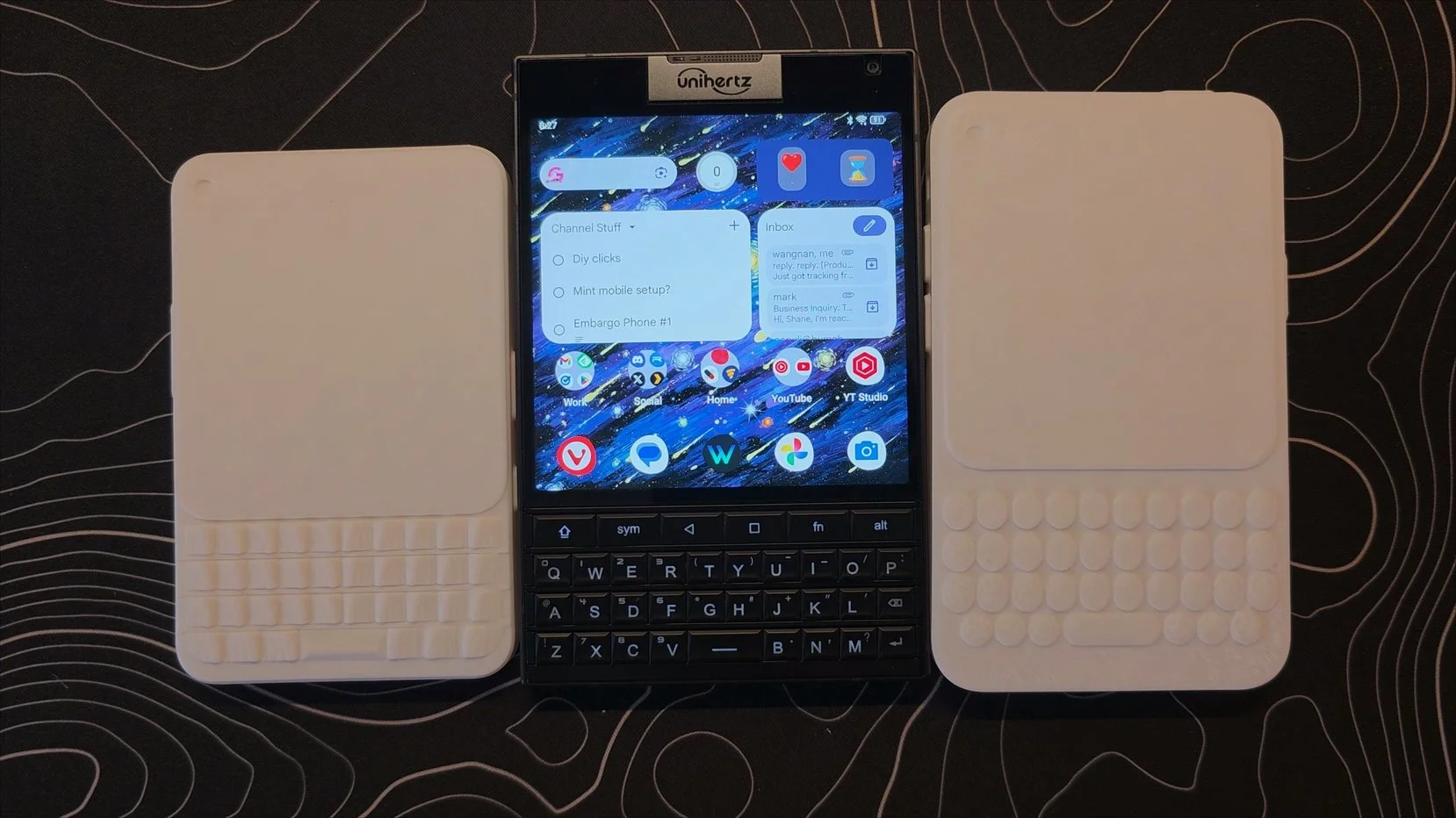
When you put these two side-by-side, the most immediate takeaway is the height. Even though they likely share the same screen size, the Clicks Communicator is quite a bit taller and slightly wider than the Titan 2 Elite. On the Unihertz side, everything is jammed in there with almost no gap around the screen or keyboard, making it the clear winner if you are looking for the smallest possible footprint.
However, smaller isn't always better for everyone. Even though I don't have large hands, the Titan 2 Elite feels like it might be a bit cramped. The Clicks Communicator gives your hands more room to breathe, which might make for a more comfortable long-term typing experience. The trade-off is that the increased height on the Clicks makes reaching the top of the screen—like pulling down the notification shade or hitting a search bar—much more of a stretch.
Both of these devices are moving away from the current Titan 2 keyboard layout. On the new models, you’ll find three rows of letter keys with function keys flanking the space bar at the very bottom. This is a big shift from the original Titan 2, where the space bar is surrounded by letter keys and function keys sit on top.
When you compare these new models to the original Titan 2, you really notice the loss of horizontal space on the keyboard. The original Titan 2 feels much more spread out, and while the Clicks Communicator gets closer to that feeling, the Titan 2 Elite definitely feels like a tighter squeeze. It is going to be a fascinating adjustment to see how that translates to typing speed and accuracy.
Size Comparison: Pixel 10 Pro Fold and Thickness
To give you some perspective, the width of the Titan 2 Elite is remarkably close to a Pixel 10 Pro Fold. If you are comfortable typing on the touchscreen of a modern flagship, the width of these keyboards should feel familiar, though you'll be switching from swiping to traditional two-thumb typing.
As for the concern about thickness—the Titan 2 Elite is just under 11mm and the Clicks is around 12mm—it honestly doesn't feel like an issue. Even putting these models in my pocket, they don't feel bulky or uncomfortable. As long as the final weights stay under that 200g mark, the thickness shouldn't be a dealbreaker for most people.
Ultimately, I keep going back and forth. The compact nature of the Titan 2 Elite is appealing, but the spaced-out keyboard and LED notification lights on the Clicks Communicator are very tempting. It’s going to be impossible to draw a final conclusion until I have the finished hardware in my hands, but the 3D models have definitely made me even more excited to see how this keyboard phone rivalry plays out.
