Unihertz Titan 2 Elite: One Month Later
I have been using the Unihertz Titan 2 Elite continuously as my primary phone since mid-April, and in that time, while I have certainly found a few more pain points, my affection for this quirky device has only grown. There are definitely times when I split my tasks, dropping a premium foldable into my pocket to use as a dedicated camera when I am heading out on a trail, or grabbing a larger folding screen to relax on the couch. When it comes to the vast majority of my daily life, every single call and text has gone through the Titan 2 Elite.
A funny thing happened just the other day that solidified exactly how much I've enjoyed it, faults and all. In preparation for the upcoming Moto Razr Fold review, I went ahead and moved my SIM card over to my Razr Plus to ensure everything was set up and ready for a smooth transition.
By the end of that single day, the annoyance of such a tall phone and typing on glass set in. I even found myself thoughtlessly opening YouTube shorts, which is something I had not done in weeks due to how poor that experience is on the Elite’s tiny screen. When I found out my Razr Fold shipment was delayed and wouldn't be arriving for several more days, I immediately caved. The SIM went right back into the Elite.
This device scratches that unique "gadget" itch better than just about anything I have experienced since the original Surface Duo. I absolutely adore how this phone looks. Obviously, aesthetics are entirely subjective, and beauty is always in the eye of the beholder, but visually, this is easily one of my favorite devices of all time. It is distinctly different, thoroughly novel, and it feels like it has rewired my brain. The small 4-inch squared off screen has absolutely altered the way I approach my phone and that has made me genuinely curious about how I will feel going back to a homogenized, standard smartphone experience once that review period with the Razr Fold begins.
Something else I have noticed over the past month is that the Titan 2 Elite is not just a head-turner for tech enthusiasts like myself. I have never used a smartphone that has prompted so many questions from random people out in the world. Not even the early days of foldables elicited this kind of response. I suspect that is because those foldables looked mostly normal when closed and that is generally how people saw it out and about, in my hand. That is not true here.
Do I think all of those people who have stared and exclaimed, "Oh my god, what is that?" would actually enjoy using a physical keyboard phone every single day? Absolutely not. It takes a specific mindset to give up the typical media-centric slab layout. Even so, it has drawn a strange amount of attention over the last few weeks, and every single interaction has been overwhelmingly positive. People say it reminds them of their old phone and then routinely let out a sigh before saying they miss it. One wonders what exactly they miss — the keyboard? The smaller screen? Or something else?
One of my favorite things about the Titan 2 Elite is how remarkably small it is. At damn-near half the vertical height of an S26 Ultra and weighing only 163 grams, it feels almost like tossing a second set of wireless earbuds into my pocket.
The physical comparison to the devices I normally carry is wild. When I drop a foldable like the Pixel 10 Pro Fold into my pocket, I immediately feel the weight, and it constantly reminds me that I am carrying a literal brick. The Elite completely disappears by comparison, making it an incredibly effortless device to transport throughout the day.




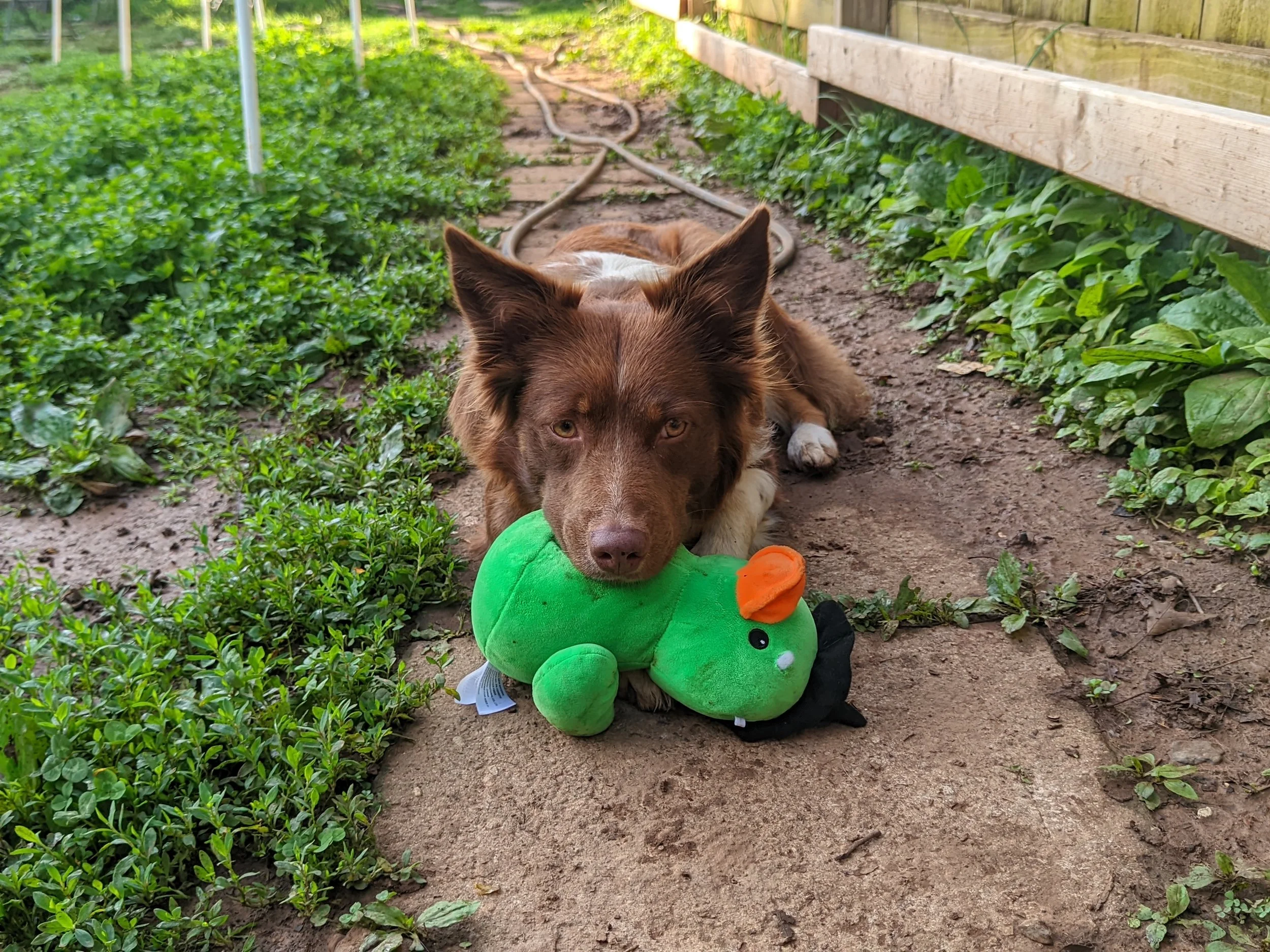
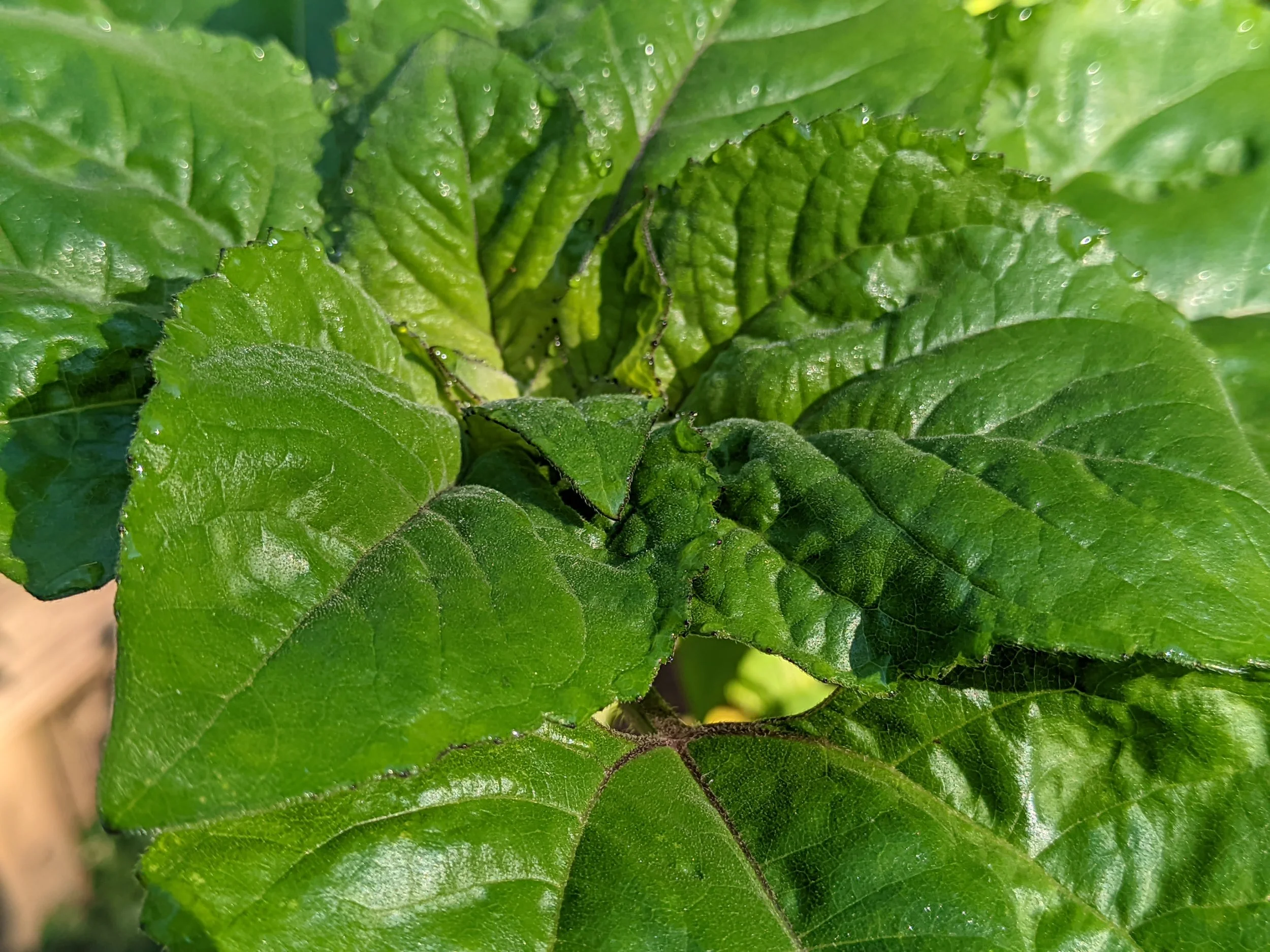

I have even been largely happy with the camera experience, after that GCAM installation. Colors can occasionally skew a bit warm, and the overall color accuracy can be off a bit at times, but Google Photos makes it incredibly easy to fix those minor shifts with the AI enhance option.
Editing inside the Google Photos app can be a bit rough, though. Because of the nearly square 4-inch screen, the image preview you are looking at is incredibly tiny while you work. If you really want to see the details of what you are adjusting, you might want to do your touching up on another device entirely.
Focusing on close-up subjects can be almost impossible at times, and the video performance is just awful. Even with those flaws, I have still managed to capture some truly nice shots that are far better than I was ever expecting.
Sideloading that specific LMC 8.4 port completely rescues the main sensor from the stock app's tendency to heavily overexpose everything. It usually brings back proper white balance and pulls real detail out of scenes, to the point where I have posted photos from a local market that genuinely surprised people on social media.
You do have to accept the reality of the software constraints, since the app cannot currently access the physical 2x telephoto lens, and video is plagued by a weird flickering issue. I still use the stock camera app as a backup via a power button shortcut if I absolutely need that 2x zoom, but for quick 1x snapshots, the GCAM workaround transforms this from a camera I would avoid into something entirely usable. Since Unihertz saw fit to include a programmable red shortcut key below the power button, I can keep my GCAM port mapped to a double press there for easy access to that camera as well.
The battery performance brings a rather unique psychological quirk. Most modern smartphones tend to drain incredibly slowly from 100% down to roughly 90% before the percentage drop begins to accelerate. The Titan 2 Elite does not do that.
Instead, the discharge curve feels completely linear from the moment you unplug it. This behavior can easily trick your brain into thinking the battery is actively plummeting early in the day. In practice, you will generally find yourself making it all the way through the day, even if you are cutting it incredibly close sometimes.
Compared to a massive device like the Z Fold 7 that people might have experience with, the endurance here is definitely worse. When stacked up against a smaller flip style foldable like my Razr Plus, the real-world longevity actually feels pretty similar.
My typical day runs from about 6:30 in the morning until roughly 9:00 at night. With that usage, I can reliably squeeze out around 4 or 5 hours of screen-on time with just a bit of fumes left to spare in the tank. The battery life is very much in the "just good enough" range, meaning it will get the job done for daily life, but it certainly isn't a multi-day endurance champion.
You might find yourself wondering how a 4,400 mAh battery inside a massive, screen-heavy foldable manages to outlast or perform right alongside a 4,000 mAh battery on a device like this. After all, the Titan 2 Elite is driving a tiny 4-inch screen and utilizing a modern, power-sipping Dimensity 7400 processor. On paper, it should absolutely dominate on battery endurance.
My strong suspicion is that there is something fundamentally wrong with the optimization of the software. The device frequently gets quite warm during regular use. It never pushes into a full overheat scenario where things completely lock up or applications stop functioning temporarily, but you can feel it getting noticeably warm right in your hand.
That heat generation speaks directly to a layer of system inefficiency. There is a decent chance that future software updates could patch these bugs, improving the overall battery life right along with the thermals. For now, the unoptimized background drain is something definitely worth noting if you are planning to pick one up.
I am happy to report that, outside of some heat, the rest of the software largely just stays out of your way. Scrolling through heavy apps might result in the occasional stutter or frame drop, but nothing major. In general, the screen itself looks remarkably nice and smooth. Upgrading to a proper OLED display marks a massive step up over the old LCD panel they used in the past, giving you deep blacks and vibrant colors that pop incredibly well. The only real blemish on the display experience is that the auto-brightness can be a bit sluggish to respond, occasionally starting off too dim when unlocking the phone before finally adjusting.
The stock camera application is definitely not great, specifically because it is completely lacking in software features. There is no native portrait mode, and the general processing seems almost nonexistent, but it is easy enough to install that GCAM port to solve the problem.
It is a very similar situation with the keyboard software. While the keys themselves have remained clicky and responsive, the built-in Kika software is just rough, but you can install Pastiera instead, and it acts as a total game changer. Pastiera matches the quality of the physical hardware much, much better than Kika could ever dream of. Even launching applications with keyboard shortcuts becomes faster and simpler than ever.
Even better, you can hold down the Control key and use your S and F keys to move your cursor back and forth while typing, which is phenomenal and solves such a huge text-editing problem on a small screen. To make that work flawlessly, you can just go into the system settings and map the physical Fn key to act as that proper Control button.
Having that dedicated Control key brings a level of efficiency that completely changes how you navigate. Being able to use standard desktop shortcuts like Ctrl+Z to undo a mistake, Ctrl+W to quickly close out a browser tab, or effortlessly cutting, copying, and pasting text makes the entire typing experience feel incredibly fluid.
Every once in a while, you might notice keys getting duplicated when you are typing, almost like there is some minor hardware or software lag under the hood. Luckily, Pastiera's autocorrect is significantly better and normally takes care of it right away, completely transforming the device into a productivity powerhouse. The only complaint I have with the keyboard is that my backlight is slightly uneven, but I suspect this is an issue with my pre-production model and not something we should expect to see with the final hardware Unihertz will ship.
Additionally, there is a very handy utility program built right into the operating system that allows the phone to emulate and copy certain NFC tags. I have been using this feature to clone the keycard for an electric scooter I am currently reviewing, allowing me to use the Titan 2 Elite as the actual ignition key. It has been incredibly useful in daily practice, saving me from having to fumble around for a separate physical card when heading out for a ride.
I have also run into moments where it seems like the capacitive scroll function of the keyboard is malfunctioning a bit. Applications might suddenly start to jiggle or slowly drift and list in one direction on the screen, acting exactly as if I were moving them by swiping my fingers across the physical keys when I am not touching them.
Cell service on Mint Mobile has been a touch worse compared to my standard slab phones. It is nothing deal-breaking for the most part, but there is a noticeable difference in fringe areas. In a few specific spots around town where my Galaxy would struggle with weak service but still manage to hold a connection, the Titan 2 Elite was completely dead in the water. If you live or work in an area where your current coverage is already on the edge, the slightly weaker cellular reception on this device is definitely something to keep in mind.
With the review period for the Moto Razr Fold quickly approaching, my time with this device as a daily driver is drawing to a close. Moving my SIM card over to a modern, bleeding-edge folding slab is going to be a massive shift. It leaves me genuinely wondering how exactly I will adjust to living on a massive canvas of glass again. Will the sheer convenience of a giant, media-friendly screen completely win me over, or will the allure of the simpler Elite draw me back in again? How many days it will take before I find myself missing this keyboard all over again?