Pebble Time 2 - New Features Keep Coming
Even though my initial review went live a while back, the Pebble Time 2 keeps changing in ways that genuinely surprise me. The pace of updates has been relentless lately, with new features and fixes landing every couple of weeks. Digging into the recent changelogs shows just how much work is going into refining this experience, turning a solid revival into a much more capable daily driver.
Emojis, Touch Controls and Music Tweaks
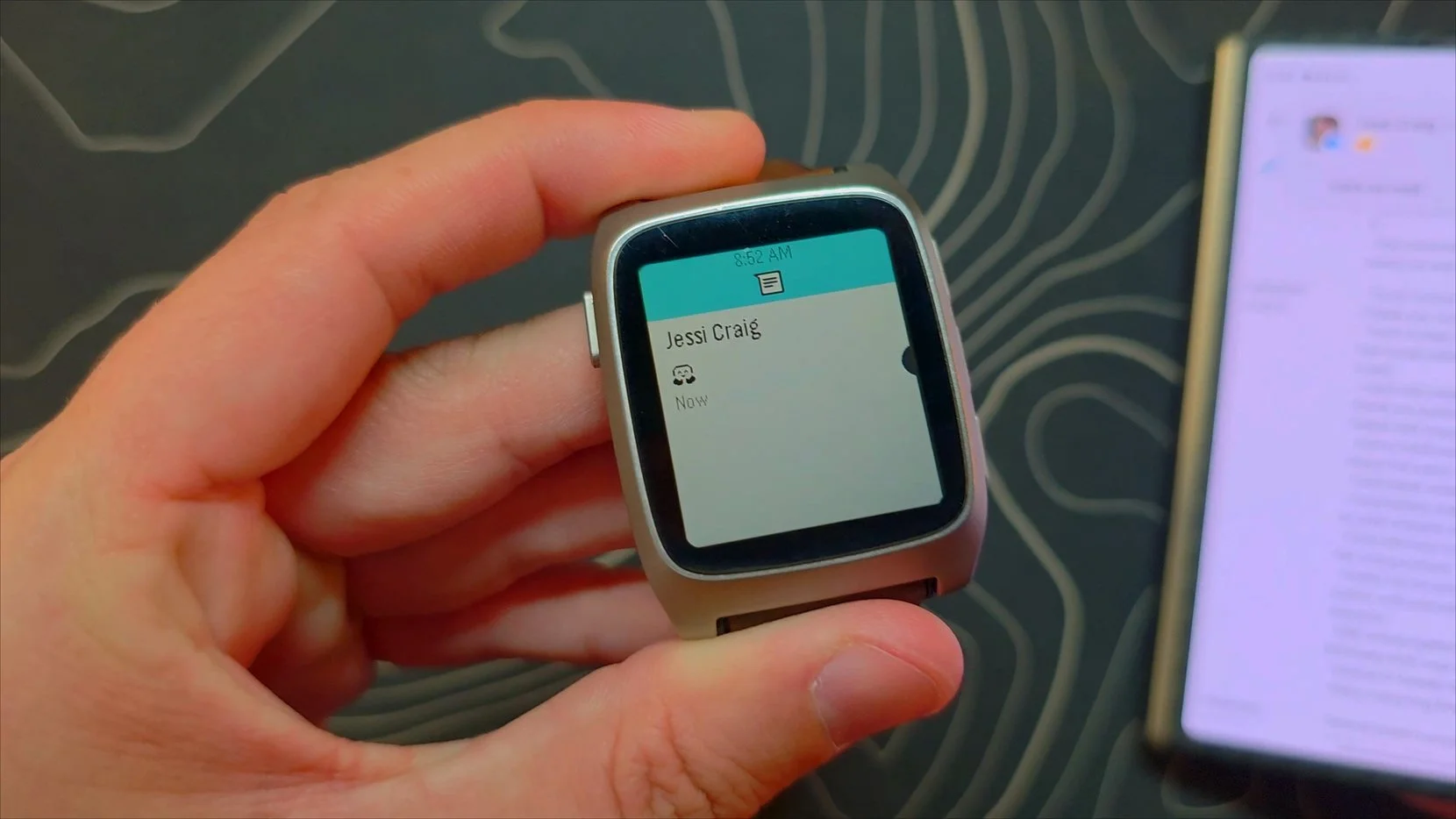
Starting with the smaller quality of life improvements, expanded emoji support via Noto Emoji has finally arrived. Incoming text messages now show proper little emoji icons right on your wrist instead of leaving blank placeholders.
A far bigger system change is full touch navigation. The hardware always had the capability, but it sat mostly idle until recent updates enabled touch across the entire interface. You can jump into settings under display and toggle touch navigation to start swiping through menus. In daily practice, leaving a music screen active can lead to accidental track skips whenever you cross your arms. Turning off touch navigation remains my personal preference since the physical buttons work so well, but the development team recently added a double tap requirement in the music app to help cut down on those misfires.
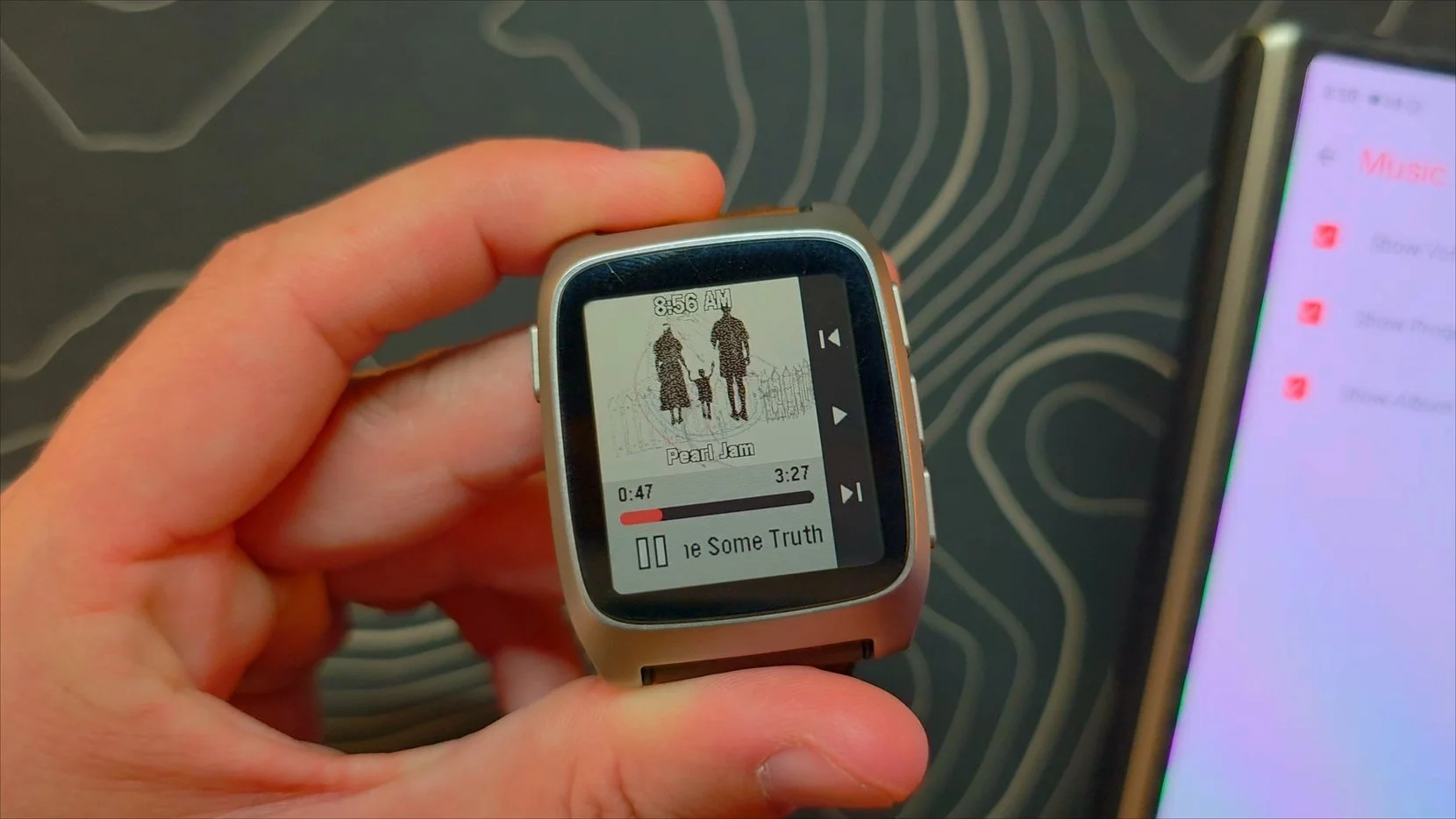
Album art support also arrived for the music player, manageable under your phone settings. If the album cover gets stuck on a previous track during playback, a quick reboot of the watch seems to clear up the glitch and get artwork refreshing properly again.
Rich Notifications and a Brand New Weather App
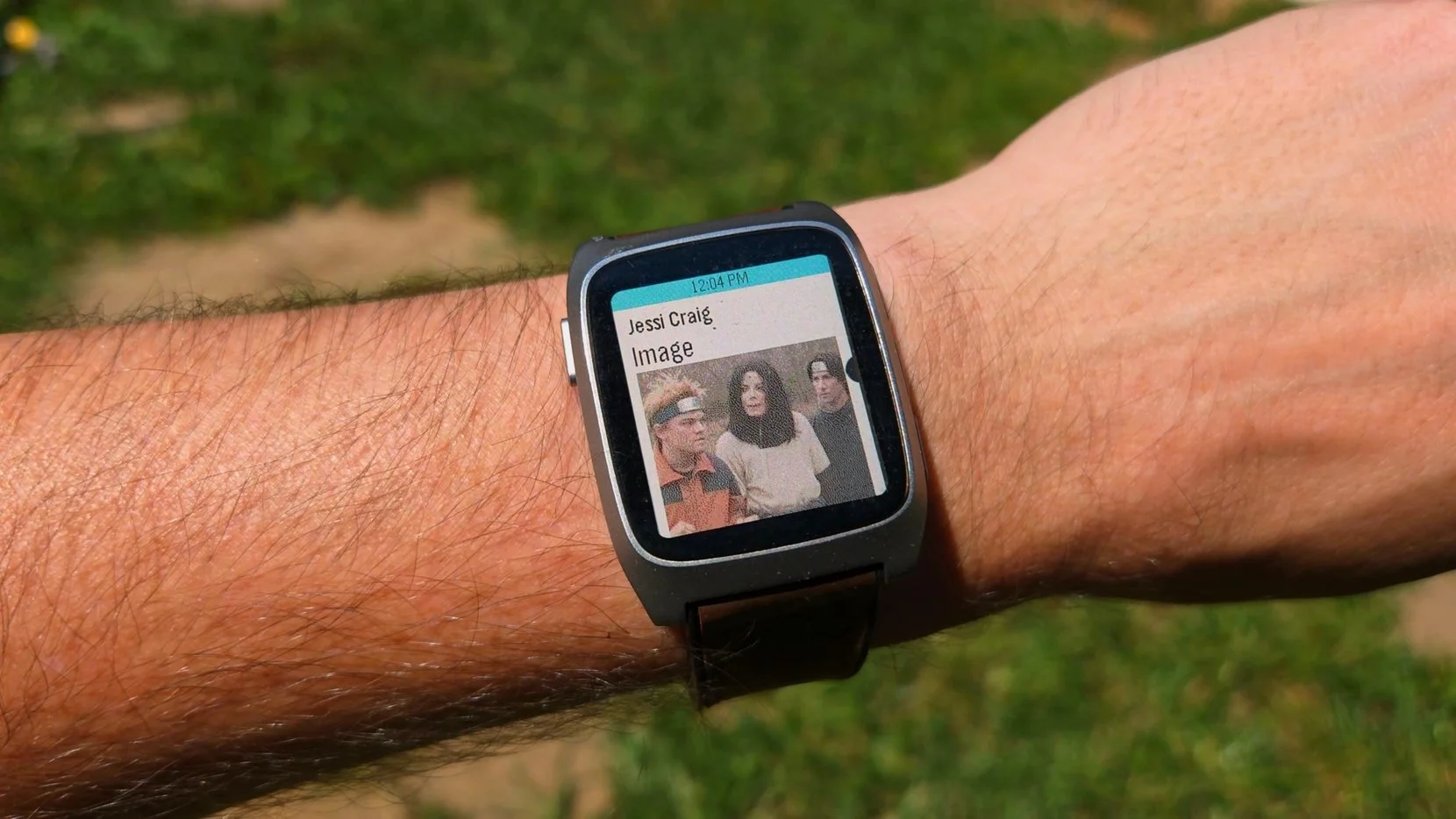
Notification support took a huge step forward with inline image display. When you receive a multimedia message or an attached picture on Android, the watch now renders the image cleanly on the screen.
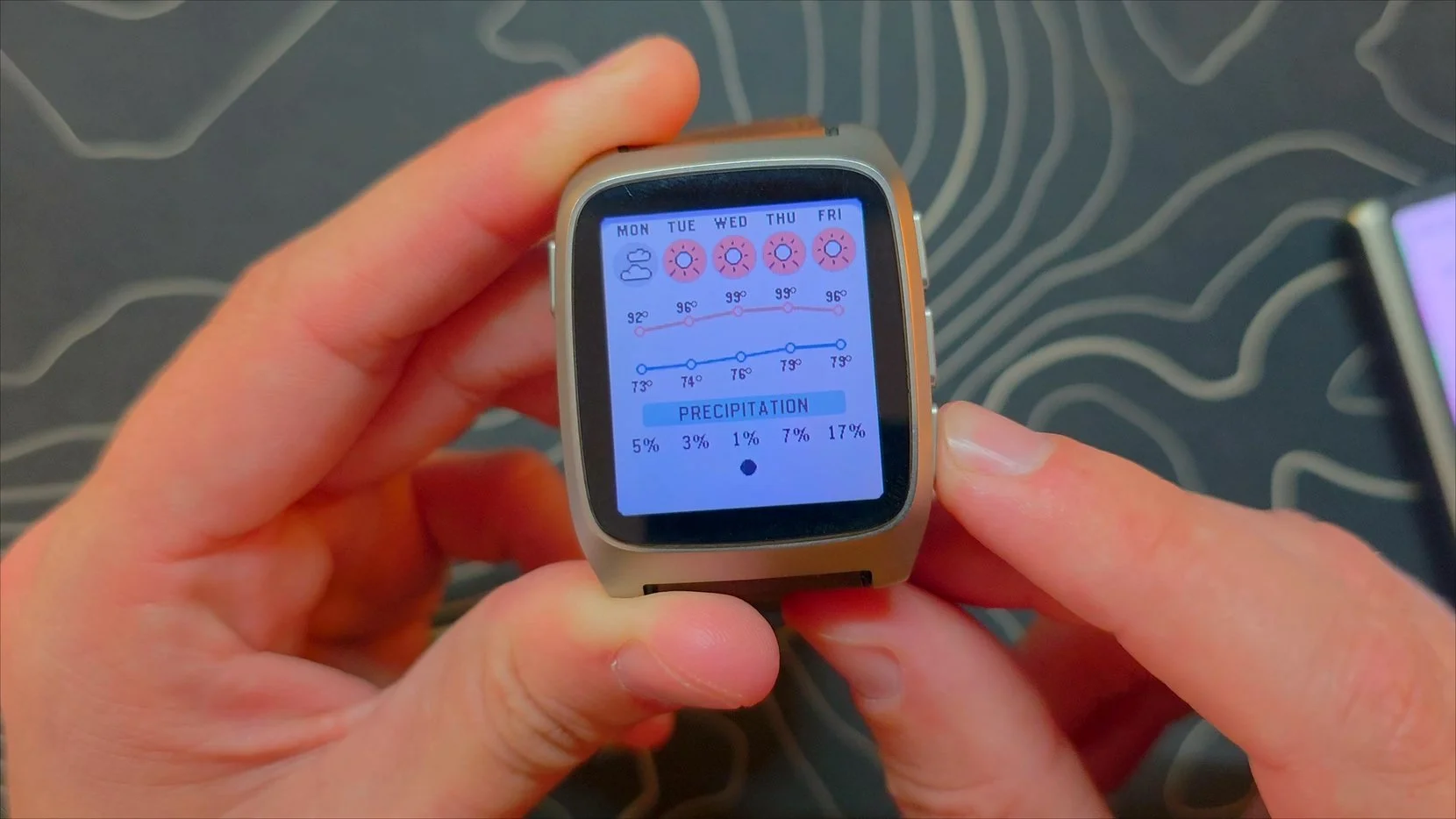
Alongside richer alerts, a completely redesigned weather app replaces the basic older version. It delivers a comprehensive breakdown of the day, showing current temperatures, sky conditions, daily highs and lows, precipitation chances, and smooth little UI animations that make the entire utility feel modern.
Sensor Improvements and Under the Hood Polishing
Shake to wake reliability has improved noticeably. The gesture still requires a deliberate wrist flick rather than a gentle tilt, but the sensor detection responds much better than during initial launch testing. The software no longer triggers backlight activations from the watch's internal vibration motor, either.
The underlying SDK has expanded to support Heart Rate Variability tracking for third party developers, while overall step counting bugs have been ironed out. Battery life still sits comfortably between 10 days and two full weeks depending on the active watch face, remaining exceptionally dependable as ongoing software tweaks aim for even longer standby times.
The State of Pebble Time 2 Today
The Pebble Time 2 continues to offer a distinctly fun experience. Some platform gaps remain, such as the lack of a standalone SMS app to start new conversations from scratch rather than just replying to active notifications. Even so, the steady stream of meaningful firmware updates makes following this device rewarding. Best of all, backorders and invite queues are cleared, leaving the watch in regular stock for anyone ready to pick one up.