5 Reasons I Love the Galaxy Z Fold 8
The Galaxy Z Fold 8 has quickly rocketed up my list of all-time favorite foldables, and it really comes down to how Samsung nailed both the physical hardware and the day-to-day software experience.
Lightweight Comfort and Everyday Usability
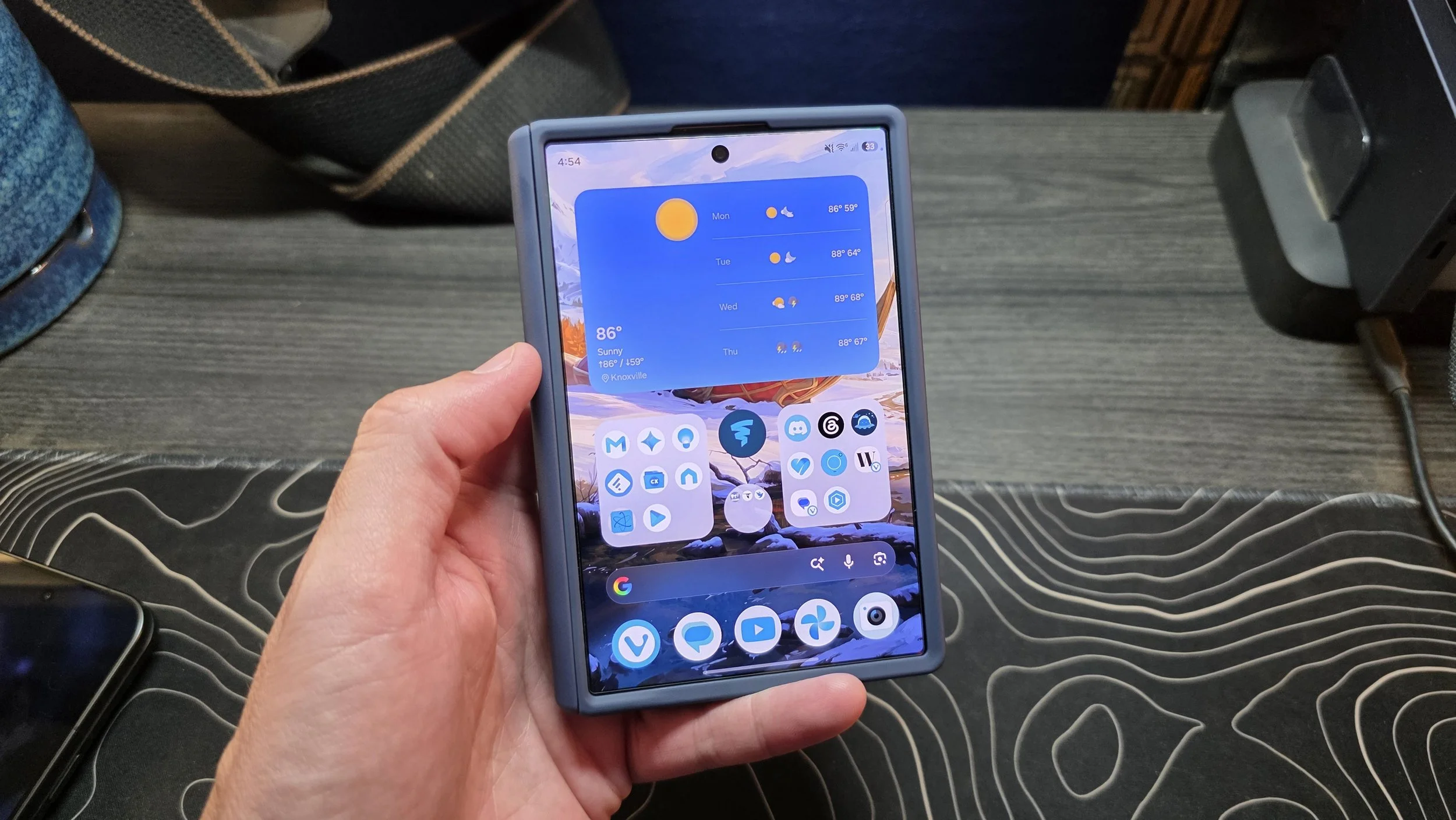
The physical feel of this phone changes how you use it every day. Coming in at just a shade over 200g, it is so light and thin that it completely changes case choices. Normally, sticking to paper-thin aramid fiber cases is necessary just to keep the bulk down, but those really only protect against minor scuffs and scratches. With the Fold 8, you can slap on a thicker case with real drop protection, solid grip and built-in MagSafe without turning the device into a brick.
That pocketable design carries directly over to the 16:10 cover display. The dimensions hit a sweet spot that makes one-handed use totally practical, even for smaller hands. You can easily reach across the keyboard to type a fast reply, or reach straight up to tap a search bar in your favorite app without ever toggling a one-handed mode shortcut. It works naturally as a standard phone first, which makes unfolding it feel like an intentional upgrade rather than a constant requirement.
A Versatile, Dual-Screen Powerhouse
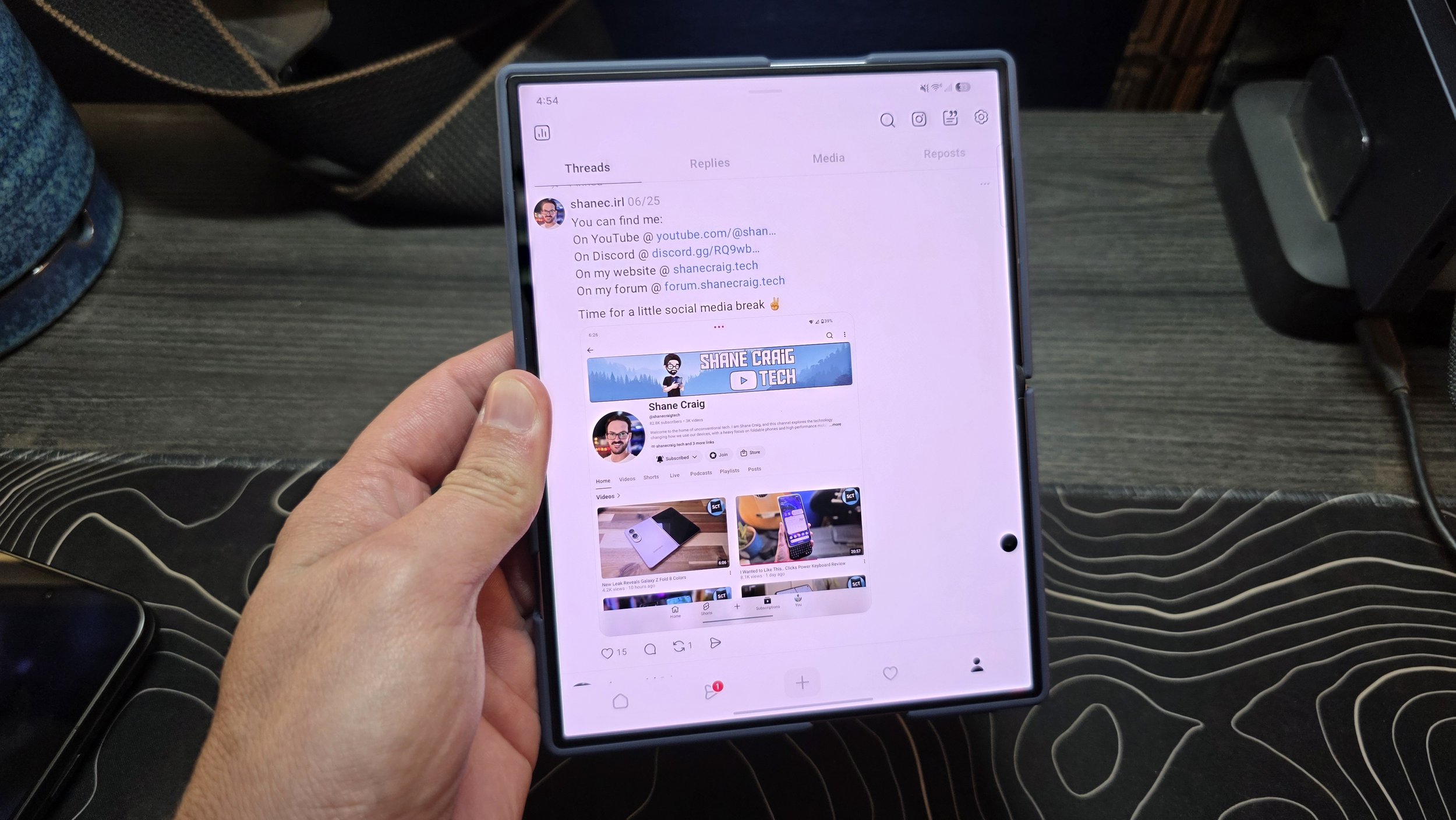
Opening up the device reveals an inner display that might be the most impressive part of the whole package. It is bright, vibrant, and includes an effective anti-glare treatment that makes viewing content easy in almost any lighting. The center crease is also remarkably subtle. Creases have never been a dealbreaker for me, but what Samsung pulled off here from an engineering standpoint makes it practically disappear during normal viewing.
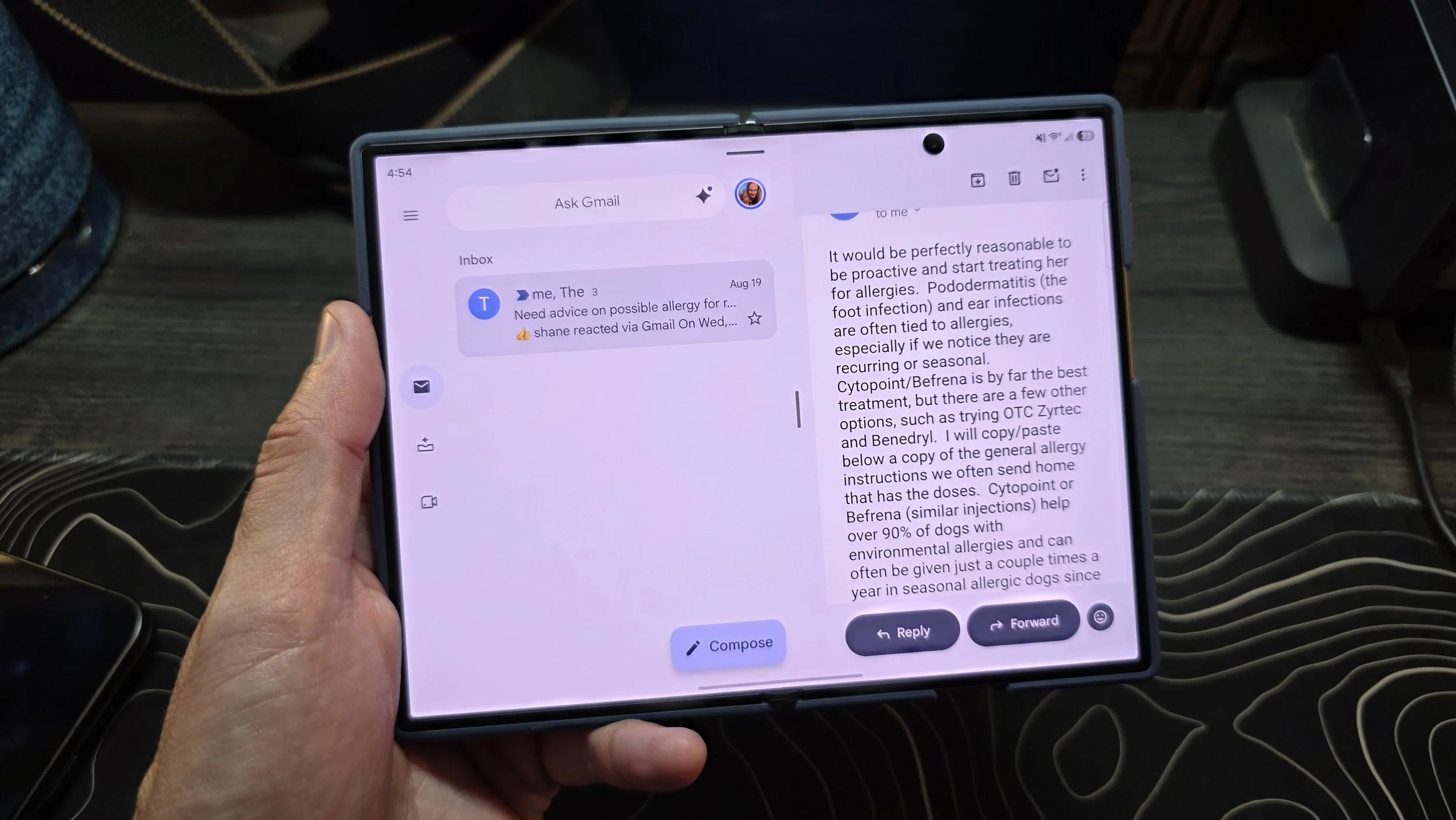
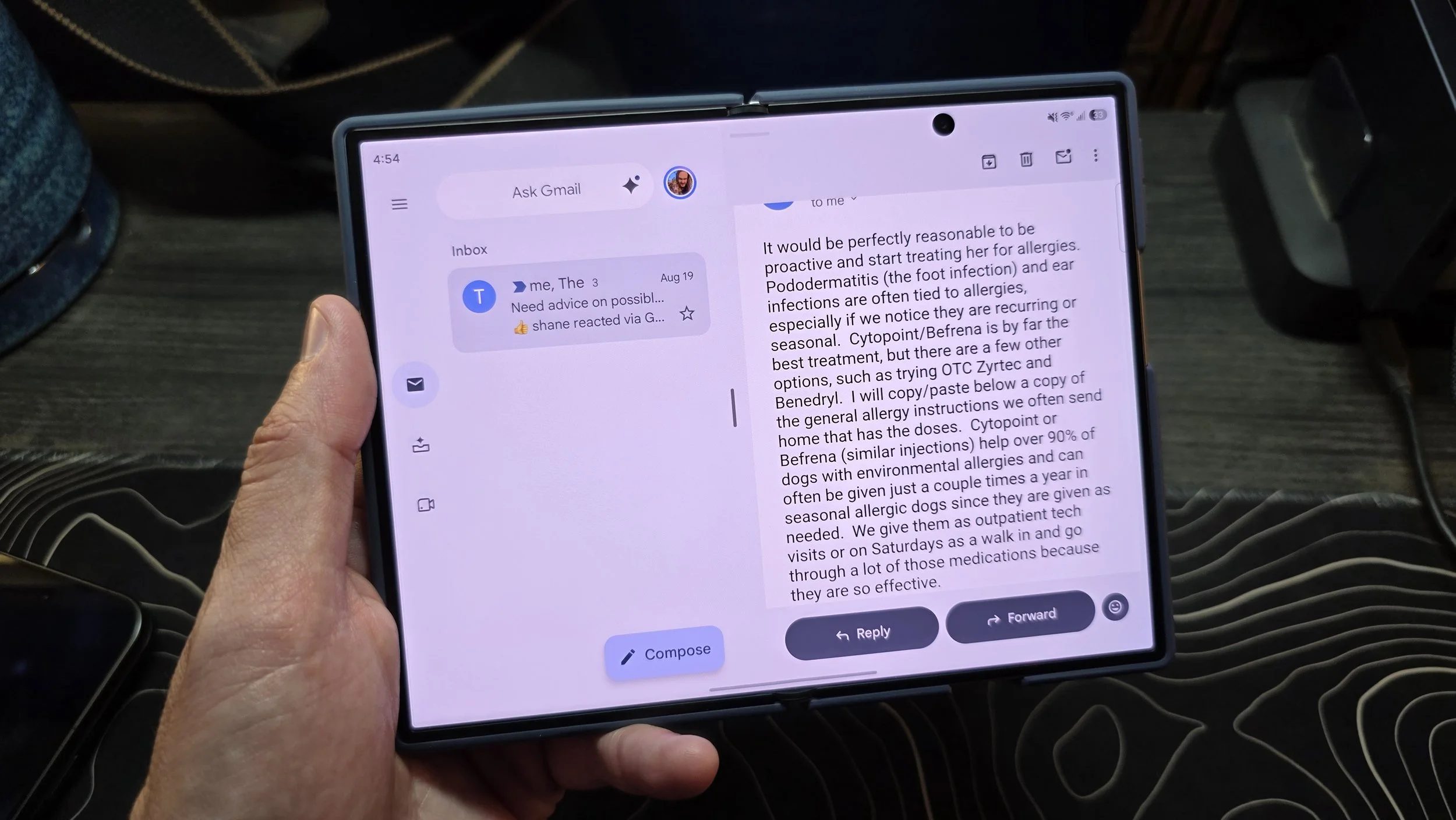
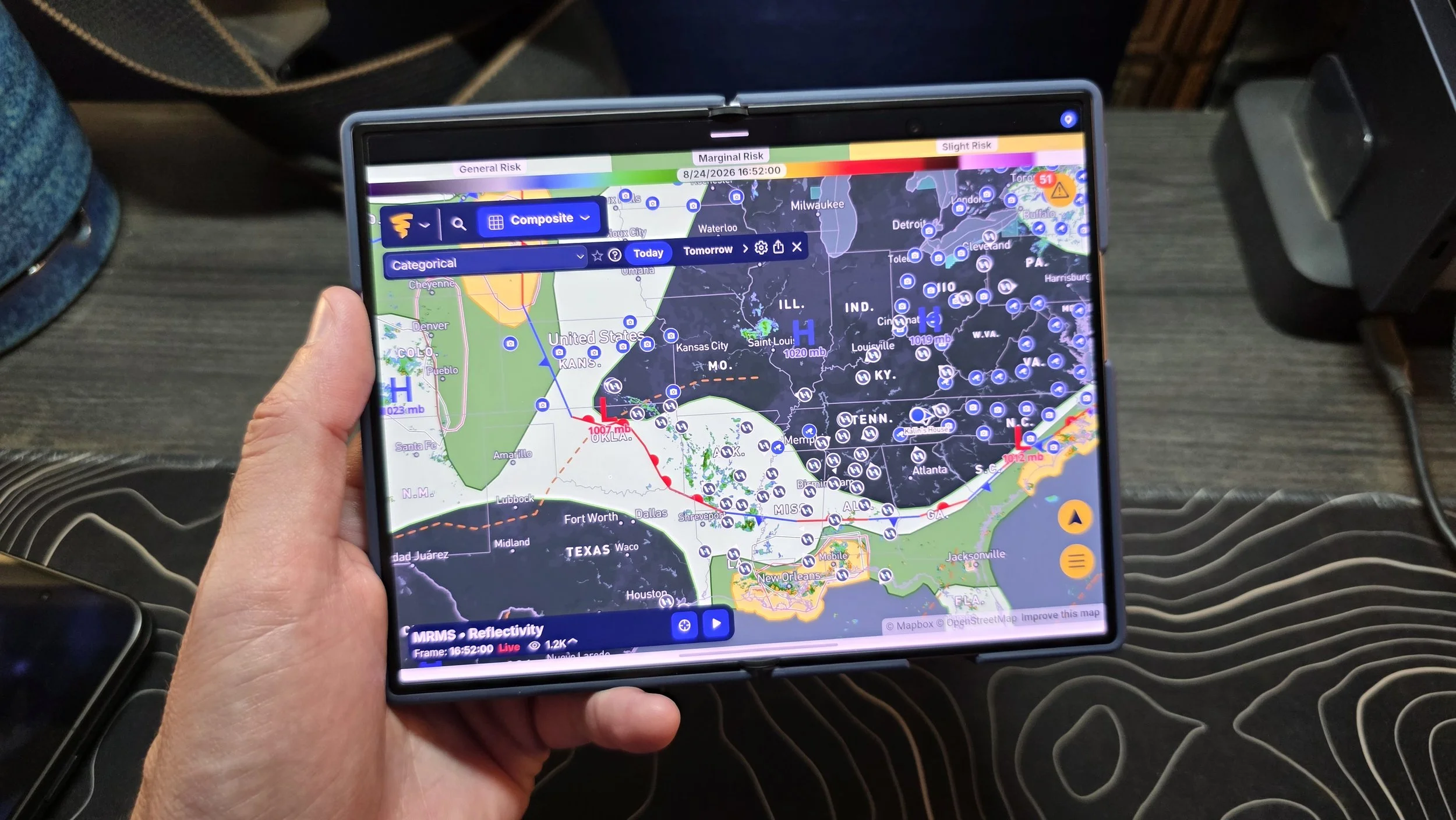
Beyond the raw visual quality, the 4:3 inner aspect ratio is built for real versatility. It scales cleanly whether you are catching up on modern 16:9 widescreen video or watching classic 4:3 content, but it truly shines with productivity apps. Plenty of Android applications now feature excellent dual-pane tablet views, from essentials like Gmail and Google Keep to smart home dashboards like TP-Link Tapo and detailed radar apps like WeatherWise.
When you encounter an app that has not been optimized for large screens, fixing the layout is as simple as rotating the device. Turning it sideways gives you the equivalent of a massive phone display, letting unoptimized feeds stretch out naturally without awkward scaling issues. Combining that sheer software flexibility with a gorgeous screen, great one-handed ergonomics and an ultralight footprint makes the Galaxy Z Fold 8 an easy standout among modern foldables.