Exploring PrimeOS: The Android Desktop That's Already Out
The idea of using Android as a desktop operating system isn't new, but we are finally reaching a point where it feels like a legitimate reality. While we are all waiting to see what Google does with its rumored Aluminium OS, there is a small company that has been working on this exact vision for about seven years now.
That company is PrimeOS. They have been refining a desktop UI for Android since 2017, and they are about to bring their hardware, the Primebook, to North America and Europe via Amazon.
A Familiar Desktop Experience
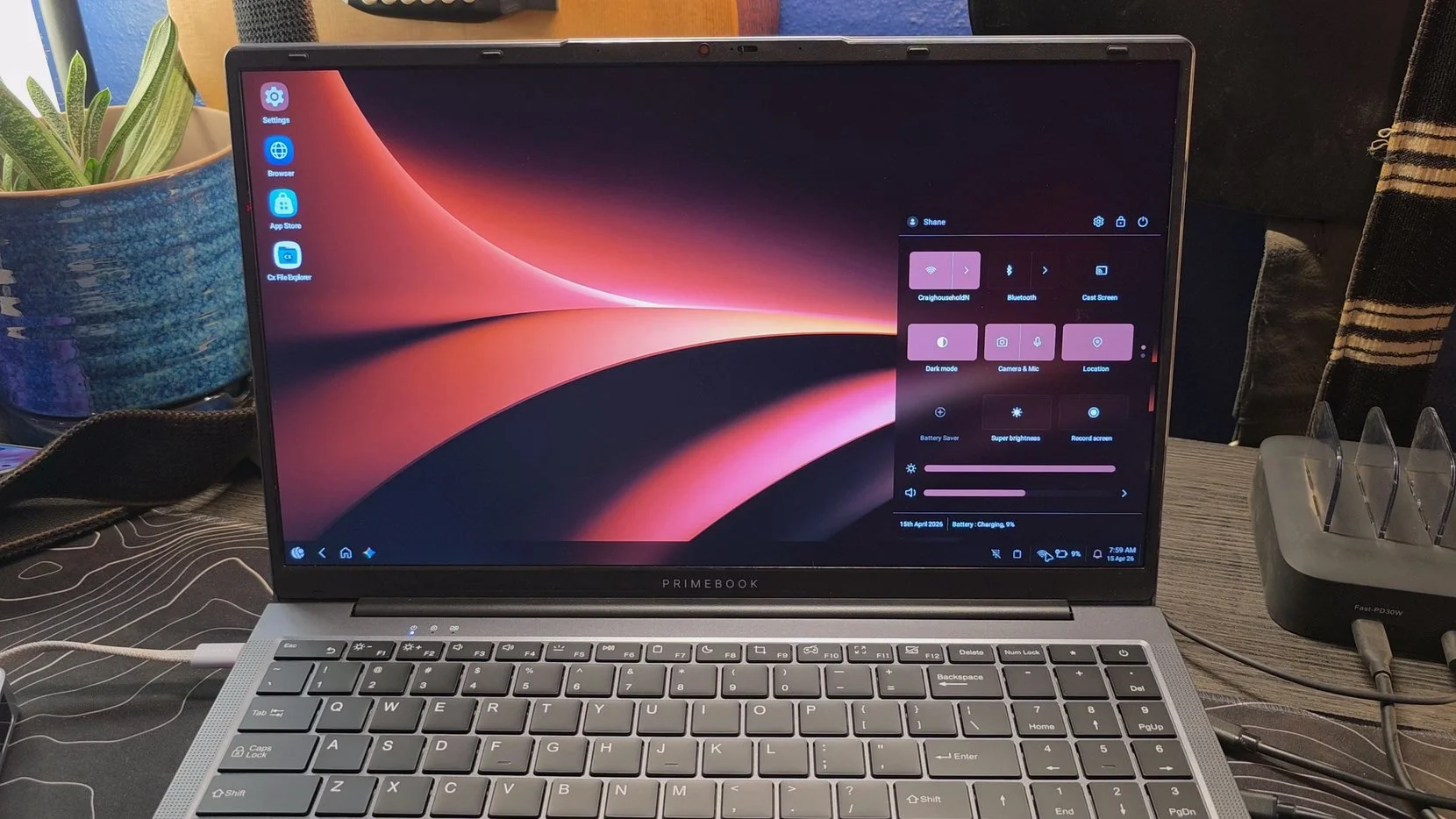
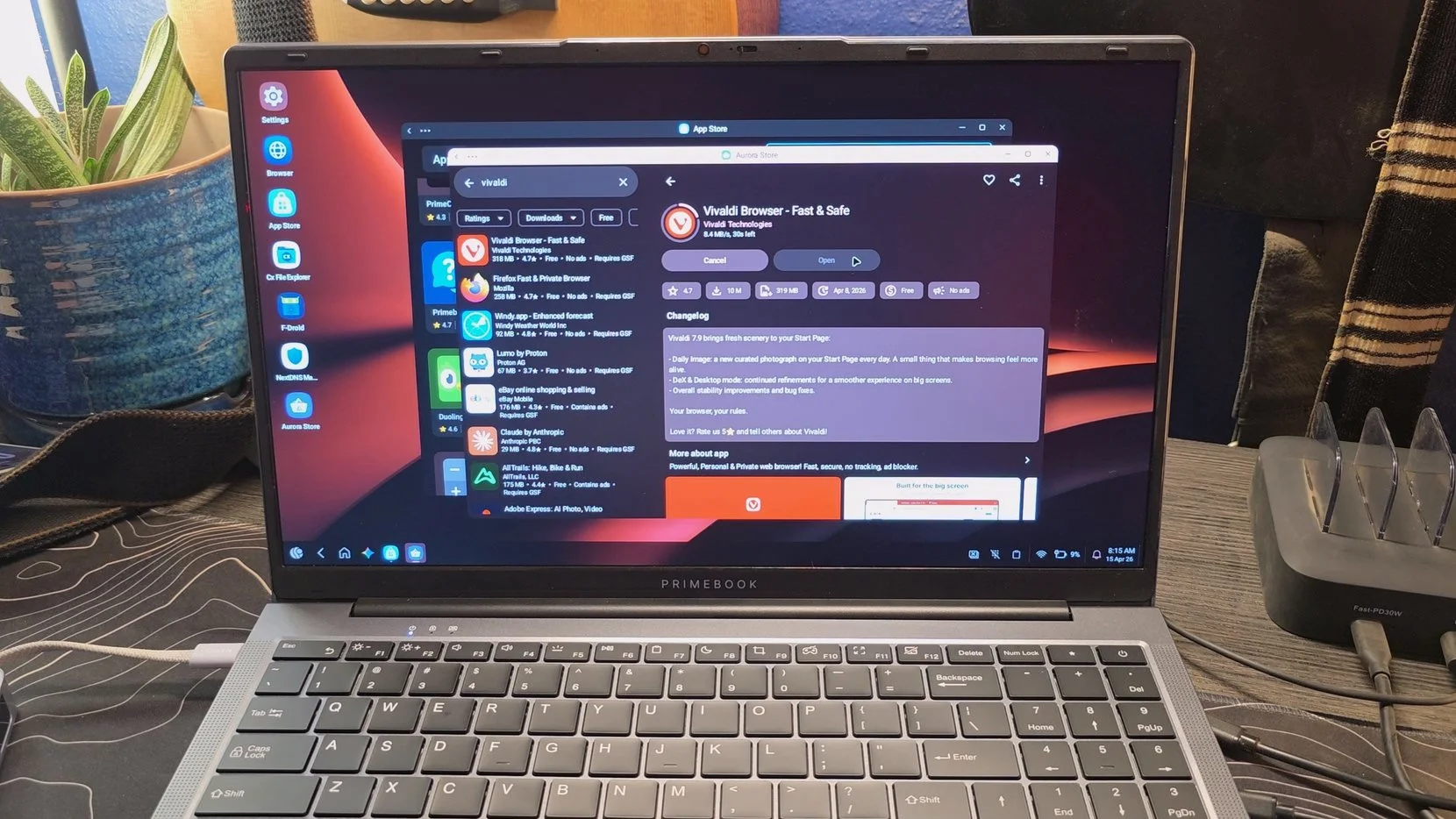
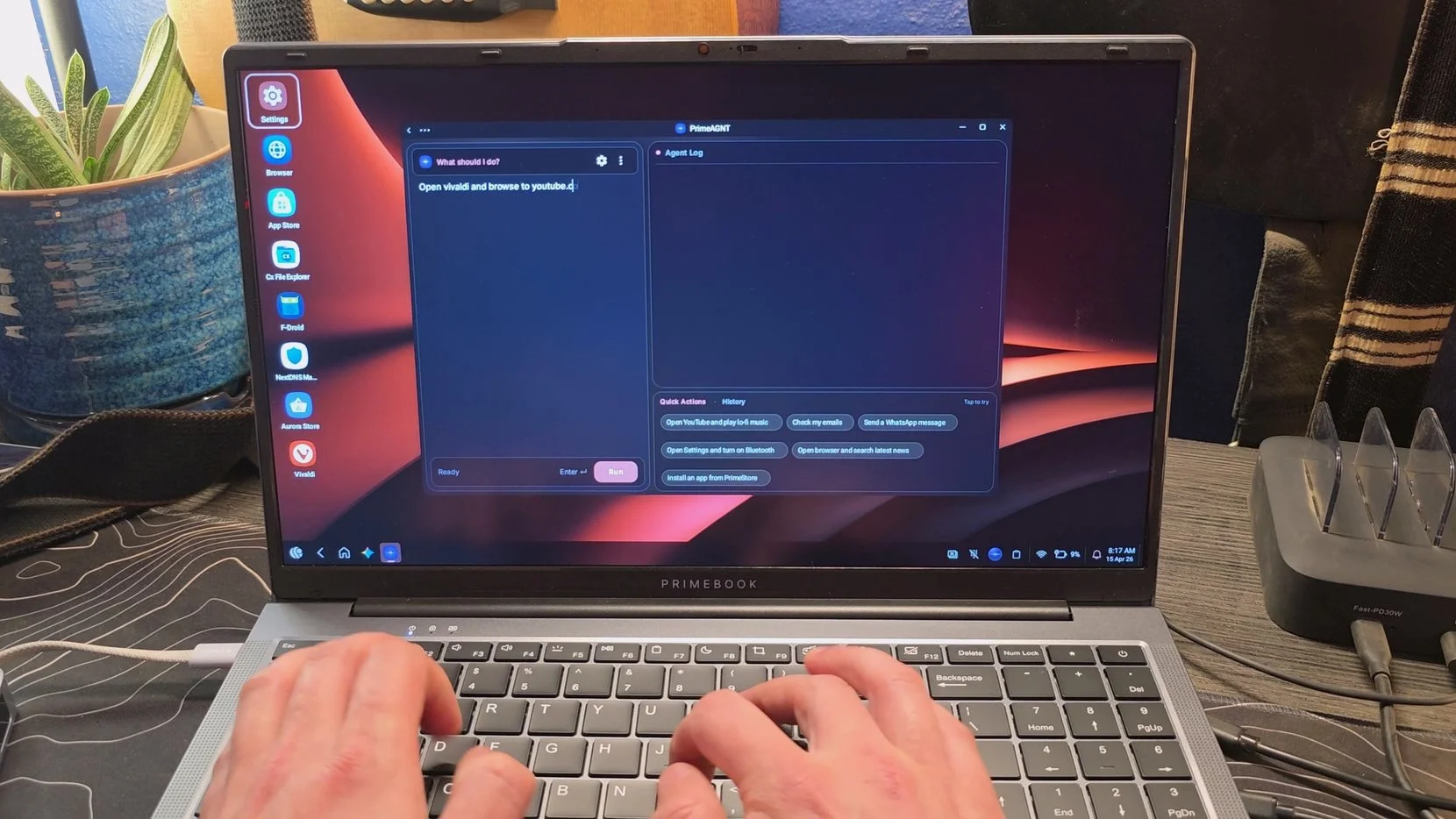
When you first boot up PrimeOS, it feels surprisingly like a traditional desktop. You have a taskbar at the bottom, a start menu for your apps, and dedicated buttons for home and back. It even includes a quick settings menu and a notification panel that will feel very familiar to Windows users.
The window management is where it really shines. You can drag apps around, resize them to change their aspect ratio, and minimize them into the taskbar. It makes Android feel like it was actually designed for a mouse and keyboard.
The system takes an open approach to app management. PrimeOS comes with its own dedicated app store, and while the native selection there is a bit limited, it provides a bridge to everything else you might need.
Inside their store, you can find the Aurora Store. While it isn’t quite as seamless as having the official Play Store pre-installed, it does give you access to almost every app you’d find there, which should solve most issues for the average user.
Desktop Browser: The built-in browser is desktop-class and even supports extensions, which means you can use web versions of YouTube or document editors if you prefer that over a dedicated app.
Sideloading: Since this is Android, you can always go to a site like APKMirror, download a specific file, and install it directly.
Cloud Access: For those who absolutely need legacy software, there are built-in options for Cloud Windows and Linux PCs to fill in any remaining holes.
The Power of Prime AGNT
One of the most impressive features is the Prime AGNT, which is essentially an agentic AI that can take control of the device to perform tasks. You can literally tell the computer to open an app, navigate to a specific website, and perform an action, and it will do it automatically by clicking and typing on the screen.
It is a bit wild to watch your computer run itself. You can tell it to open YouTube Music and find a specific mix, and it just handles the navigation for you. It’s the kind of deep system integration that Google is only just starting to roll out with Gemini.
However, a tool like this does raise some valid privacy concerns. For the AI to work, it effectively has to "see" your screen to know where to click and what it is looking at. While it is powered by Gemini, which many people already trust on their phones, the idea of an agent having this much control might be a bit of a hurdle for some. The good news is that it is entirely optional, and if you don't grant those accessibility permissions, the AI can't see anything.
Ahead of the Curve
Whether it is the full desktop UI, the sophisticated keymapping for gaming, or the cross-app AI automation, PrimeOS seems to be consistently years ahead of the curve. They were building this world while the tech giants were still trying to figure out if tablets should just be big phones.
As Google prepares to enter this space officially, PrimeOS stands as a battle-tested alternative that is already polished and ready for daily use. If you are looking for a highly capable, inexpensive desktop Android experience, this is definitely one to keep an eye on when it hits Amazon.
