The Unihertz Titan 2 Elite is HERE!
After months of hype, tracking every leak, and obsessively covering the specs, the wait is finally over. The Unihertz Titan 2 Elite is officially in my hands. It’s been a long road of anticipation, and I’ve watched plenty of other people get their hands on it first, so I am beyond ready to finally put this thing through its paces.
Before we dive in, a huge thank you to Unihertz for sending this device over for me to check out early. As always, they aren’t seeing this before you do, and no money changed hands, they just made sure I could get this to you as soon as the Speedex driver finally made it to my door.
What’s in the Box?
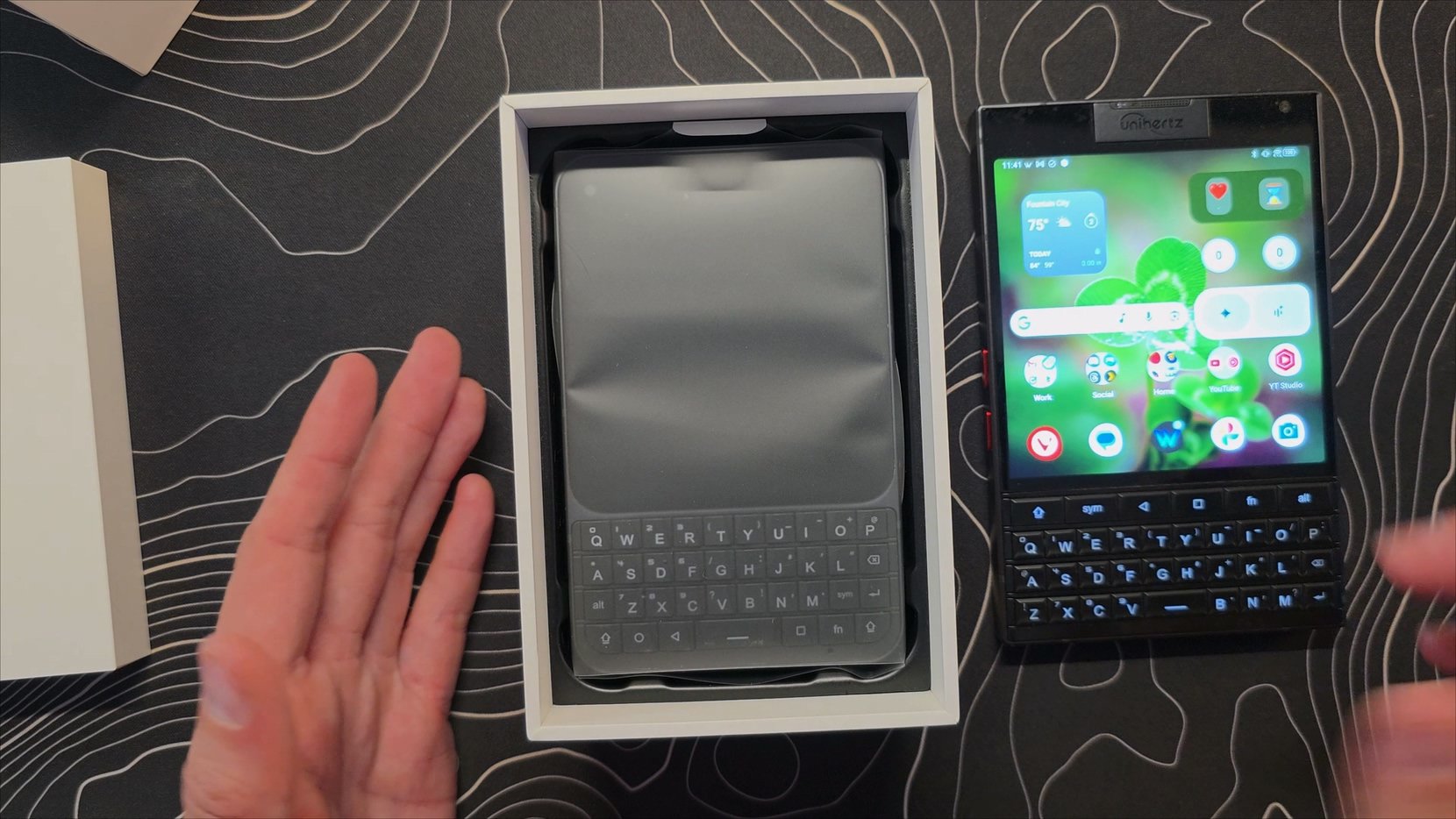
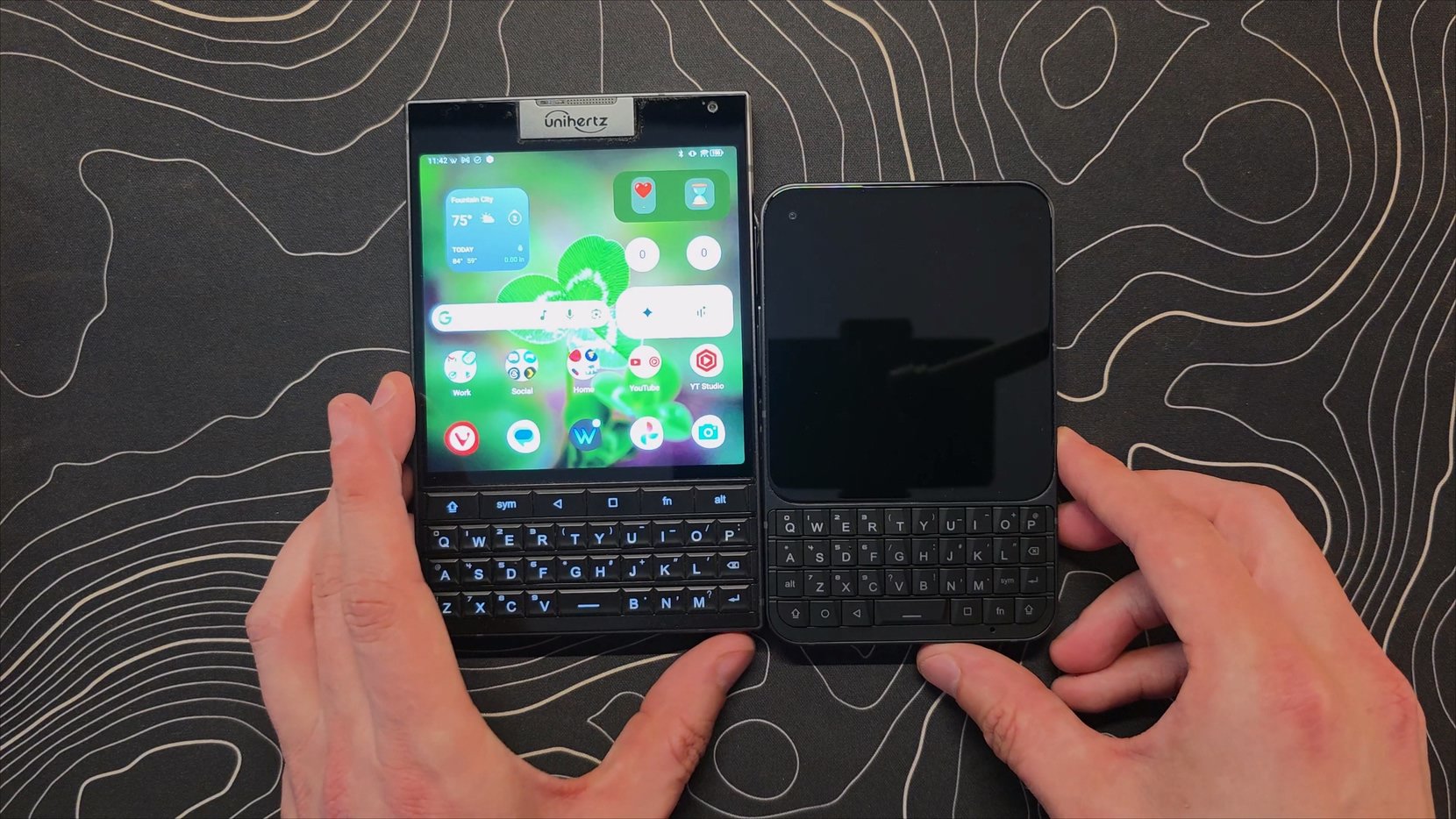
Unihertz went with a very minimal box this time around. Inside, we have:
The Titan 2 Elite device
A USB-C to USB-C cable
A USB-C to 3.5mm headphone jack adapter
A 33W charging brick
First Impressions and Hardware
The very first thing I noticed is how much smaller this is than the original Titan 2. It is a massive difference. I’ve spent a lot of time with the standard Titan 2, and that thing is a brick. It’s hard to do much with it one-handed. The Elite, on the other hand, feels completely different and much more manageable.
Going around the device, we have an IR blaster and a single speaker at the top. On the sides, there’s the volume rocker, a SIM/SD tray, a shortcut key, and the power button. The back has a 50MP primary camera and a 50MP telephoto lens. I’ll be honest, the big NFC logo on the back is a bit lame looking, and I wish they’d kept the faux leather texture from the original, but it’s a clean, basic design.
The screen is a huge highlight. It’s a 4-inch AMOLED display, which is a massive step up from the old LCD. It also supports a 120Hz refresh rate. It runs on a Dimensity 7400 processor, which is plenty fast for what this phone needs to do.
Software and Setup
The AMOLED screen is so much better
Setting this up was a breeze, and it even pulled my layout directly from my old Titan 2. It runs a very basic launcher with an app drawer and split quick settings/notifications. Yuck
One thing that still bugs me is the incomplete "Material You" theming. Even though it picks up the colors from my wallpaper and applies them to many UI elements, it doesn’t apply them to the quick settings at all. No matter what color you choose, it’ll always be blue. It’s the same issue the Titan 2 had. Fix it, Unihertz!
I did jump straight into the settings to tweak a few things that I think are essential for these devices:
Shortcut Keys: I mapped the Function 1 key to "Mini Mode." Since some apps don't play nice with square screens, being able to shrink the display with a long press is a lifesaver.
Keyboard Gestures: I turned on the Scroll Assistant. This lets you use the physical keyboard to scroll through pages, which makes the one-handed experience even better.
Display Refresh Rate: I bumped this to 90Hz. It’s the perfect balance between smooth animations and saving battery life.
Keyboard Backlight: I set the backlight to match the screen timeout and cranked the brightness to the max. There’s nothing worse than the keys going dark while you're still using the phone in bed.
The Keyboard and Screen
The keys feel very similar to the Titan 2 in terms of tactile response, but they are much more compressed. For me, it’s actually quite comfortable because I have smaller hands. The balance of the phone is also surprisingly good, it sits perfectly in the hand, making it much more ergonomic for typing than the original. One odd quirk is that I needed to enable the “Use on-screen keyboard” option for the build-in keyboard software to show its bar correctly allowing me to use symbols or voice type. I intend to use Pastiera once it’s ready, but the many secondary key functions currently don’t work right.
I have also noticed that my keyboard backlight is a bit uneven, with some keys in the middle not being as bright as the rest. This could be a pre-production issue, but only time will tell on that one.
The AMOLED screen looks significantly better with much punchier colors and true blacks. I did notice the automatic brightness was acting a bit jumpy, which was an annoyance on the previous model too, so I’ll be keeping an eye on that.
Camera and Audio
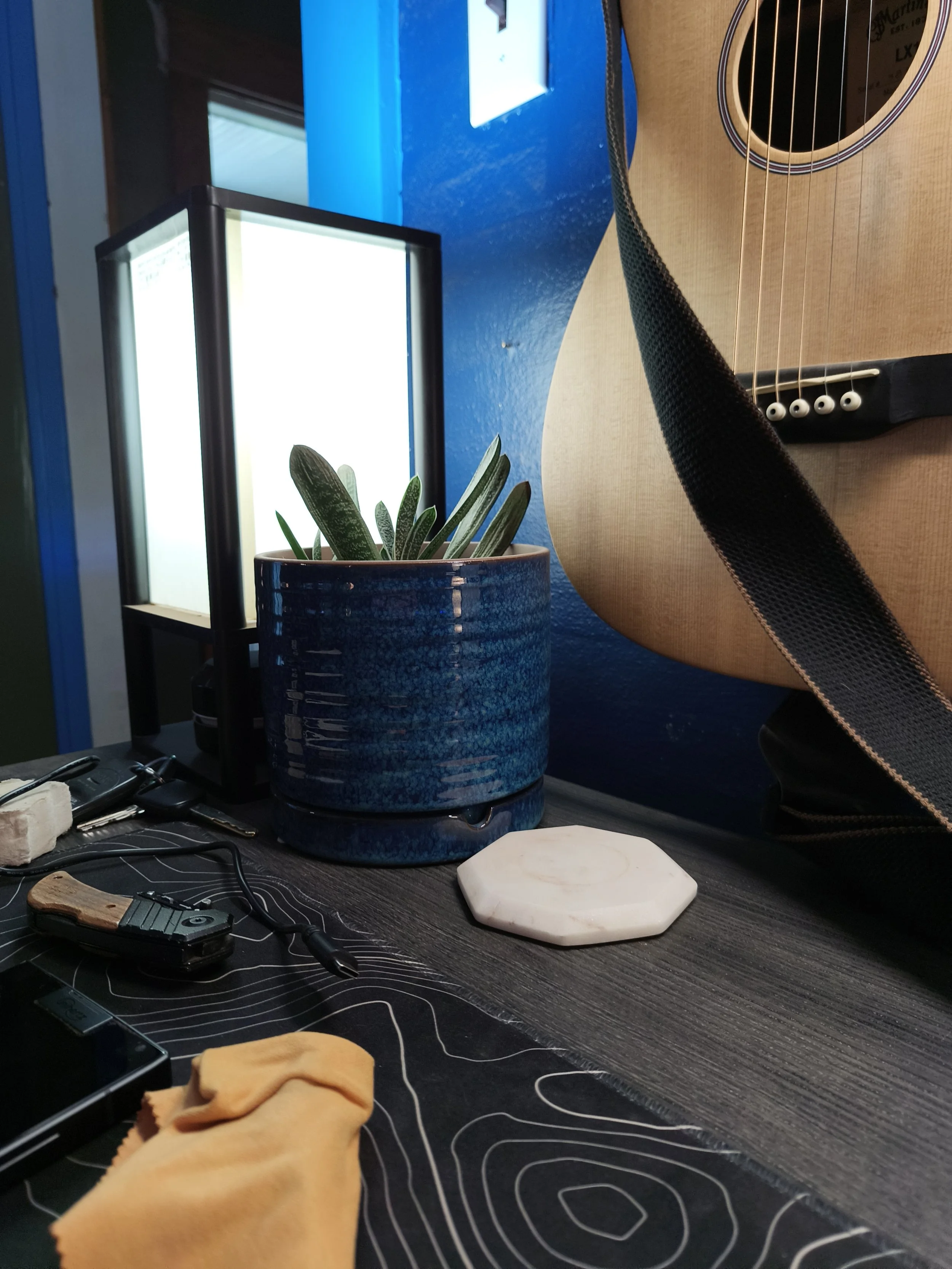
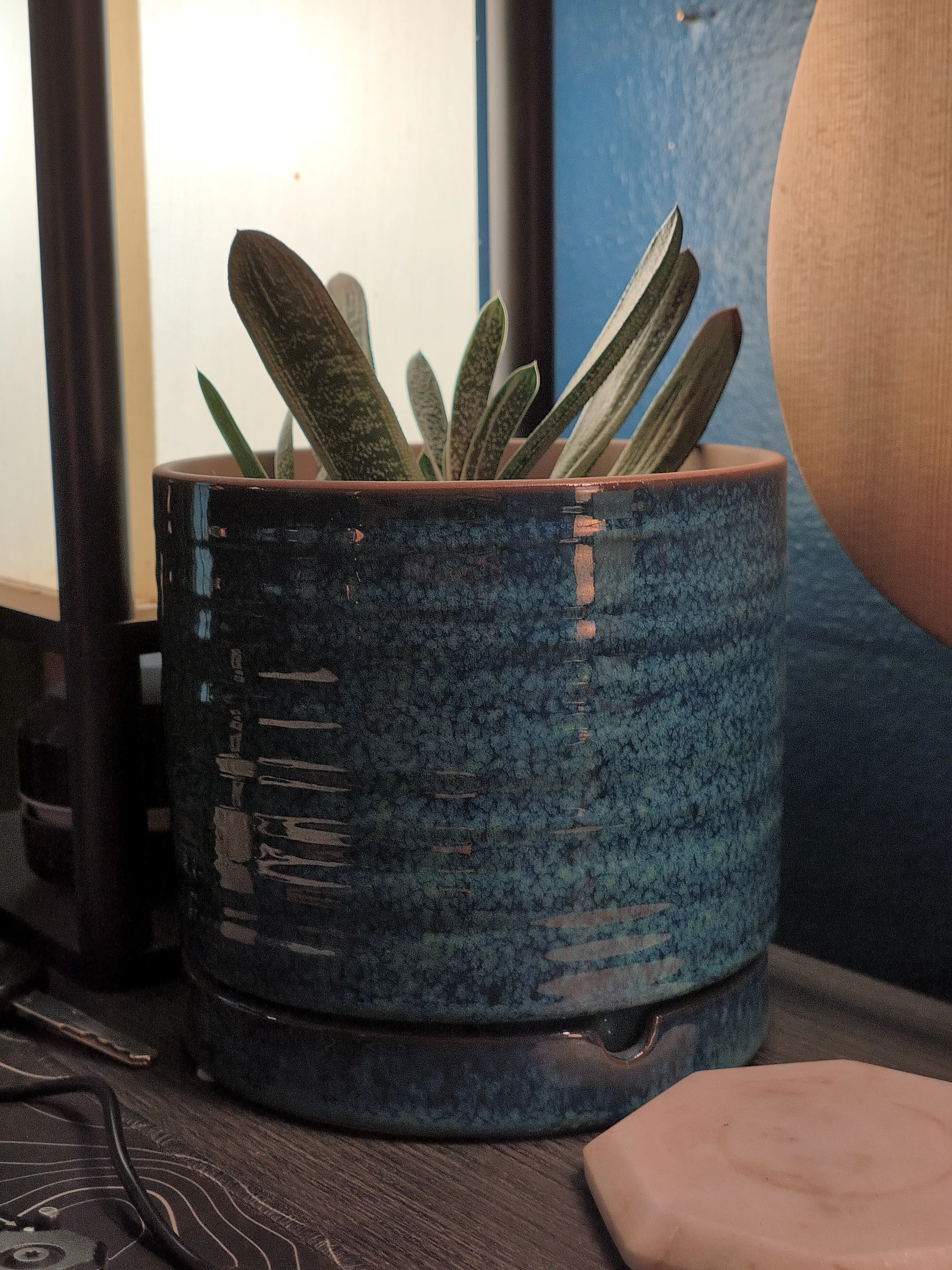
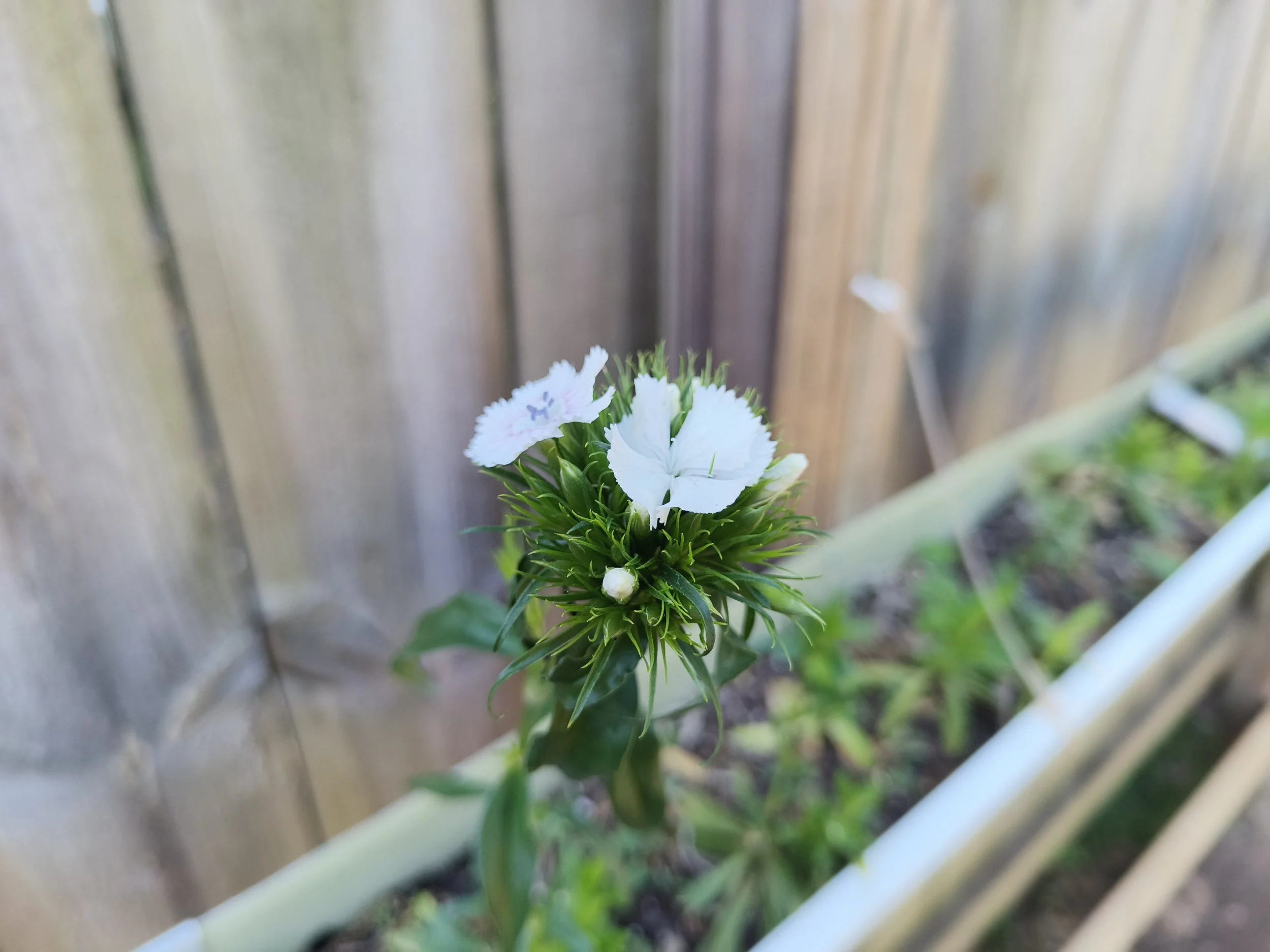

If you’re buying a phone for photography, this probably isn't the one. It’s fine for a quick snap, but don't expect it to compete with your flagship foldables. There’s no dedicated portrait mode, which seems like a missed opportunity given the telephoto lens, but it gets the job done for basic utility. Exposure seems to be a bit all over the place and the 2x images are extremely noisy.
As for the speakers, they are... okay. I tested them against the original Titan 2 and a Z Fold 7, and the Elite was definitely the weakest of the bunch. It’s a single speaker on a small device, so you’ll probably want to stick to earbuds for media consumption.
I’ve already moved my SIM card into the Titan 2 Elite. I’m going to be using this as my primary "hub" device for a while to see how it holds up in the real world. I love the idea of having a small, capable QWERTY phone in one pocket and a foldable in the other.
