Galaxy Z Fold 8 vs. Pixel 11 Pro Fold: Two Very Different Visions
For many people right now, picking a flagship folding phone really comes down to a direct showdown between Google and Samsung. With the Pixel 11 Pro Fold and the Galaxy Z Fold 8 launching side by side at matching $1899 price points, choosing where to put your money is not about finding a bargain.
Instead, it comes down to two completely different visions of what a foldable should actually be. Google is doubling down on refining their familiar formula, while Samsung made some radical shifts in size, shape and ergonomics that change how you interact with the phone all day long. Having spent real time putting both through their paces, here is how they stack up when you move past the spec sheets and look at the real-world experience.
Hardware, Build Quality, and Displays
Holding both devices side by side, there is no question that each feels exceptionally well made. When you look across the entire physical package, Google including Pixel Snap built right into the back is a fantastic win. Being able to slap magnetic wallets, stands or grips directly onto the phone without needing a third-party case cuts down on bulk, and it gives Google a genuine advantage in everyday convenience. Google's hinge also retains full support for laptop mode, holding rigid angles across a wide range of positions if you actually use that posture.
Beyond those specific perks, it is genuinely difficult to find a hardware category where Samsung is not winning by a comfortable margin. The Z Fold 8 just feels like a more premium, refined piece of engineering in the hand. Samsung's hinge feels incredibly crisp and smooth, snapping fully flat with authority in a way the Pixel does not quite match.
The physical dimensions tell a huge part of that story. The Fold 8 comes in at an impressively light 201g and stays remarkably thin at 4.5mm. By comparison, the Pixel 11 Pro Fold sits around 240g, making Samsung the clear winner in hand feel and pocketability.
When you open both devices up, the display experience further widens that gap. Samsung's inner folding screen features an anti-reflective coating that drastically cuts down on glare, paired with an engineering achievement that leaves the crease all but invisible in daily use. The Pixel 11 Pro Fold has improved its crease and switched to a nicer matte bezel, but the crease remains noticeably deeper.
Outdoor viewability also favors the Galaxy. While both panels boast high peak brightness numbers on paper, the Pixel continues to struggle with thermal management under direct sun, quickly dimming its display to protect itself in warm weather. The Fold 8 holds onto its brightness far more reliably, making it look almost like a printed photo even in harsh lighting.
Form Factor and Aspect Ratios
The biggest physical difference between these two devices comes down to their overall shape and proportions. Google stuck with the modern mainstream playbook for the Pixel 11 Pro Fold: a tall outer cover screen that feels basically like what you would expect to see on a traditional flagship slab phone, unfolding into an essentially square inner display. The outer design also carries over that slightly asymmetrical look, featuring two rounded corners on one side and two sharper corners on the hinge side so the inside display stays uniformly rounded when unfolded.
Samsung went in a completely different direction with the Galaxy Z Fold 8, adopting a much wider, shorter passport-style build. Closed, the Fold 8 offers a 16:10 aspect ratio cover display that is over an inch shorter than traditional tall foldables. Opening it up reveals a true 4:3 rectangular canvas, perfectly squared off all the way around the chassis.
Describing those differences is one thing, but living with them every day makes the contrast obvious. The Pixel provides a familiar tall smartphone experience on the outside and a big square workspace on the inside, which works reasonably well for vertical feeds and basic splits.
For me, the Galaxy Z Fold 8 is a clear, decisive winner in ergonomics. Having a cover display that is actually short enough to reach the very top with one hand without relying on software swipe-down tricks completely changes how fast and effortless the phone feels on the go. You get a comfortable typing width without the impossible vertical stretch.
That advantage carries directly inside. A 4:3 inner screen means proper tablet apps like LumaFusion look native instead of awkwardly stretched. When an app lacks a tablet interface and prefers a phone layout, a quick 90-degree turn gives you a massive 3:4 canvas that functions like an oversized phone screen. Having 16:10 on the outside, 4:3 for tablets and 3:4 for vertical phone apps delivers a level of real-world versatility that the Pixel's square canvas simply cannot match.
Audio Quality and Speaker Placement
Speakers might seem like a minor detail until you actually sit down to watch a video or play a game on these massive inner screens, and here we have a classic case of give and take.
When it comes to pure audio output, the Pixel 11 Pro Fold gets noticeably louder than the Galaxy Z Fold 8. The Fold 8, however, produces a much fuller, bassier and more satisfying sound profile overall. If you just listen to a track in isolation, the Galaxy easily wins on acoustic depth.
The big difference comes down to physical placement and how that audio hits your ears. On the Pixel 11 Pro Fold, the speakers are placed close to the center along the top and bottom edges. When you unfold the device, you get a familiar top-and-bottom sound distribution, just like holding a standard smartphone. When you rotate the Pixel sideways, you get true, natural left-right stereo separation.
Samsung made a truly bizarre engineering choice on the Galaxy Z Fold 8 by putting both physical speakers on the left side of the device. When you open the Fold 8 into its natural landscape tablet orientation, all of the sound fires exclusively from that left half. Your left ear hears both the left and right audio channels before your right ear perceives anything, which completely breaks the stereo experience.
Rotating the Fold 8 90 degrees gets you proper stereo separation, but then you are forced into holding the device in a tall portrait orientation instead of that wide tablet canvas. It creates a weird dynamic where Samsung has the better sounding hardware drivers, but Google offers the far more practical and balanced speaker setup for everyday media.
Camera Performance and Zoom Capabilities






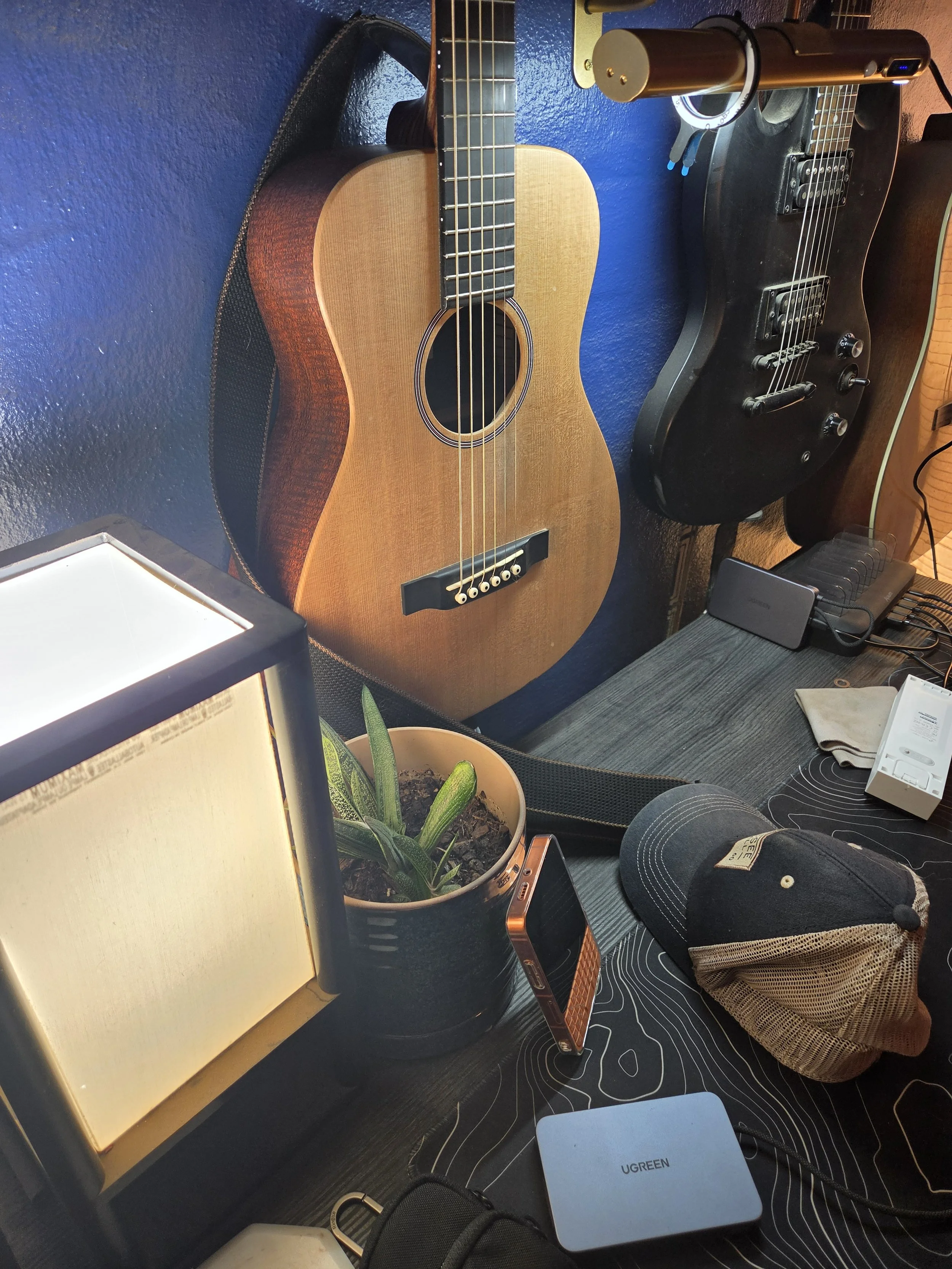
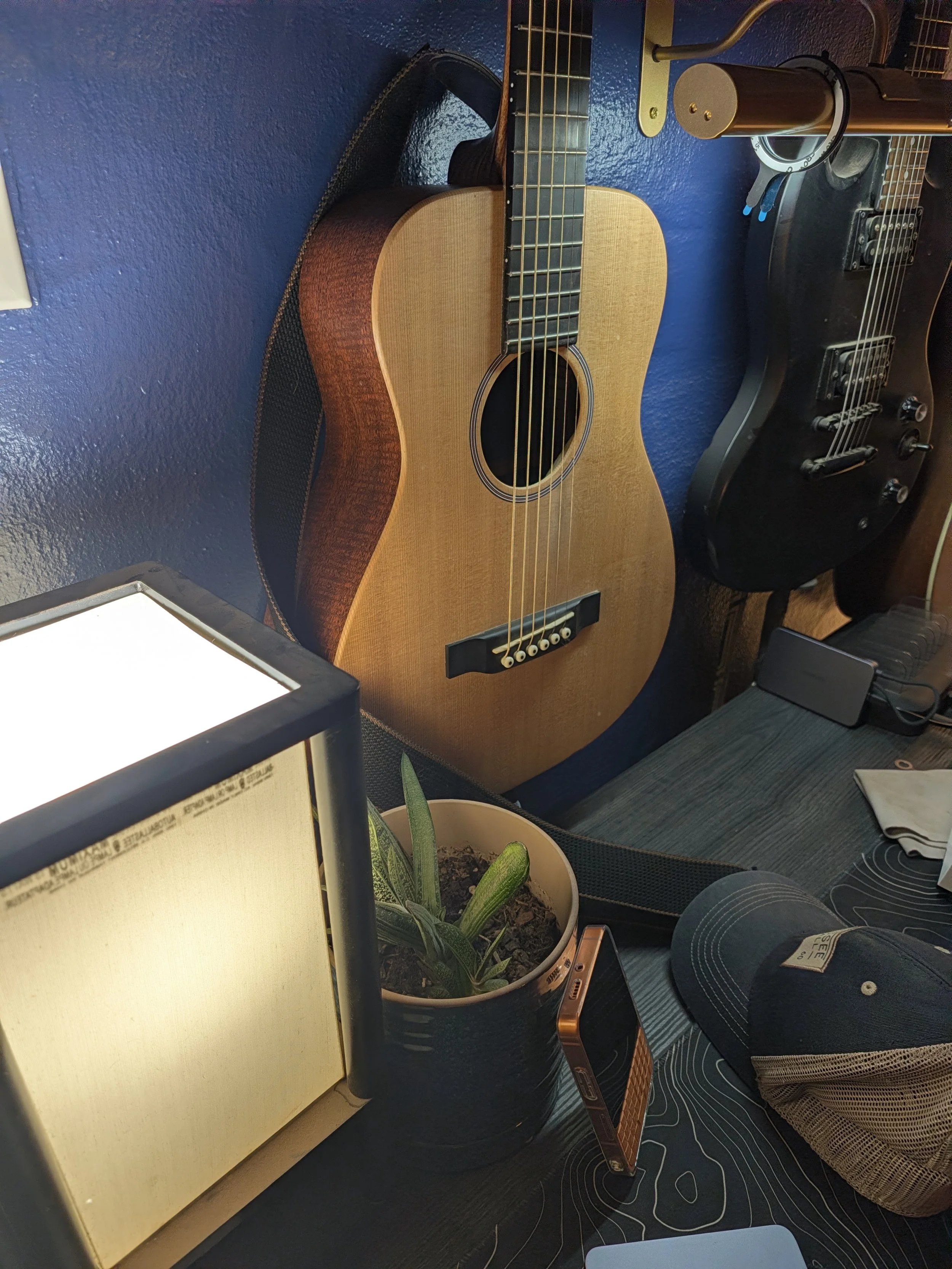
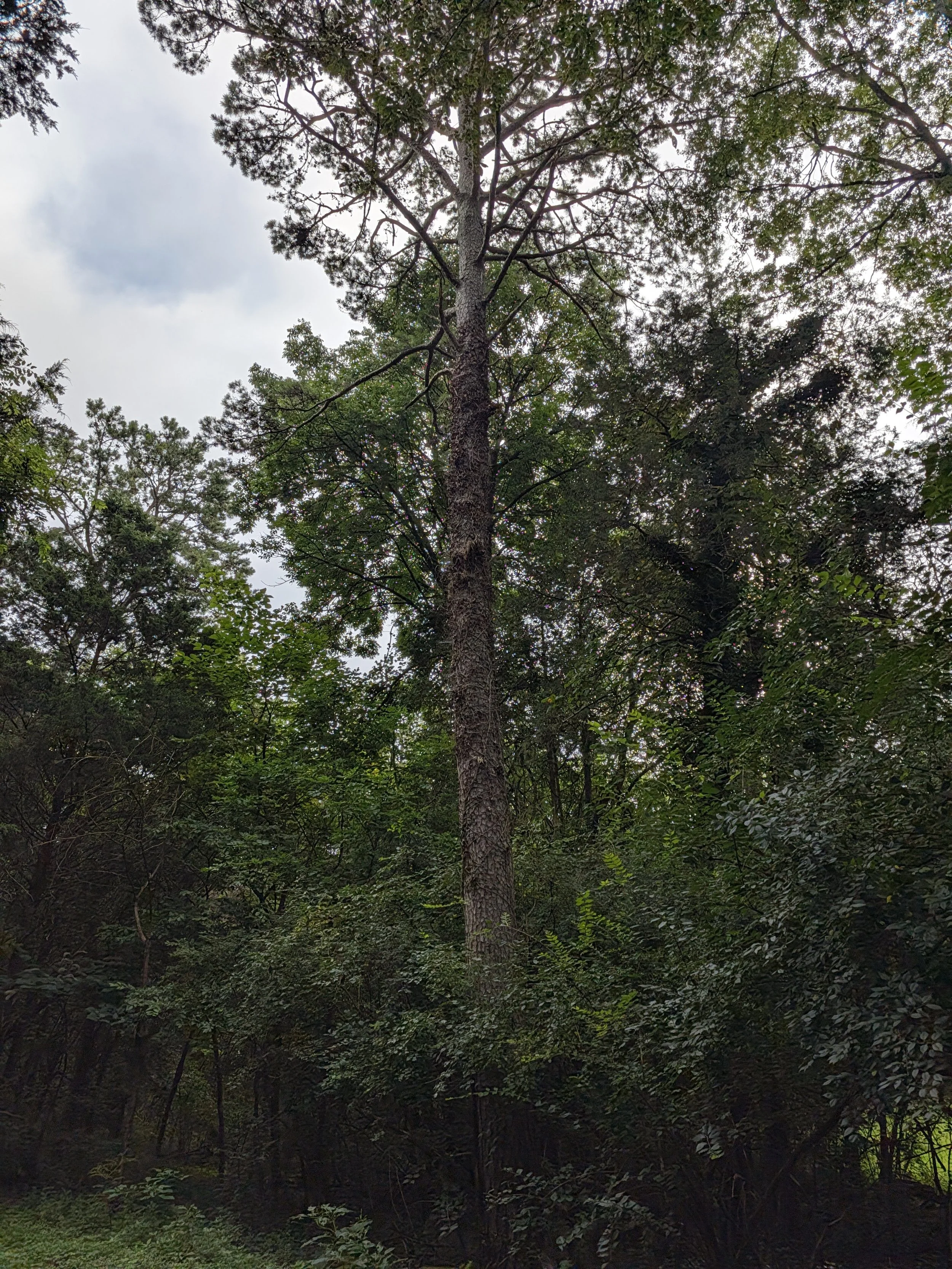



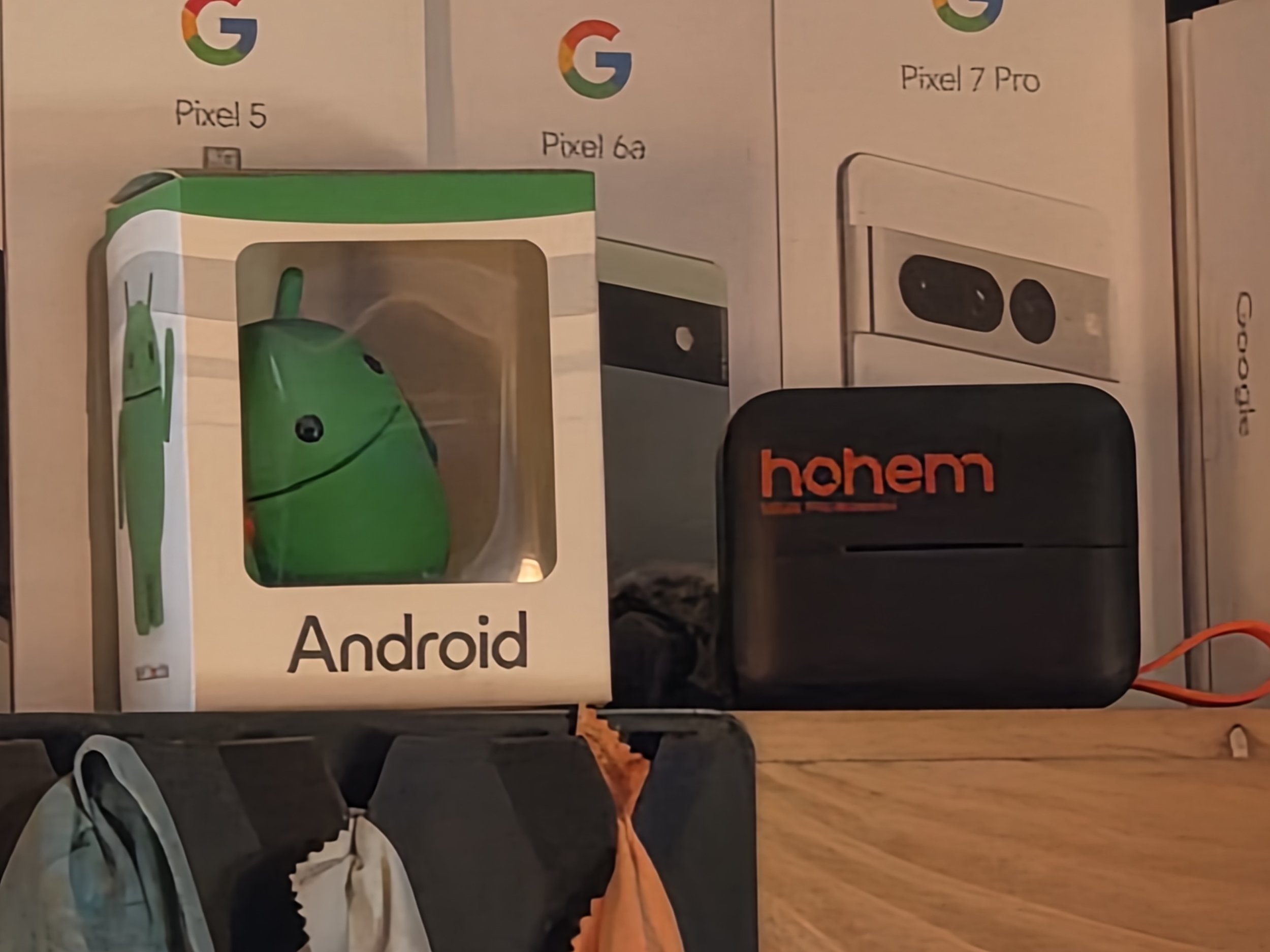


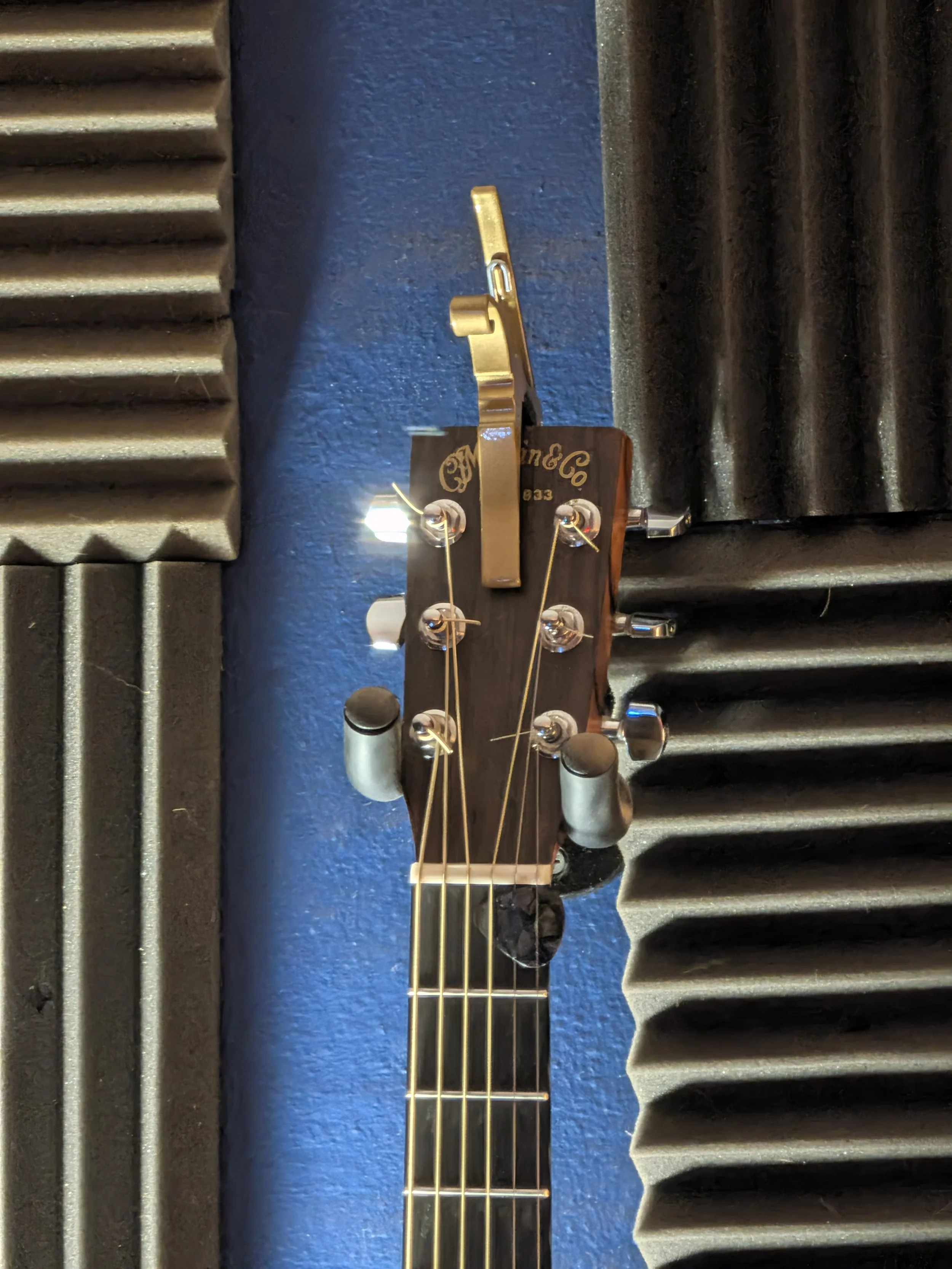
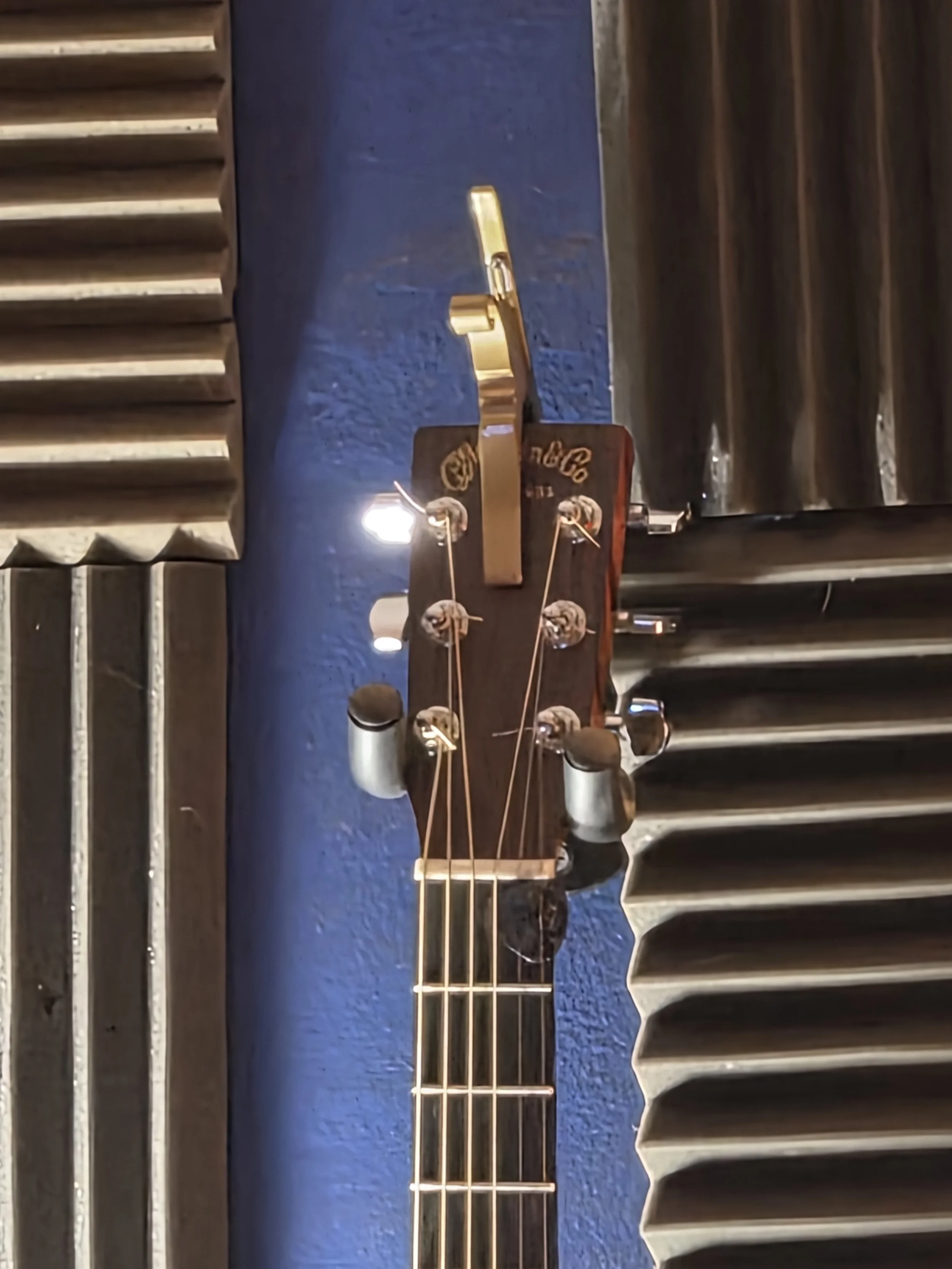
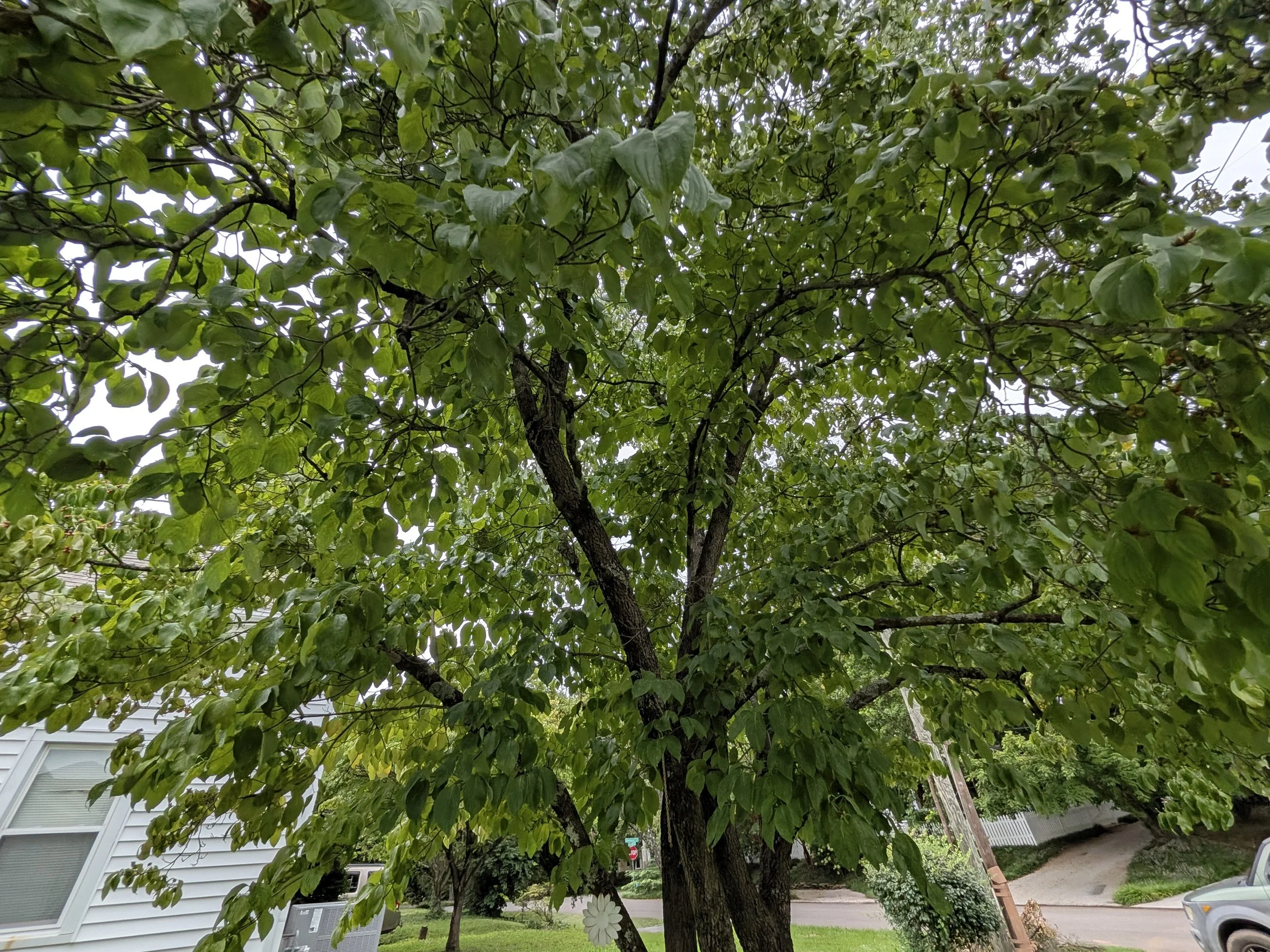
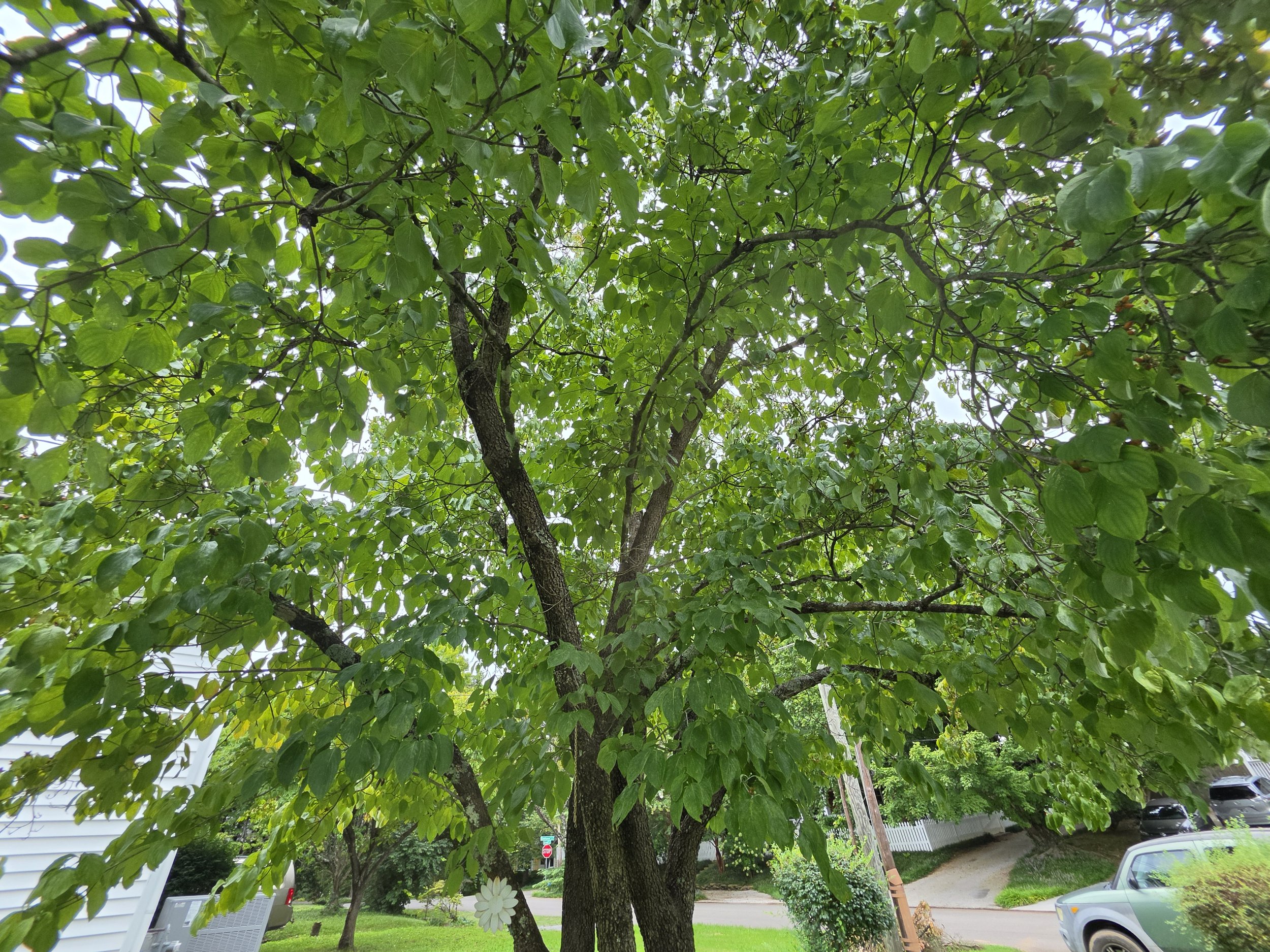
The most obvious hardware difference in the camera department is that Samsung completely dropped the telephoto lens on the Galaxy Z Fold 8, leaving you with just a dual-camera setup. On paper, that sounds like an immediate loss, but looking at the actual shooting experience across both phones reveals a much closer fight.
Starting with the primary sensors, both devices feature cameras that are nearly identical in physical sensor size and resolution. In everyday shooting, the results from these main lenses are remarkably similar. The Pixel 11 Pro Fold continues the tuning shift that started with the Pixel 10, leaning slightly brighter and warmer compared to older generations like the Pixel 9. It looks great, and Google's autofocus remains blisteringly fast, making it the easiest point-and-shoot camera to quickly grab a crisp shot. The Galaxy Z Fold 8 produces vibrant, nicely saturated photos with very balanced exposure that tends to sit just a touch more subdued in overall brightness than the Pixel.
Switching over to the ultrawide camera is where Samsung pulls ahead in color science. The Fold 8 maintains excellent consistency in color temperature and exposure when jumping between its main and ultrawide lenses. The Pixel 11 Pro Fold struggles with consistency here, as its ultrawide photos noticeably drop in warmth and saturation compared to the primary camera, looking dimmer and cooler.
Zoom is where the hardware specs matter most. Because the Pixel uses a 5x periscope lens, any shot between 1.1x and 4.9x relies entirely on digital zoom from the primary sensor. That means from 1x up to 4.9x, both phones are competing digital-to-digital, and the image quality is unsurprisingly neck and neck.
Once you hit 5x and beyond, the Pixel's dedicated optical lens kicks in, giving Google a clear advantage that widens the further in you zoom. Because Google's 5x telephoto relies on a relatively tiny 10.8 megapixel sensor, side-by-side shots right at 5x can still look closer than you might expect. Having dedicated glass gives you cleaner detail at high magnification, which the Galaxy simply cannot match once you push past moderate zoom levels.
For how most people actually use their smartphone cameras, shooting wide landscapes, 1x candids, 2x portraits or quick 3x snaps, the competition is incredibly tight, with a slight edge going to Samsung for a more consistent ultrawide. If your daily shooting routinely demands zooming in at 5x or further, the Pixel 11 Pro Fold has the definite upper hand.
Battery Life and Charging Speeds
When it comes to battery capacity, both manufacturers landed in almost the exact same spot. The Galaxy Z Fold 8 and the Pixel 11 Pro Fold each pack batteries right around 4800mAh.
On the charging front, the numbers trade minor advantages without creating a huge real-world gulf. The Galaxy Z Fold 8 tops out at 45W wired charging and 20W wireless, while the Pixel 11 Pro Fold supports 30W wired and 25W wireless charging. Plugged in with a compatible high-speed brick, Samsung gets you back up and running a little quicker, while Google gives you a slight edge if you live on wireless charging pads.
In day-to-day endurance, it is really hard to find a meaningful difference between them. Both devices comfortably deliver all-day reliability. Depending on what you are doing, getting 5, 6 or 7 hours of screen-on time in a single day is entirely reasonable. With typical daily usage of around 4 to 5 hours of screen time, consisting of browsing, messaging, media playback and snapping photos, both phones easily make it to bedtime with around 30% battery remaining in reserve.
Neither of these devices can compete with the massive battery capacities found on foldables like the Moto Razr Fold or the Honor Magic V6, which pack huge cells and blisteringly fast top-up speeds. For normal daily life, both the Fold 8 and the Pixel 11 Pro Fold handle a full day of work and play without any battery anxiety.
Performance and Thermals
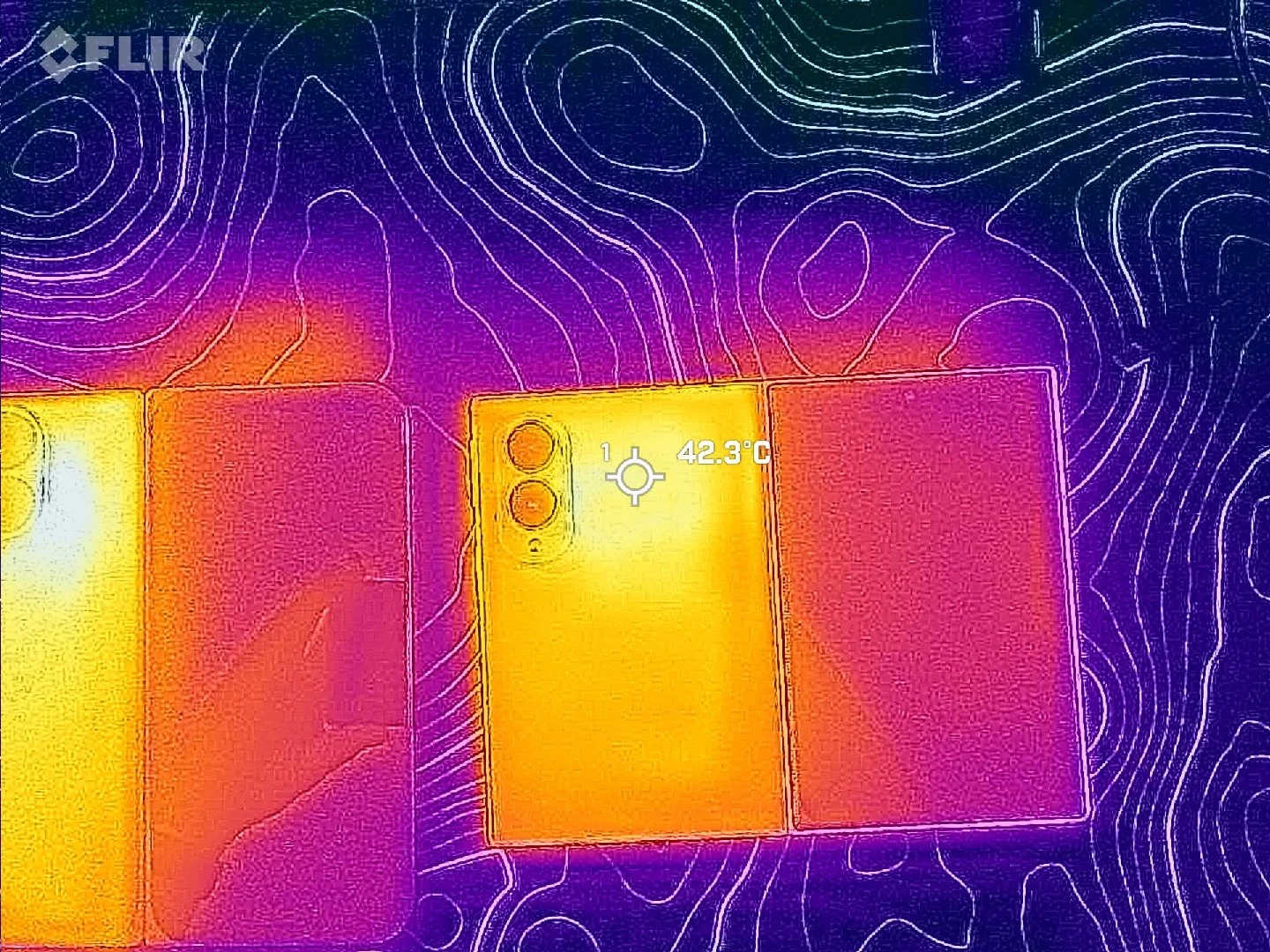
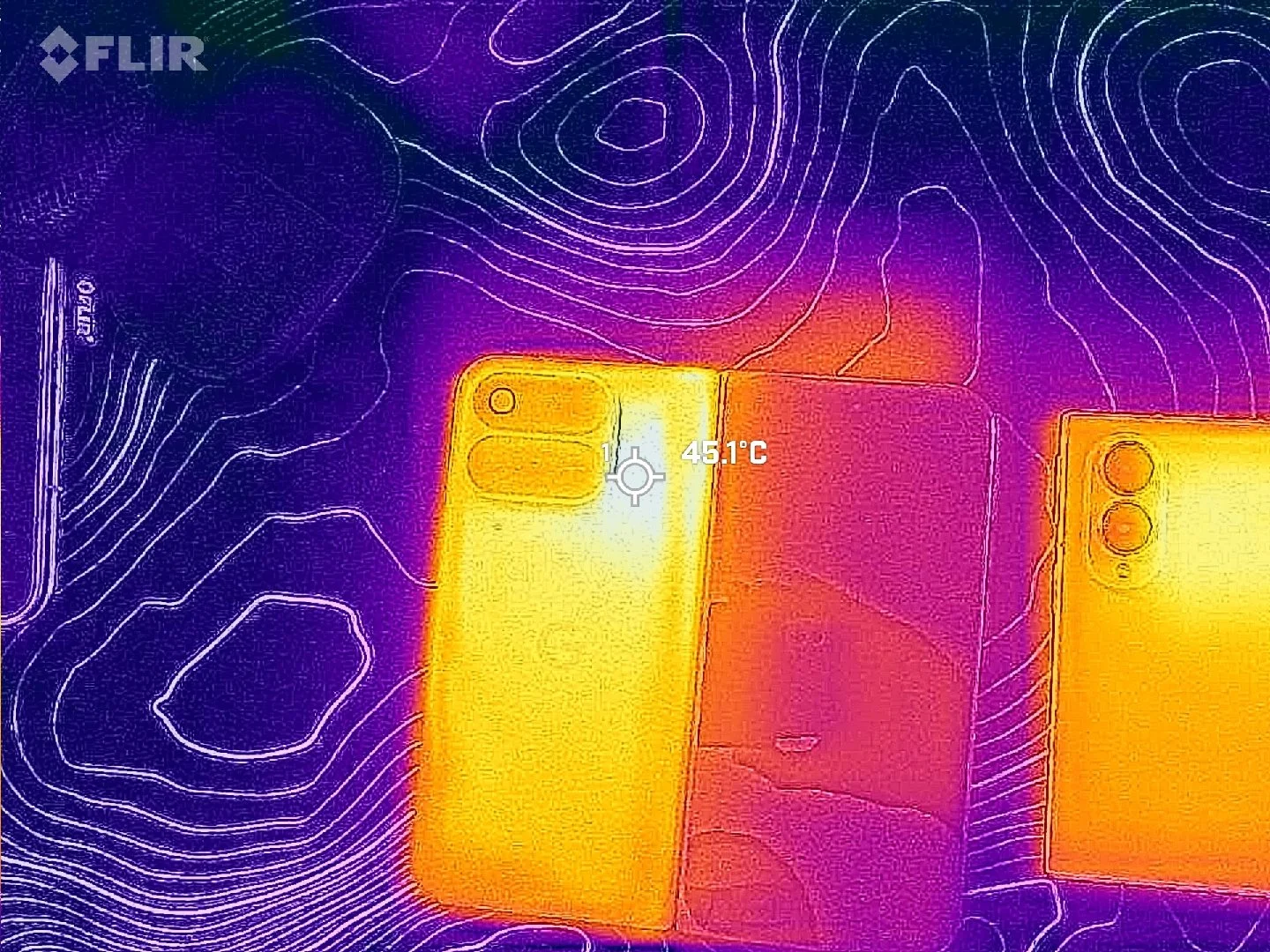
Looking under the hood reveals two very different processing philosophies. The Pixel 11 Pro Fold is powered by Google's Tensor G6, while the Galaxy Z Fold 8 runs the Snapdragon 8 Elite Gen 5 for Galaxy. When it comes to raw processing power and graphics capabilities, there really is no contest. The Galaxy Z Fold 8 is considerably faster across the board.
That being said, in standard daily use, that massive raw performance gap does not translate into an obvious divide. Opening applications, navigating the interface and split screening two apps side by side feels extremely fluid on both devices. The animations are polished, and the Pixel holds its own during typical routines. Where you actually feel the Snapdragon chip pull ahead is during intensive tasks like high-end 3D gaming or rendering and exporting video files.
Running the 3DMark Wild Life Extreme stress test puts hard numbers behind that raw power gap and highlights how both phones manage heat under sustained load. On the standard performance profile, the Galaxy Z Fold 8 delivered a best loop score of 6,928 and a lowest loop score of 3,520. Switching the Galaxy over to its Light performance profile slightly dialed things back, yielding a 6,102 best loop score and a 3,235 lowest loop score. By comparison, the Pixel 11 Pro Fold maxed out with a best loop score of 3,360 and dropped to a lowest loop score of 2,395. Even in Light mode, the Galaxy's lowest sustained score nearly matched the Pixel's absolute peak run, and on full power, the Fold 8's floor easily beat the Pixel's ceiling.
Thermals in day-to-day use also paint an interesting picture. This thermal behavior ties directly back to what we touched on earlier with the displays, where the Pixel struggles to maintain its peak brightness outdoors because it gets too warm and quickly dims itself to manage the heat. That warmth showed up during real-world tasks as well. While taking photos on a mild morning, the Pixel 11 Pro Fold threw up a warning temporarily disabling certain camera features until the device cooled down. The Z Fold 8 definitely gets warm to the touch when pushed outdoors under full screen brightness, but it never throttled functionality or interrupted shooting.
On the memory side, the Pixel 11 Pro Fold does hold an advantage on paper by including 16GB of RAM compared to the 12GB found on the base Z Fold 8. In practice, memory management on both phones is well optimized. Unless someone explicitly points out the spec difference to you, you are not going to notice or feel that extra memory in regular use. Day to day, both handsets feel responsive and quick, but the Galaxy clearly packs the more capable and thermally resilient hardware package.
Software Experience and Multitasking
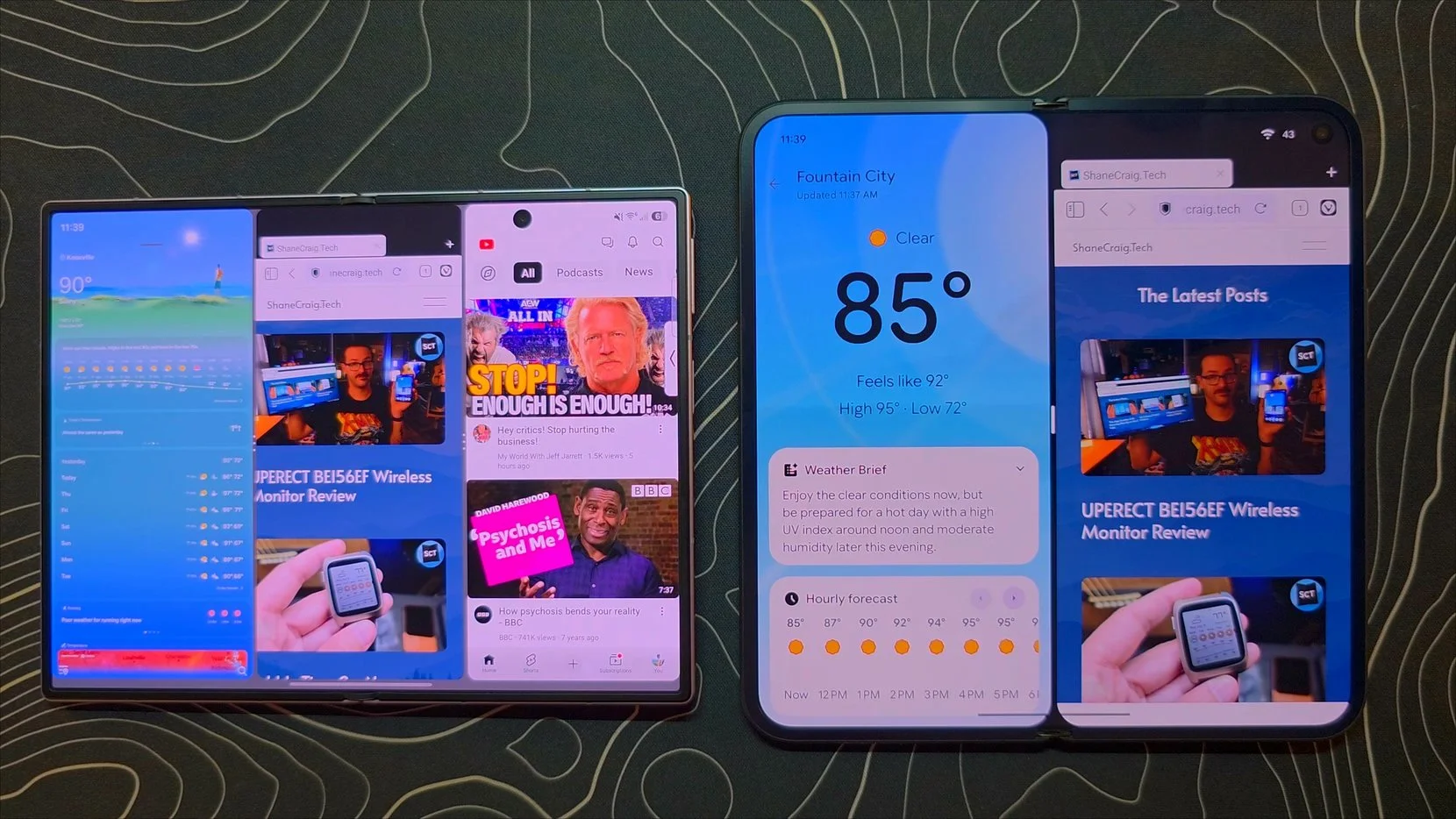
Software is where these two foldables diverge the most. Google has leaned heavily into a streamlined, guided experience that requires almost zero setup, while Samsung treats the Galaxy Z Fold 8 like a pocketable computing powerhouse built for power users.
Multitasking highlights that difference immediately. On the Galaxy Z Fold 8, One UI lets you run three apps simultaneously in split screen, and you can pile on as many floating app windows as you want. Those floating windows can be resized, reshaped, moved anywhere on the display or tucked into corners. The Pixel 11 Pro Fold tops out at two apps in split screen, paired with a single floating bubble bar app that can only dock on the far left or right edge without any freeform resizing.
When you connect to an external monitor or lapdock, that productivity gap widens. Samsung DeX remains a mature, full-fledged desktop environment with complete multi-window window management, keyboard shortcuts and true desktop workflows. Google's desktop mode is slowly improving, but it is effectively just getting off the ground compared to the years of polish behind DeX.
Samsung also gives enthusiasts near-limitless control through Good Lock. You can customize your animations, add new options to the camera, completely modify the recent apps screen, completely break free from the home screen grid to place icons and widgets literally wherever you want and about a million more things. It is deeply empowering for tech enthusiasts, though it can certainly feel overwhelming if you just want things to work without digging through endless settings menus.
Google's Pixel UI takes the opposite approach. Straight out of the box, it delivers a gorgeous, cohesive aesthetic where everything feels clean and effortless, clearly aiming for that seamless, friction-free experience you see on an iPhone. The Pixel still packs standouts like Now Playing for automatic music recognition and Rambler, the AI-powered voice typing in Gboard that handles natural speech, stumbles and self-corrections with unmatched accuracy.
At the same time, many of Google's newer software additions feel like they are pivoting toward a lifestyle brand rather than an enthusiast tech tool. Features like Pixel Journal and Proactive Assistant are clearly built around a busy, on-the-go lifestyle where you are constantly catching flights, managing travel itineraries and booking dinner reservations. If your daily life matches that flow, those proactive prompts and smart summaries can be genuinely helpful, but for anyone outside that specific routine, they can easily fade into the background.
Both software experiences are great, but they cater to very different mindsets. If you want a clean, beautifully designed interface that works seamlessly out of the box with helpful smart features, the Pixel delivers that in spades. If you want deep customization, unmatched multitasking and a phone that doubles as a desktop workstation, Samsung remains the undisputed king for power users.
The Verdict
Both of these devices represent strong, mature entries in the foldable space, and you can make a compelling argument for either one depending on your priorities. When you look across daily battery life, primary camera results and general fluidity, the experience is remarkably close.
Deciding between them really boils down to three key questions. First, which form factor makes the most sense for your hands and workflow? Do you want a traditional tall slab feel with a square inner screen, or a wider, one-handable cover display paired with a versatile rectangular tablet canvas? Second, do you genuinely care about having a dedicated optical telephoto camera for long-range zoom? Third, which software philosophy fits your lifestyle: the clean, automated simplicity of Pixel UI or the deep customization, unmatched multitasking and desktop power of One UI with Samsung DeX?
Having used both extensively, the Galaxy Z Fold 8 is the clear and obvious winner for me. Even as someone who spent years as a massive Pixel fan, the ergonomic brilliance of Samsung's wider, shorter form factor, the nearly creaseless anti-reflective inner screen and the sheer power-user versatility make it the foldable I keep reaching for every day. That does not make picking the Pixel 11 Pro Fold the wrong choice. If you value out-of-the-box simplicity, dedicated long-range zoom, Pixel Snap convenience and smart everyday features, Google delivers a fantastic package. For pure hardware innovation and productivity, Samsung takes the crown this year.