Bug Report Reveals Changes to Android Desktop Mode
A recent bug report on the Chromium issue tracker has inadvertently provided an early look at "Aluminium OS," the code name for Android’s upcoming full desktop interface. The leak occurred via a screen recording attached to a report about Chrome incognito tabs, showing the interface running on an HP Elite Dragonfly 13.5 Chromebook.
While Android has had a hidden desktop mode for some time, this new footage shows the interface running on a laptop form factor rather than being projected from a smartphone.
The Fine Details
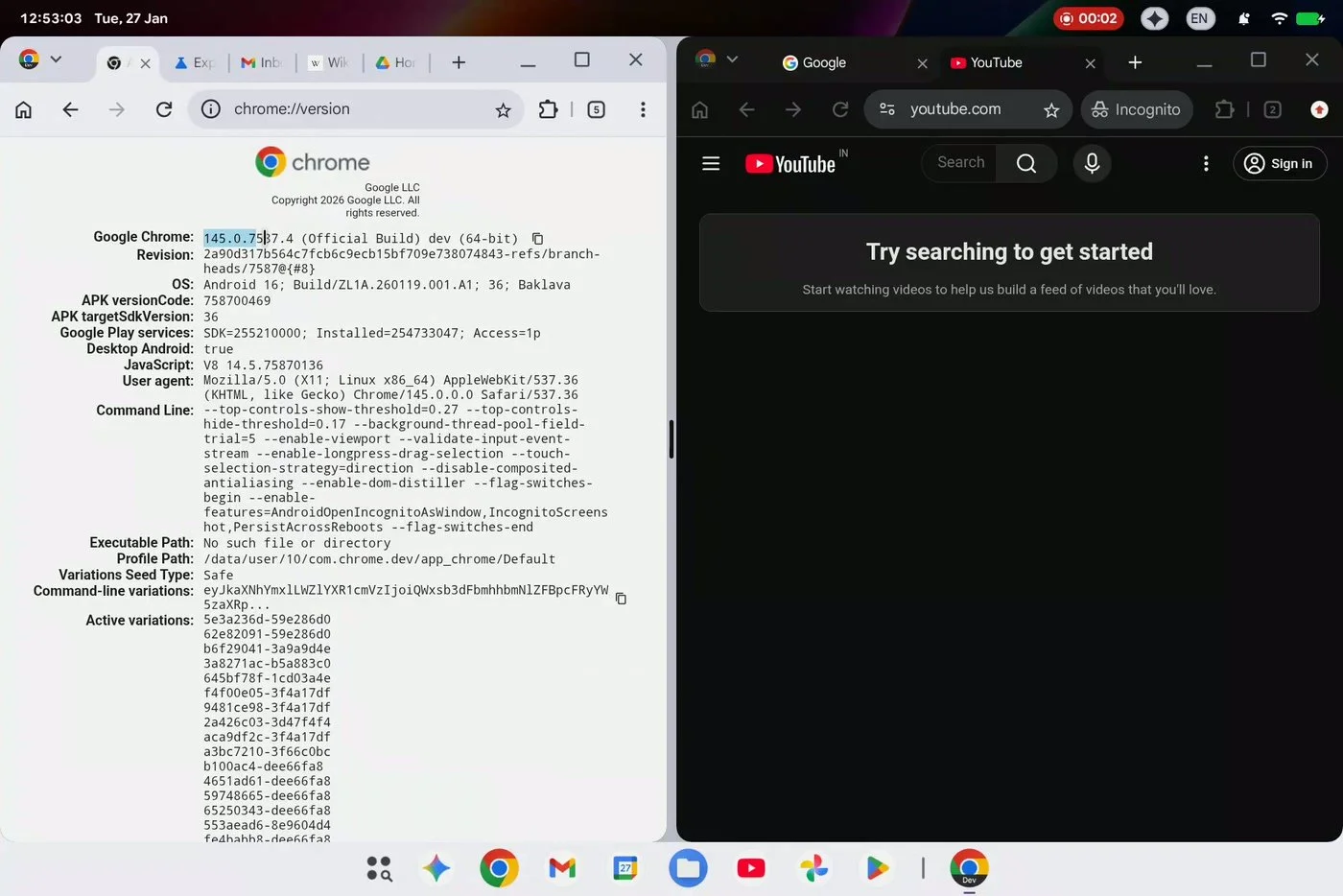
The leaked footage reveals several changes to the top status bar. In addition to the standard clock and system icons, the bar now includes a "chip" to indicate an active screen recording. Most notably, there appears to be a dedicated Gemini button, suggesting deep AI integration at the OS level.
One of the most significant reveals in the bug report is the presence of Chrome extensions. The screen recording shows a version of Google Chrome that includes the extensions icon, bringing the browser much closer to its full desktop counterpart. While experimental versions of Chrome with extension support have been seen in test builds for months, this leak confirms that they will be a central component of the Aluminium OS experience.
The taskbar at the bottom of the screen has also seen some refinement. It currently features:
A dedicated app drawer button.
A section for pinned applications.
A visual divider separating pinned apps from currently running applications.
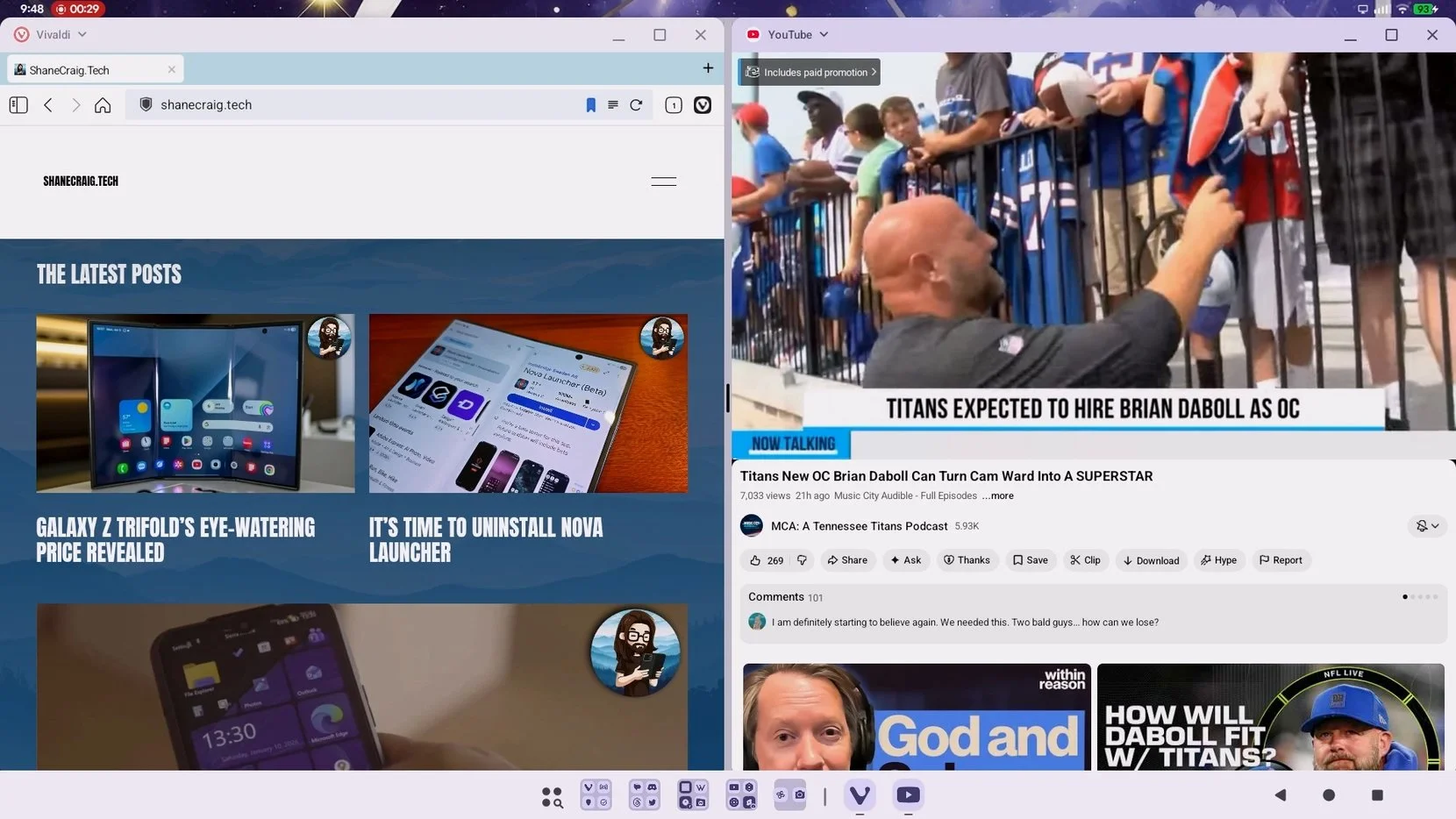
Interestingly, the leaked build appears to have removed the traditional navigation controls found in current beta versions, opting for a cleaner look that favors window management over mobile-style navigation.
The multitasking experience in the leaked footage remains consistent with recent Android updates. It includes "Windows snap" functionality, allowing users to drag applications to the side to tile them and manually adjust the size of each window.
Each window now features standard desktop controls at the top, including minimize, maximize, and close buttons. There is also a dropdown menu that provides options for "desktop windowing" and a "truly full screen" view.
The Future of Android Laptops
While many of these features have been present in developer builds for months, seeing them run natively on a Chromebook indicates real momentum behind the project. This leak provides a sneak peek into a future where users may have the option to buy dedicated laptops running Android as their primary operating system.
